
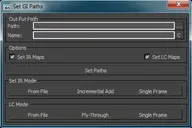
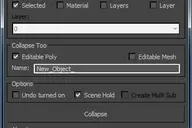
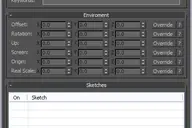
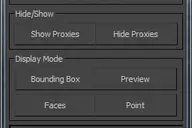
These short cuts are really collection of very simple Macro scripts. Like my Turn Viewport Maps On/Off this one has had some serious staying power with artists to date it has to be one of my most used scripts. All of the macros are designed to manipulate V-Ray materials globally throughout the scene, very quickly and efficiently. Each macro effects every V-Ray material in the scene. They are very handy in a number of situations, for example when you get a file from a junior that has the glossy sub divs on every material sky high.

Each of the macros is pretty self explanatory. As I said earlier these are very hand when dealing with files where material settings have been way off, its great when you need to open up very old files as well.
Another simple script that hope you guys find useful.
Cheers,
Dave
Comments (1)
Comment policy
Thanks Dave, very helpfull, amazing script!