ScriptSpot

Script

RappaTools3

By RappyBMX · 2011-06-30

Version
3.55
Version requirement
3ds max 2010 + [x86 and x64] including 3ds Max Design
Date updated
2020-11-11
Votes
36
Description

RappaTools3 is an advanced toolbox that comes with a great variety of tools for the artist working in 3ds Max. The main focus is to speed up the workflow and to reduce the click count. It offers a wide variety of tools, everything from selection tools to rendering tools. It can help you through the entire process of creating a 3D art piece.
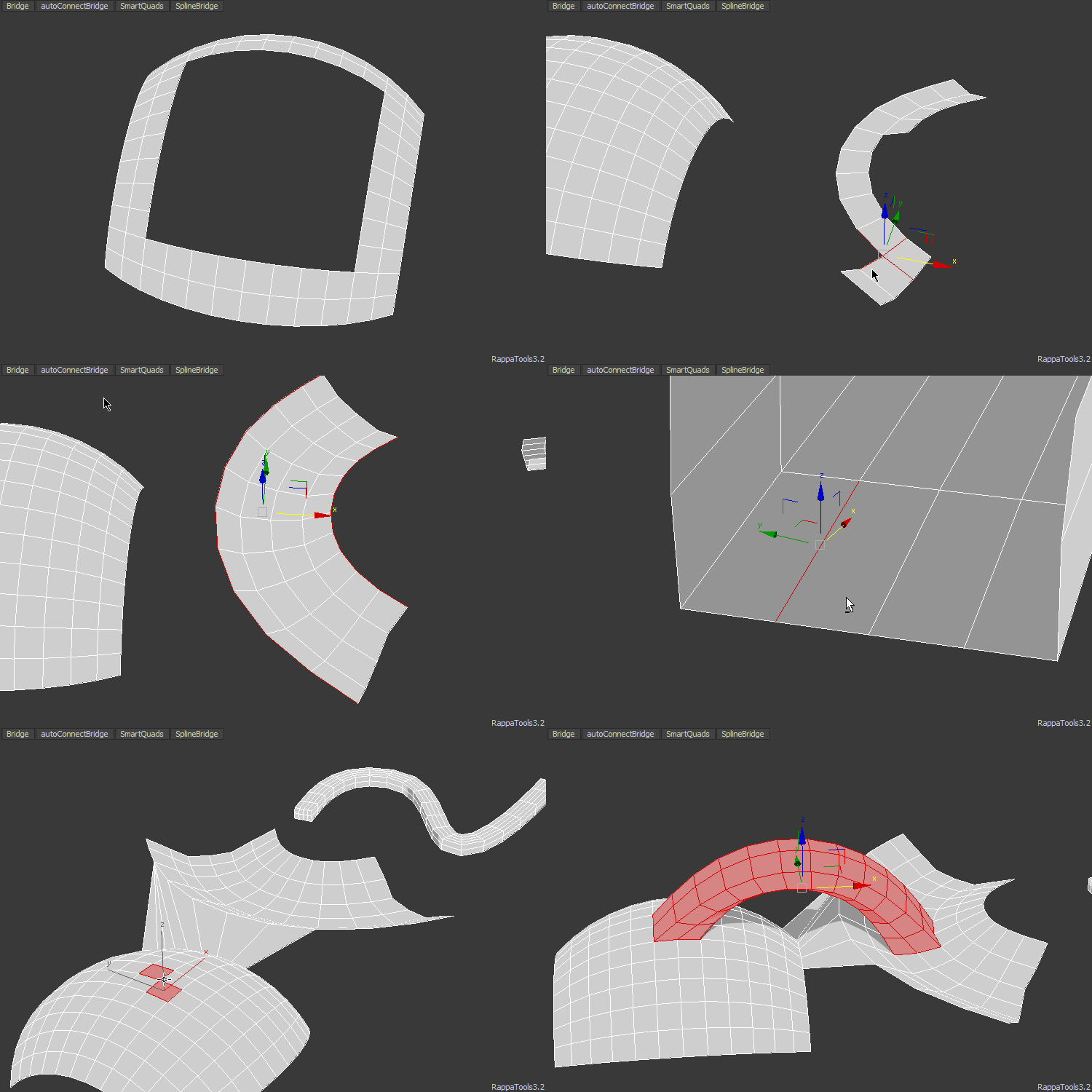
rappatools3 bridge

RappaTools3 will make your life easier by helping you get things done easy and fast in your everyday tasks that go in 3ds Max.

RappaTools3 is a commercial script.
(Works with 3ds Max 2010 + [x86 and x64] + 3ds Max Design)

To find out more go to: http://remusjuncu.com/rappatools/
To check out the features list see: http://remusjuncu.com/rappatools/features.html

Additional Info

New in 3.55: - Updated the hotbox, with extra functions, settings and tooltips to the buttons. e.g. open on last button... - Added to quick primitive create on selection if something is selected (works with sub objects elements). - Added support to planar x/y/z for objects so you can quickly align them based on the pivot or the bounding box. - Added Align Helper, store the position of objects in relation to a reference object in order to replicate the setup on other objects. - Added generate multimat from faces material ids. - Added explode by material or material id. - Added merge by material or material id and multimaterial collapse. - Added remove missing textures from materials. - Added show mouse count option to Viewport Stats (show SubObj count next to the mouse, id if only one sub element selected). - Loop/Ring won't loop/ring previous partial loops/rings if new one is selected. - Added support for Slice Plane to Move2Point (when SlicePlane mode is active it will position the plane). - Rewrote Dissolve, ArcEdge, RingConnect edge mode so it deosn't create a romb at intersections. - Added to Union/Subtract the ability to keep the modifiers and also disable modifiers before boolean. - Added 3 points alignment to activeGrid. - Added to view blueprint and view image support for clipboard image. - Added select objects with the current modifier or instances to Similar. - Added view selection textures, open all the textures assigned to selection. - Added support to Unwrap UVW modifier to smart toggles (move, rotate, scale) also added activeGrid if activated. - Added support for Skin to Loop, Ring, Grow and Shrink. - Added support for Edit_Normals to sub Objects toggles. - Added support for EditPoly modifier to Push / Slide. - Added SmartViewport toggle, double tap to snap view to the closest orthographic-ish view. - Added ctrl to Working Pivot to enable previous position. - Added new macroscripts including 'open last menu', display toggles... - MultiHide is now 'Sub Obj Iso' hides unselected (can be changed in Settings to hide selected SubObj). - The usual improvements and bug fixing.

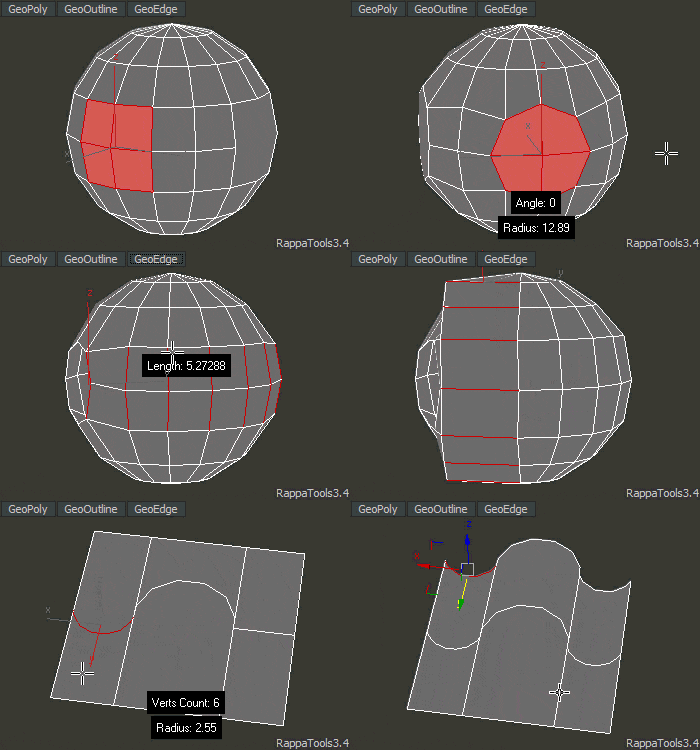
New in 3.4: - Added repeat last. - Added support for Verts, Edges, Faces, Elements to RandomFly (each sub mode works in a different way). - Added Arc Tool to GeoOutline which is now a tool. - Added support for Splines to One Object, Explode Object, Detach Selection and Break Selection (also way faster than before). - Added extra functions to Move 2 Point such as planar rotate snap, move from point 2 point. - Added viewBlueprint so you can quickly add an image plane for the current view, they also move back so they don't intersect with each other. - Added support to CleanVerts and WeldVerts for subObjSelection. - Added support for EditPoly modifier to RandomSelect, RemveLoop, RemoveRing. - Added to WorkingPivot +shift to place the working pivot, when already active it keeps the direction. - Improved MakeMultiMaterial, collapse isn't required anymore, also from folder uses vray materials if it's assigned. - Improved Multi Hide, partial selection = hide, empty selection = unhide, all visible selected = invert. - GeoEdge is now a tool allowing to change the edge length on the fly. - Improved Create Polygon, also now it works with one edge selected (blender fill style) and inner verts are connected, inner edges are divided. - Improved Smart Toggles, and Sub Object Level toggles is more aware of the modifiers. - Improved CopyReplace, SetObjectHeight and VrayCameraFromView. - Improved Copy / Paste Material, it uses the scene material if the same. - RappaTools3 Quad Menu now can be assigned to either ctrl+shfit or ctrl+shift+alt. - Added Delete Empty Layers, toggles for display color, vertex color and shade vertex color. - Added RappaTools3 Menu and 2 extra HotBoxes. - Added Clean Arch Models to Unify Normals UI. - Various improvements and optimisations.
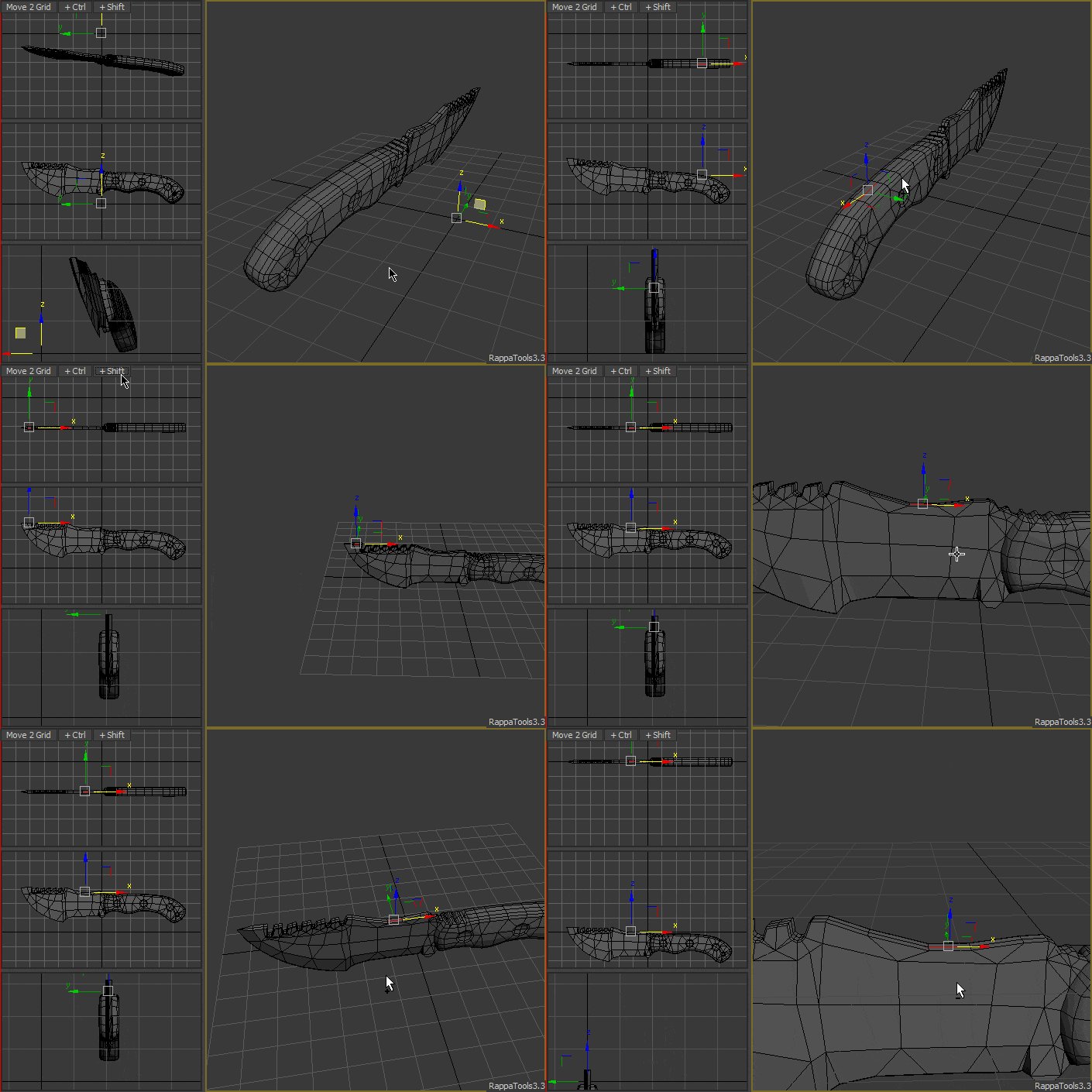
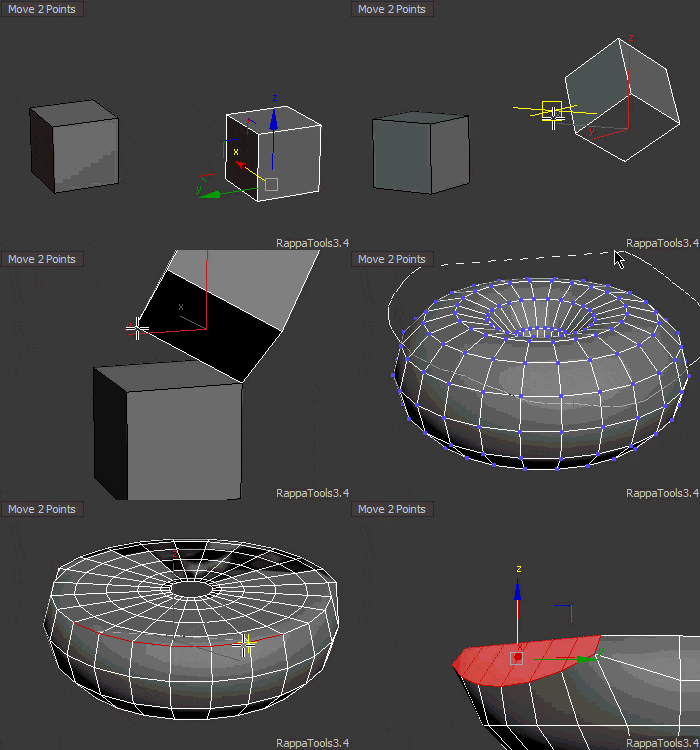
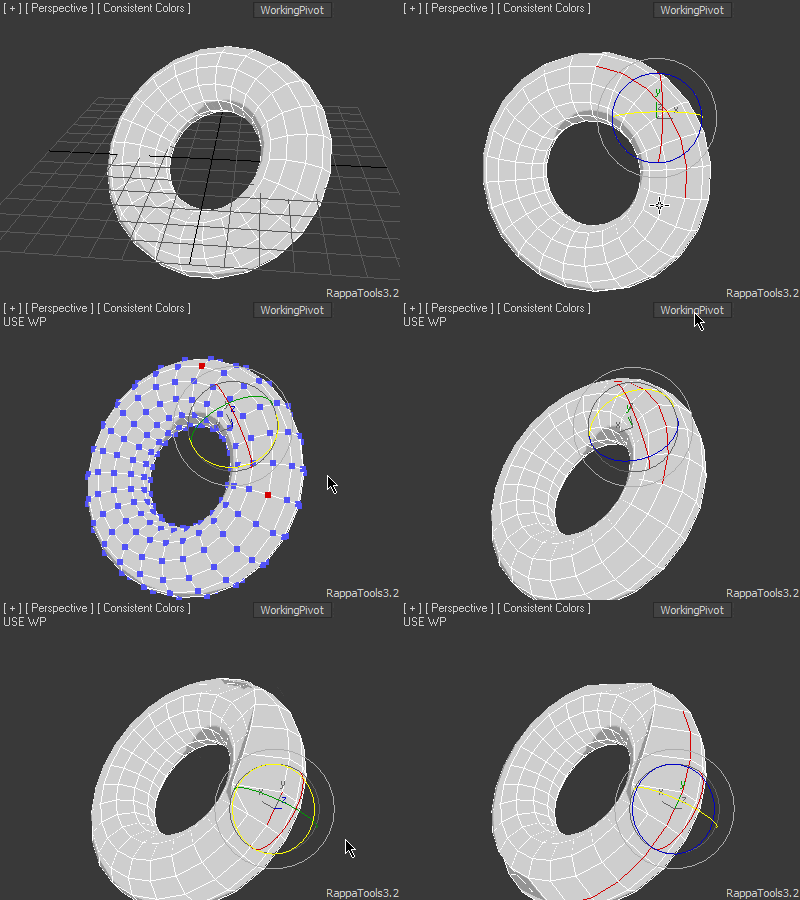
Move2Grid Move2Point Bridge workingPivot

For more info check the website: http://remusjuncu.com/rappatools/

Videos

Tags: modeling, Misc, Material, Objects, Tools, modifier, selection, transform, workflow, rappatools

Comments (37)

numbers near the cursor

ElvisSuperStar007 · 2025-06-02

Better tell me how to turn off this stupid numbering near the cursor, it only gets in the way, especially when it doesn't work in sync with the cursor movement, the number constantly writes and jumps around the screen... it's really annoying, this setting isn't even in settings

miauu · 2025-06-02

You have to turn off the option which shows this info. The same option also shows the selected objects geometry data at the center top of your viewport. I don't have this tool to check which this option is located, so try to find it in the Settings of the tool.

Check this: Viewport Stats, Show Tris Count, etc. - https://remusjuncu.com/rappatools/features.html#tools

tahir1983 · 2019-03-09

cannot run on max 2019 sp3

error message appear

Runtime error: registerRedrawViewsCallback() expected function, got: undefined

RappyBMX · 2019-03-17

have you tried the latest version on the website !? even though the script has the same version, it has been updated multiple times :)

locb · 2016-02-26

fajar, man i almost love u.
one more question, how create this menu always snapped to relative position on viewport?
I want create menu always on top/left position near " [+][perspective][shaded] ", even if i go to expert mode ( now menu always on center).

like this...rollout

fajar · 2016-02-26

like this...


rollout testRoll "Untitled" width:276 height:27
(
	button btn1 "pol" pos:[4,4] width:67 height:18
	button btn2 "connect" pos:[71,4] width:67 height:18
	button btn3 "bridge" pos:[138,4] width:67 height:18
	button btn4 "hide poly" pos:[205,4] width:67 height:18
	
	-- search function to move borderless dialog
	
local mouseIsDown = false,thePos = [0,0]

	on SS_testRoll lbuttondown pos do
		(mouseIsDown = true ; thePos = pos)
	on SS_testRoll lbuttonup pos do
		mouseIsDown = false
	
	on SS_MySelTool mouseMove pos do
	(
		setSysCur #move
		if mouseIsDown do
		(
		setDialogPos SS_testRoll (mouse.screenpos - thePos)
		)
	)


	on btn1 pressed do
	(
		macros.run "RappaTools3" "SimilarB"
	)
	
	on btn2 pressed do
	(
		macros.run "RappaTools3" "Bridge"
	)
	
	on btn3 pressed do
	(
		-- see rappatools3 macro list....
	)
	
	on btn4 pressed do
	(
		
	)
)
createDialog testRoll style:#()

Hi.How you create buttons

locb · 2016-02-25

Hi.
How you create buttons ontop of the vieport (like on first gif file)?

Hotbox & Caddy

arch3d · 2015-05-19

I would like to ask You how to edit script to have caddy without holding ctrl key in hotbox.

how to dont popup UI ? (boot max)

ttus · 2015-04-18

im using hotkey only  

but. when I use smart center function
next boot time auto launtch rappa tool bar

Hi ttus here is my fix

caogaiyu · 2019-02-21

1. Create "RappaTools3Closing.ms" in 3ds max startup folder (C:\Users\{username}\AppData\Local\Autodesk\3dsMax\{3dsmax version}\ENU\scripts\startup)
2. put this line in the ms file 
    try DestroyDialog ::RappaTools3UI Catch()
3. Save

In next launch, you will not see the UI.

chamfer round %

ostia · 2015-03-26

round 0-100% pram

Errors when starting up

minimus · 2013-10-21

Hi Remus.
I dont know what this comes from but suddenly one day i started getting errors when starting up 3ds max, and the error points in the rappatool direction.

i have tried uninstall and reinstall also tried downloading from the webpage incase there was annyupdates.

Error

RappaTools3.Stuff()-- Error occurred in LoadSettings(); filename: C:\Users\****\AppData\Local\Autodesk\3dsMax\2013 - 64bit\ENU\scripts\startup\RappaTools3.mse; position: 961969; line: 21662

-- Defined in encrypted script

-- called in anonymous codeblock; filename: C:\Users\****\AppData\Local\Autodesk\3dsMax\2013 - 64bit\ENU\scripts\startup\RappaTools3.mse; position: 984316; line: 22074

-- Defined in encrypted script

-- Error occurred during fileIn in #C:\Users\****\AppData\Local\Autodesk\3dsMax\2013 - 64bit\ENU\scripts\startup\RappaTools3.mse; line number: 21662
>> MAXScript Auto-load Script Error - C:\Users\****\AppData\Local\Autodesk\3dsMax\2013 - 64bit\ENU\scripts\startup\RappaTools3.mse Exception:
-- Type error: logical-and requires BooleanClass, got: undefined <<

RappyBMX · 2013-10-31

Hi minimus,

Just saw your post, you should have emailed me... Update the installer with the bug patched until i release 3.2 hopefully this month if not then next month...

Best,
Remus

Great tools

luxxeon · 2013-05-27

I broke down and finally got this script. Very impressed with the tools here, especially the bridging and extra tools (chunks/grow structure/snow). Wasn't expecting those, and they work very well for quickly setting up some cool abstract stuff. This was well worth it.

Всё это здорово конечно, но... All that's great, but ...

Nik · 2013-04-03

Но потом понимашеь, что визуальный интерфейс здорово тормозит рабочий процесс, это слишком бестолково. Ведь надо постоянно мышей дотягиваться до нужной кнопочки. А если надо много, много раз это делать. Короче если бы Rappa Tools был бы таким же набором скриптов как SoulBurn Scripts collection, которые можно было бы на горячие клавиши кинуть это было бы Useful. Да и дорого заломили цену 39€ - охуеть надо!

But then ponimashe that cool visual interface slows workflow, it's too stupid. One has to constantly reach for the right mouse buttons. And if you have many, many times to do it. In short if Rappa Tools would be the same set of scripts as SoulBurn Scripts collection, which could be on the hot key to throw it would be Useful. And expensive bent price 39 € - need be stunned!

RappyBMX · 2013-04-03

For a fast workflow you can assign them to a hotkey, there are over 300 macroscripts that can be assigned...you also have the hotbox and 2 interfaces that are completely customisable... The interfaces are for easy access, and getting used to... you can just use the hotkeys no need for the interface. The price is really low for the amount of features, would you like me to break it up in parts and overall be more expensive !?

knoxville · 2013-04-03

надо было так и писать, что OHUET NADO !!!! согласен.

MAX 2014

bronius · 2013-04-02

Don't work in 3dsMAX 2014?

RappyBMX · 2013-04-02

Download the new version.

Bridge tool

3dbybrunolopes · 2013-01-23

Hi Remus

I've found that the bridge tool is very slow, it's possible to fix this?

Thanks

RappyBMX · 2013-03-04

Hi Bruno,

Yes, working on it right now :)

Best,
Remus

RappyBMX · 2013-03-18

Emailed you the beta version... should be available via auto update at the end of the week though :)

Increased the bridge tool speed by ~95% :D

best,
remus

mewbrrj · 2012-11-06

remus,

thank you for confirming compatibility.

you just got yourself a new customer...

regards

mewbrrj · 2012-11-04

hey remus,

is rappatools 100% compatible with 3dsmax2013?

i asking this, because a colleague of mine mentioned that he tried version 1358 on 3dsmax2013 but got issues of rappatools controls getting stuck sometimes and the worst of them would be the native undo funcion that stopped working at all after the first 3dsmax restart (by uninstalling it, undo worked just fine again).

besides, i read a little through the past comments and could not be certain about the newer version compatibility.

about updates, i personally hate automatic updates, do you provide manual updates as well?

thx in adv. for your answer.

RappyBMX · 2012-11-05

Hi mewbrrj,

I'm using rappatools3 in 3ds max 2013 without any problems. Also there are over 30 people that use the latest build with max2013 without any issue what so ever.

There was someone that had some issues with max2013 but after deleting 3dsmax.ini everything worked as it should. In case there are any issues just email me and i'll check them out :)

Yes manual updates are available on the website.

Best,
remus

JokerMartini · 2012-05-22

Just pure madness the amount of tools in this. Great work and I appreciate the upkeep and documentation examples for your tool. It's not an easy task and it is also very time consuming.
Thanks Remus. Always been a fan of this tool.

RappyBMX · 2012-06-07

And more features will be added in the near future... thank you for the support.

hi

perspectivista · 2012-04-13

good morning
i been buyed the old version a fews month ago, i woudl like know if i can download without price the new version or have extra cost
let me know
thank you
gilberto moguel

RappyBMX · 2012-04-17

Hi Gilberto,

You should have received an email with your account information for ScriptMS.

Check your paypal email address. If not email me and I'll send the account for ScriptsMS again.

Best,
Remus Juncu

berdinatilli · 2012-04-03

hi RappyBMX,

i was hopping in the past to get a trial of your version 3 (version 2 kind of never convinced me to try).
about purchasing it, at the time i was finally considering it, the development of your script seemed to be dead (i would hate to get used to a tool that would become sooner or later incompatible...)
anyway, for right now, im not sure about it either, i explain:

im a user of outliner and the creator of it is now working on a version 3 that is going to work only in max2013 due to some changes in the sdk and also something in the maxscript coding or so, he also mentioned that those changes would affect the existing version 2, it would not work properly in max2013.

so, with that information, i was wondering if those changes in max2013 would affect your newest version 1406 also, if yes, what are your plans...?

thx in adv.

RappyBMX · 2012-04-03

Hi Marco,

Not sure what are the big changes in max2013 yet, but that won't affect the development, also there will always be support for older and newer versions of max starting with max 9...

+I will always work on rappatools since i use it every time in max.

best,
remus juncu

Update?

jonnyallenlwt · 2012-03-29

Hi! I bought rappatools awhile ago. I see you updated it on your site, and I see you say it auto updates, but mine is not. Is there a reason for that?

Thank you!

RappyBMX · 2012-04-01

try now it should work... also check your email for scriptsms credentials...

HomeCG · 2011-08-28

thanks.

fajar · 2011-08-24

I think what most powerfull about rappa tools is quadmenu thing, rather than polyboost.

another polyboost?

HomeCG · 2011-08-24

i've see the vedio,
just like polyboost,i think.can you tell me that some useful thing with it instead of polyboost?

- Quad Chamfer- unChamfer-

RappyBMX · 2011-08-28

- Uniform Mitering
- Quad Chamfer
- unChamfer
- Loop / Ring has span build in and selection filter
- Spline Bridge
- the interface is very customizable
- box menu
- copy/paste mat/obj/trans...

and many more features see http://remusjuncu.com/rappatools/#features