By miauu · 2025-07-21
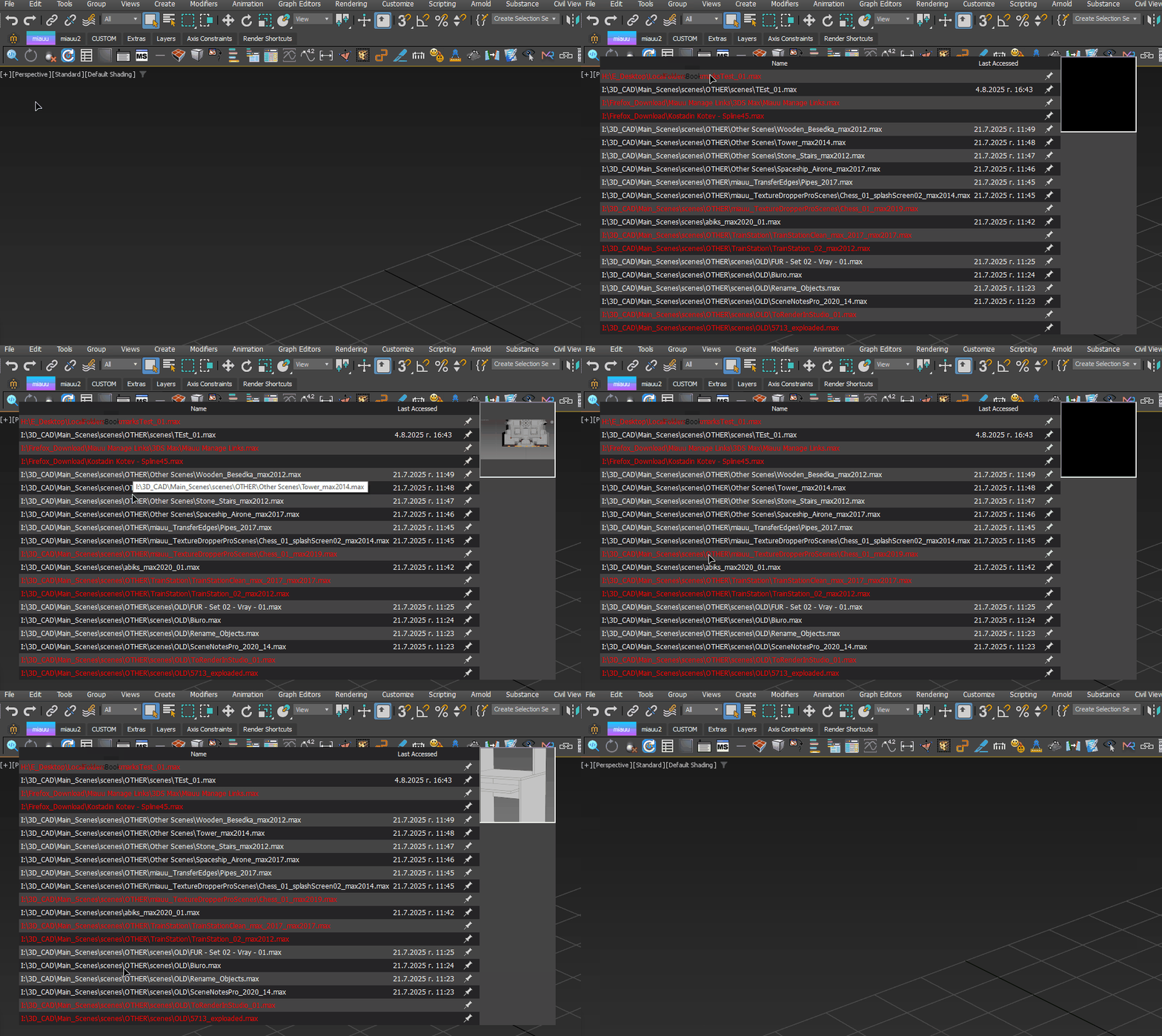
miauu's PinMyFiles lets you pin your most frequently used or important files for quick and easy access.
Unlike the default recent files list in 3ds Max, PinMyFiles gives you advanced options to pin, sort, open, and reveal your files in File Explorer.
Unlike the default recent files list in 3ds Max, PinMyFiles gives you advanced options to pin, sort, open, and reveal your files in File Explorer.
What can you do with PinMyFiles?
- Easily pin any file to the list, ensuring that important or frequently used files are always available.
- Pinned files will remain visible in the list, even if they no longer exist in the default recent files list. Files that no longer exist will be displayed in a different color, allowing you to easily identify them.
- Files that are deleted, renamed, or moved will appear in red, so you will know they can’t be opened.
- Sort your recently opened and pinned files by name or last accessed date.
- Thumbnail Previews for Recent and Pinned Files.
- Right-click on any file to open a context menu with options to:
- Open the file.
- Merge the file.
- XRef the file.
- Open, Merge, XRef files without dialogs for faster access.
- Open the containing folder, giving you direct access to the file’s location. This option is available via the right-click menu or by using the middle mouse button.
You can find more information here: miauu's PinMyFiles