

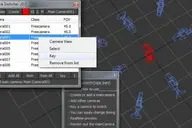
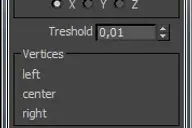

Connect edges every given distance.

Listing updated
No reports yet for the available releases.
Compatibility comes from the author’s supported range or requirements in the original listing. A tested version records what the author tried.
“2020 unconfirmed” in the catalog means support for 3ds Max 2020 is still unknown.
Community reports record successful tests on specific releases.

Connect edges every given distance.
how to use : Just run the script.
Comments (7)
Comment policy
???
??? :)
Found an issue: it looks like it only keeps proper distances between the edges if the length of the selected edges is a multiple of the distance parameter.
To put it another way: say I have two edges that are each 7 meters long. I try to distanceConnect them with a distance of 2 meters. 3 new edges are created, but the distance between them is 1.75m, not 2m. Can this be fixed?
This is how it currently works. If you create three edges in between they need to be spaced out by 1.75 (1.75*4=7). I can add an option that puts the remaining space at the end. Is this what you need?
sliceMulti
there is a similar script, but based on slicing plane
https://www.scriptspot.com/3ds-max/scripts/111-slicemulti
Avarege
Heya
Any chance to tweak this script to avarage distance between already existing edges? So I elect them and just click to even spacing out?
Ty
haven't got the time now, but maybe I'll work on it this summer.