
OCTOPUS 3 - RELEASED!
CLICK HERE FOR MORE INFORMATION
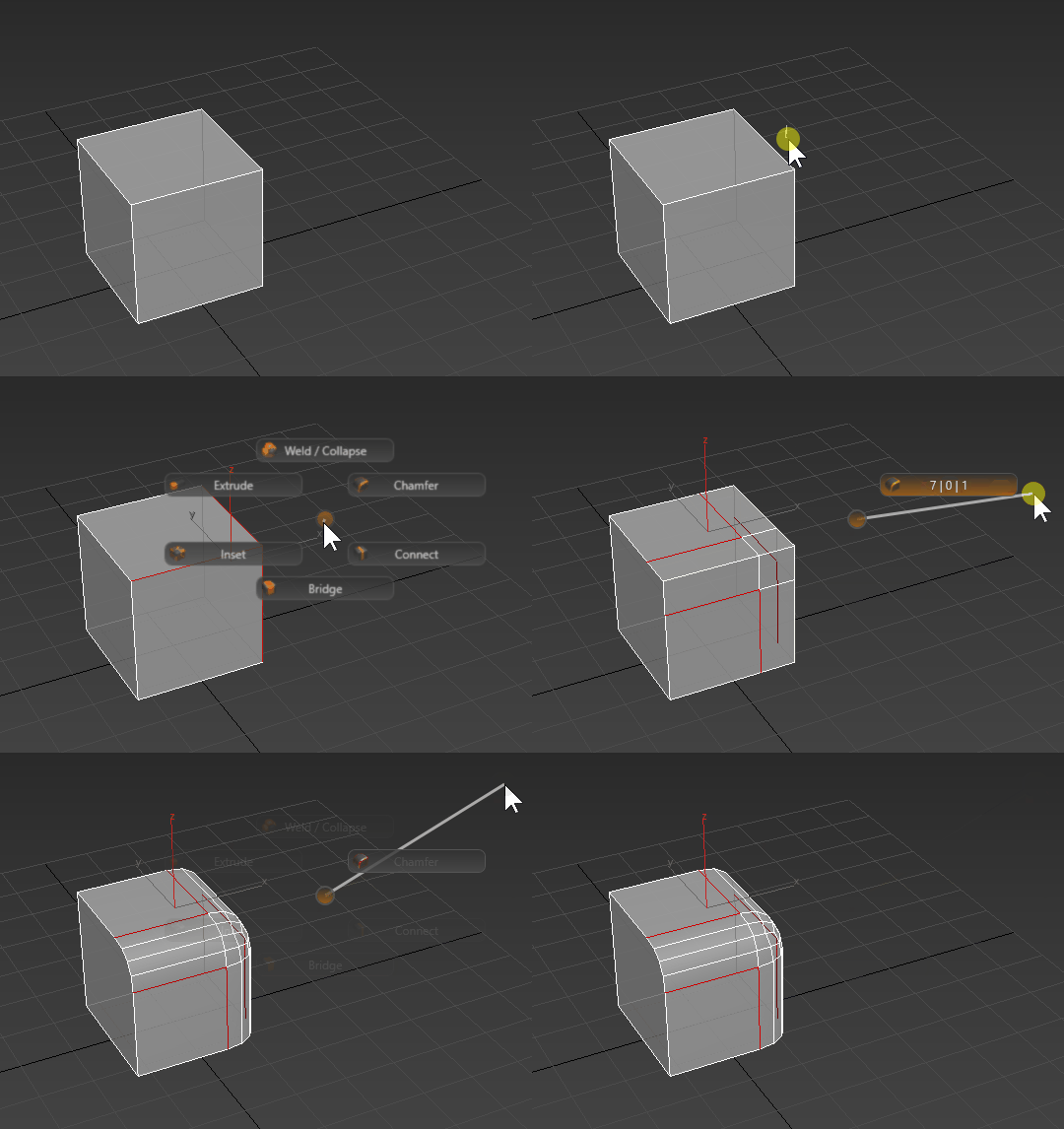
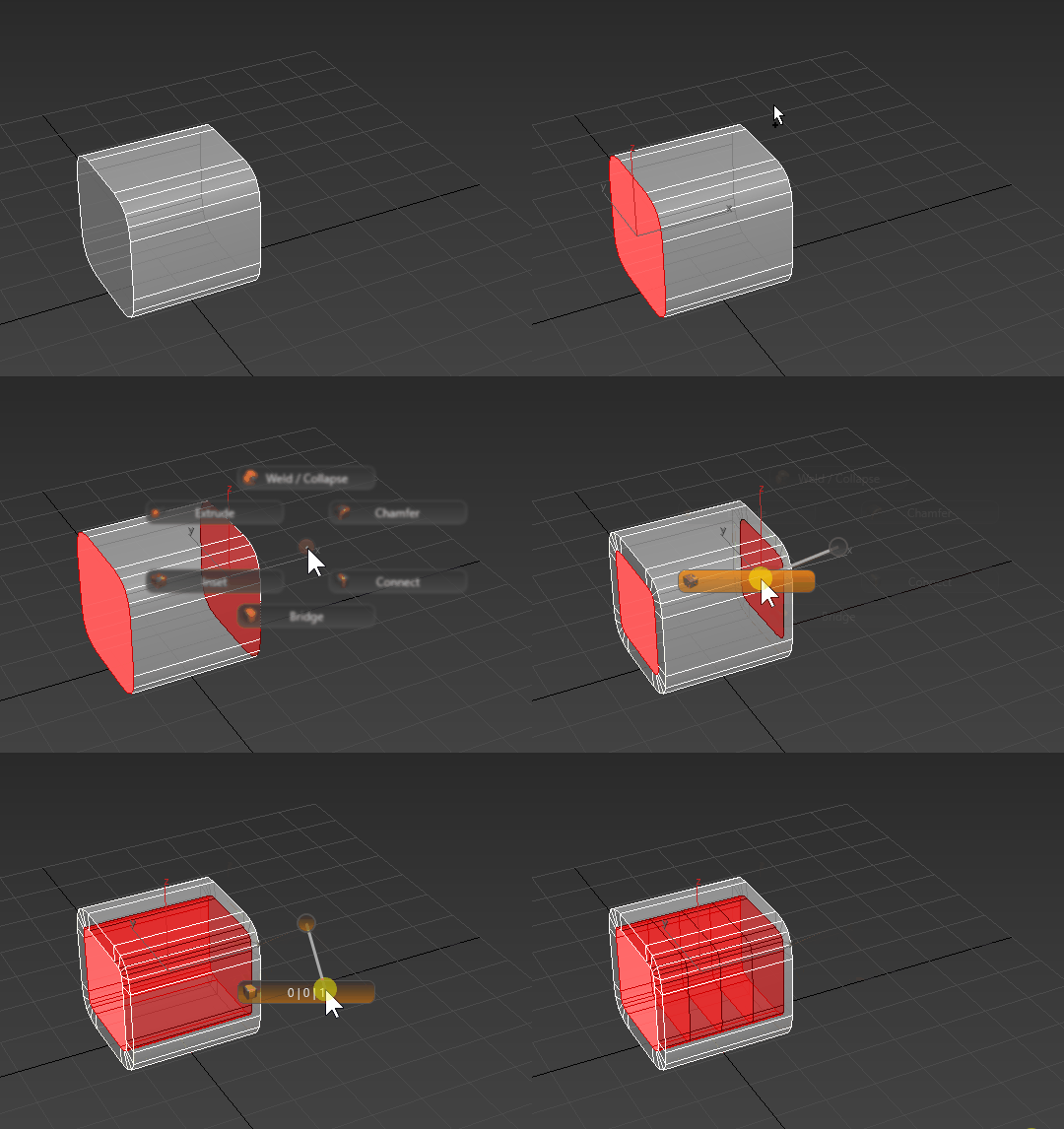
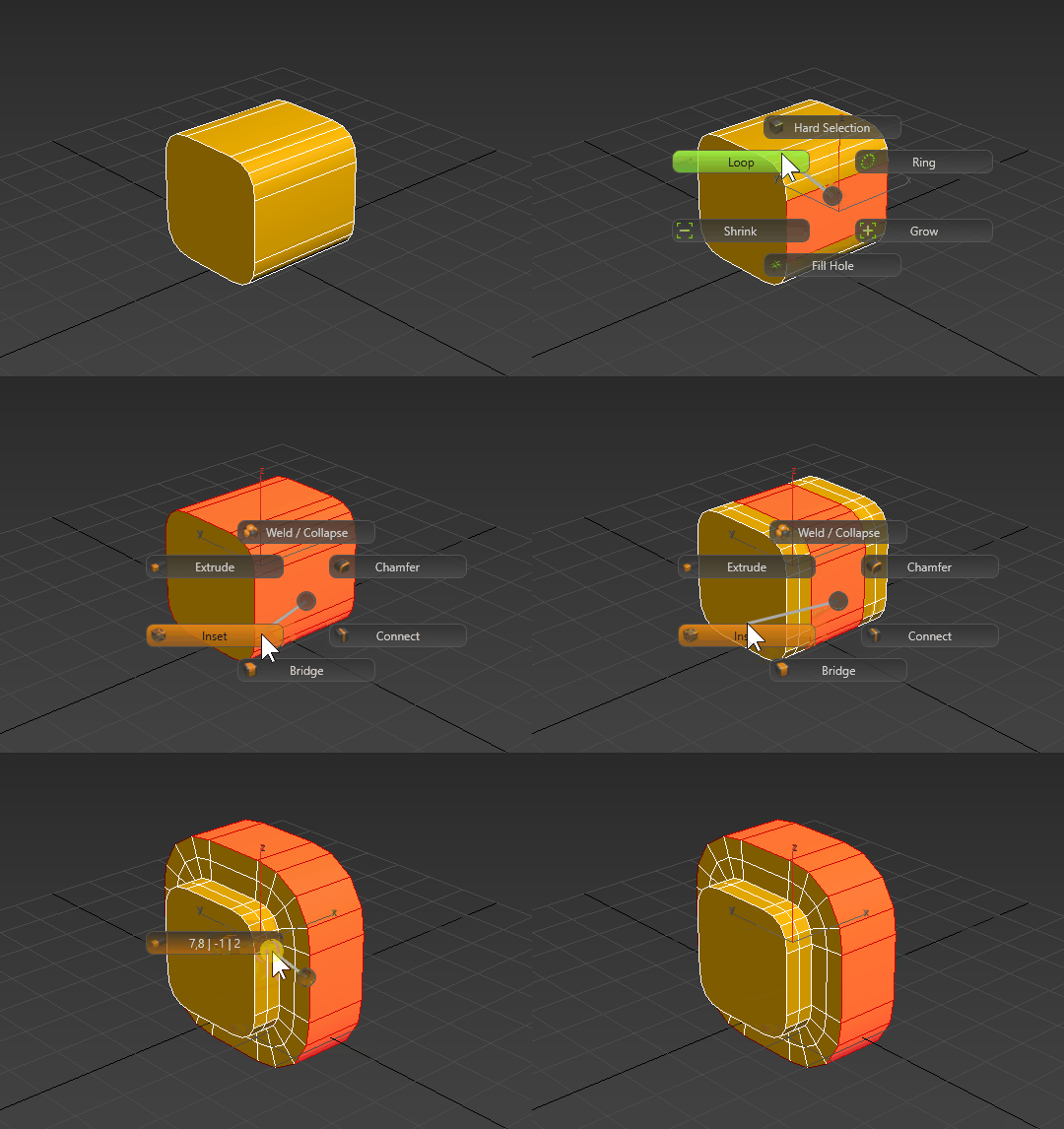
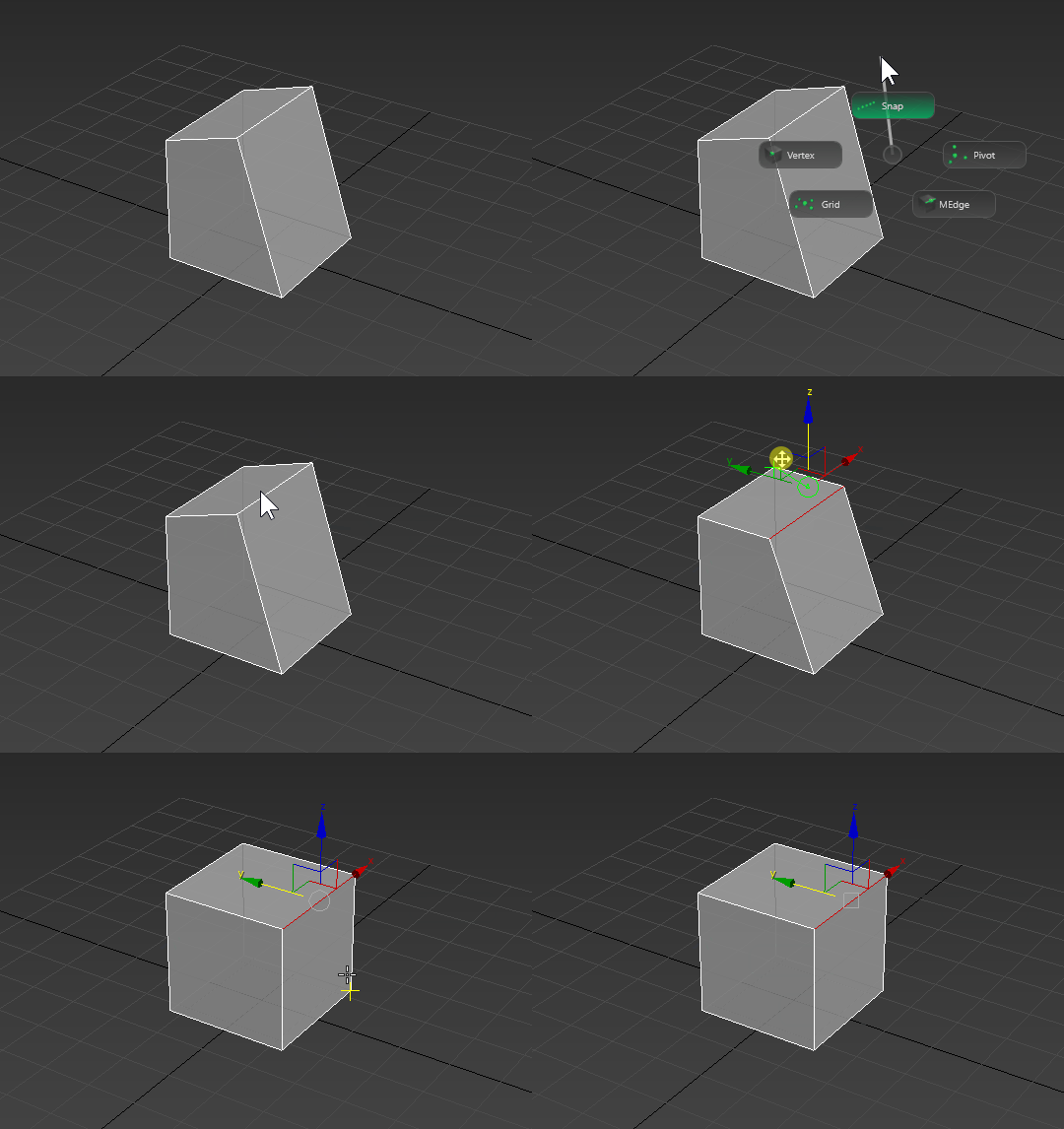
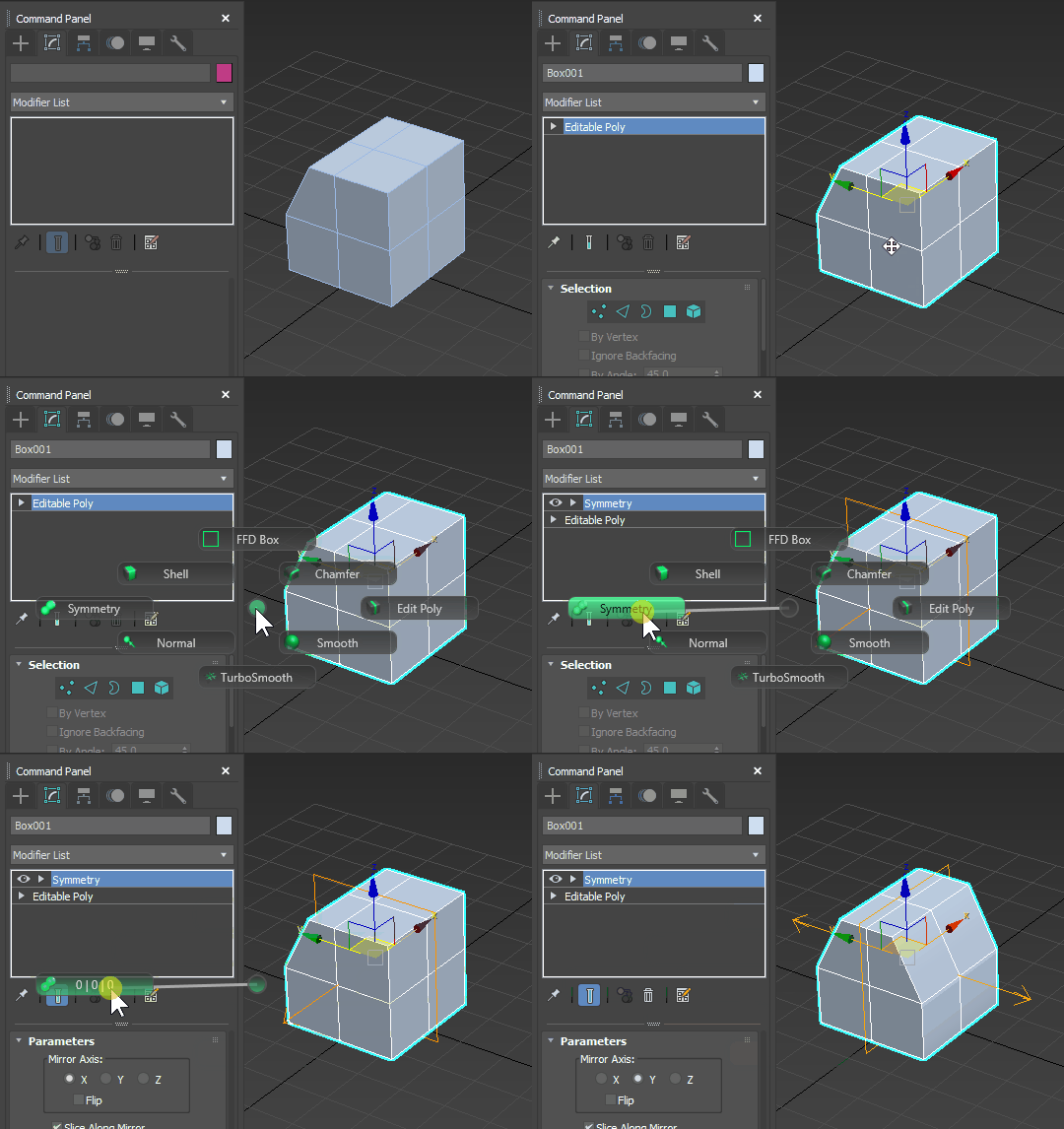
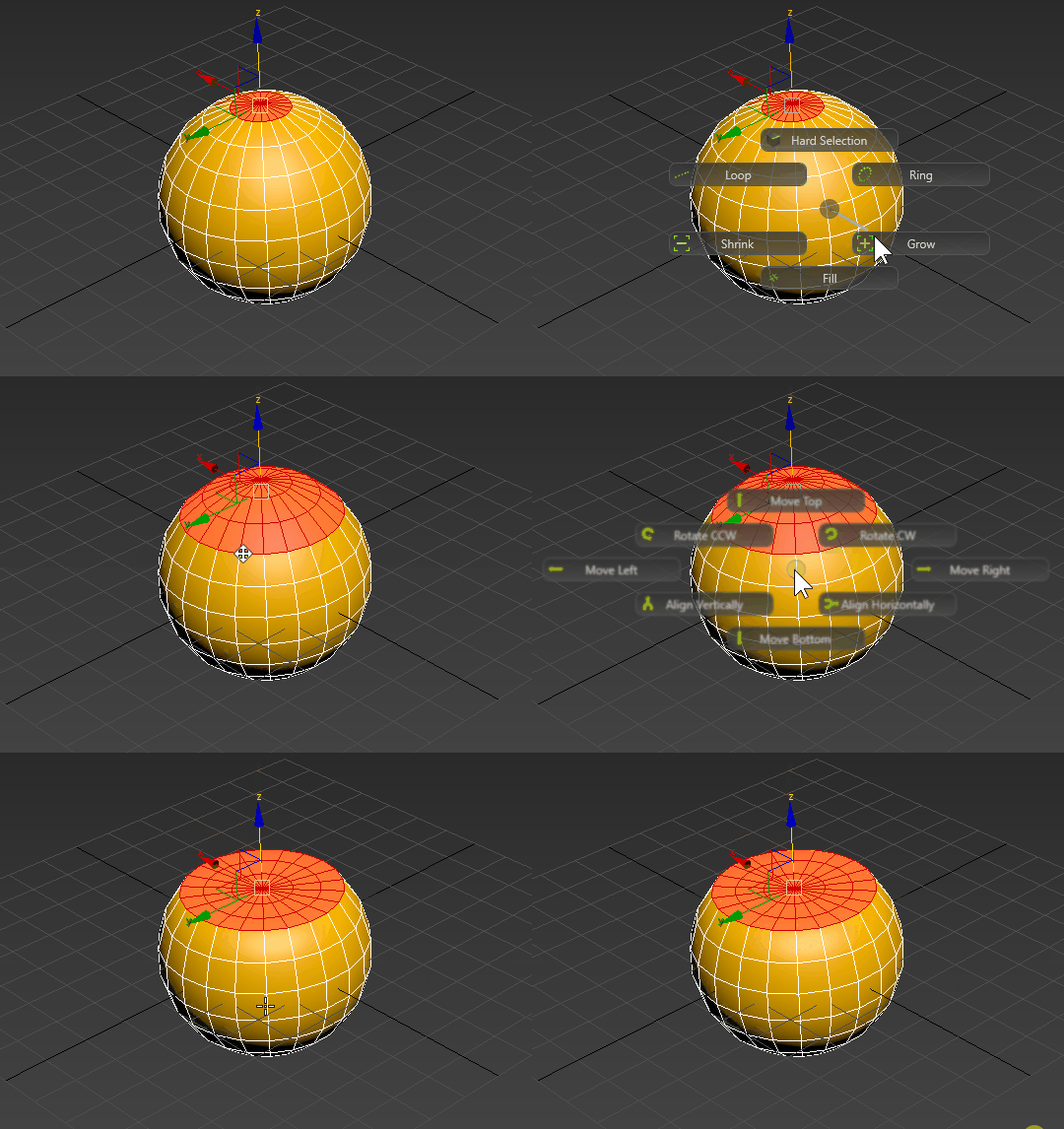
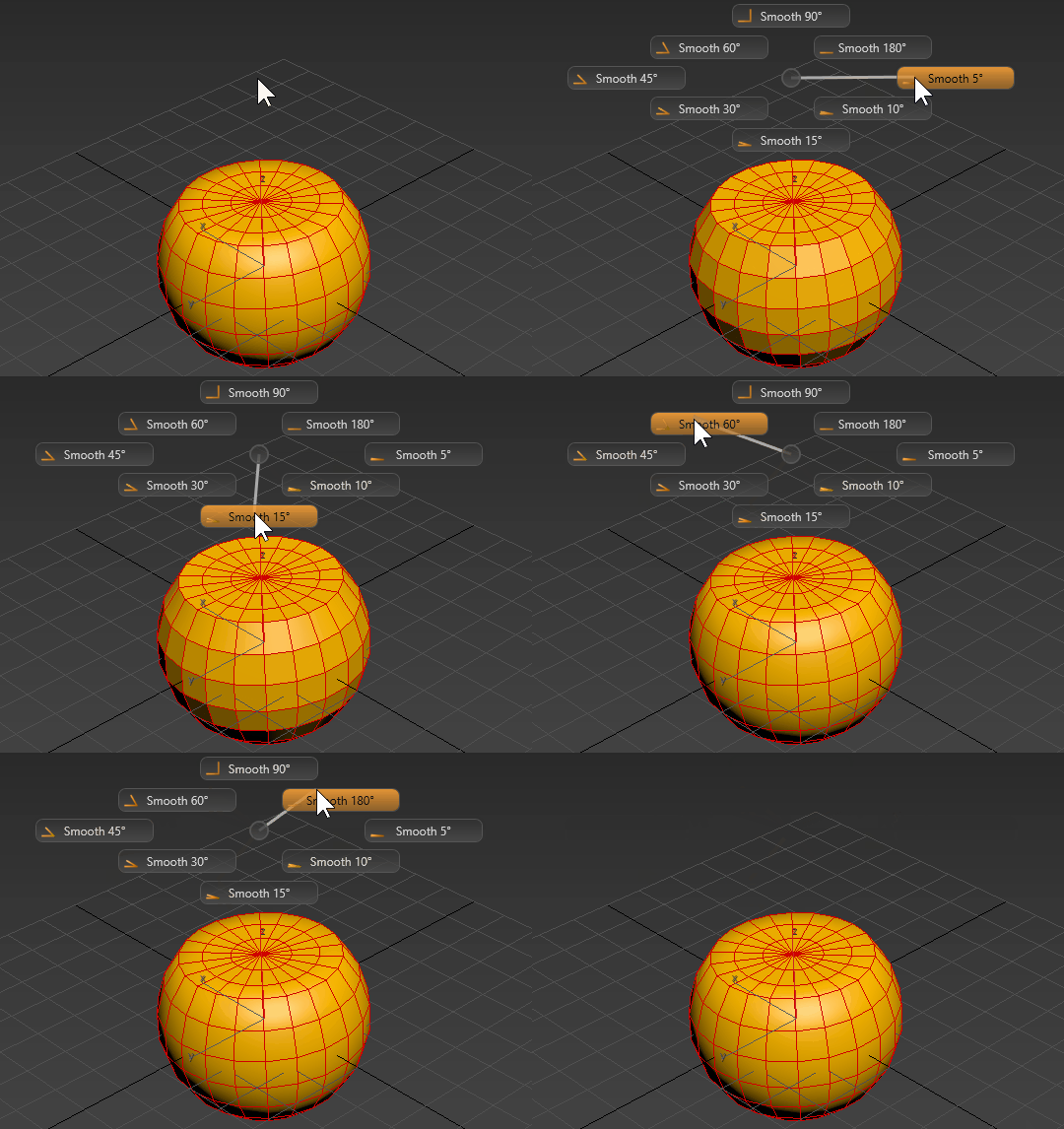
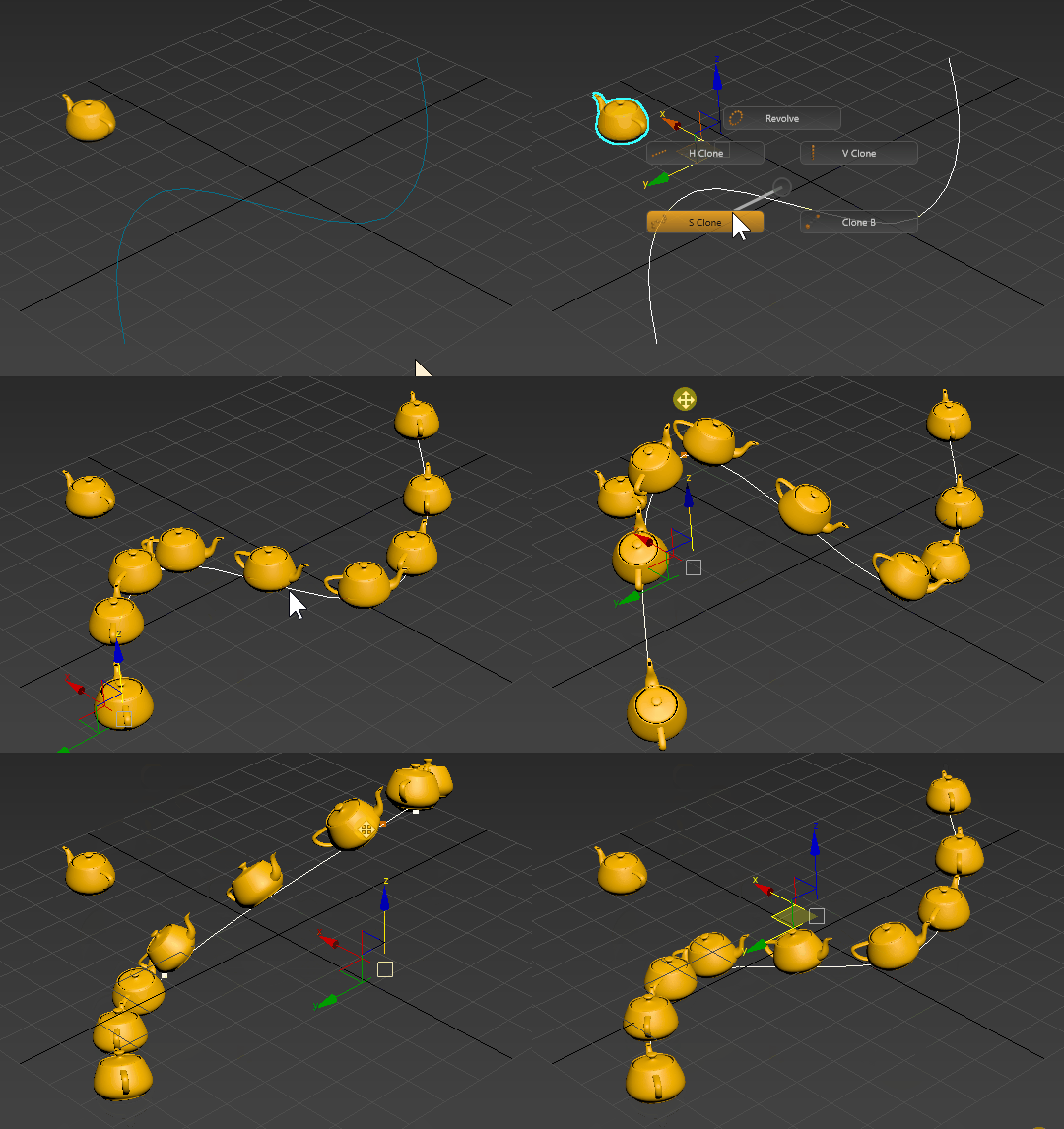
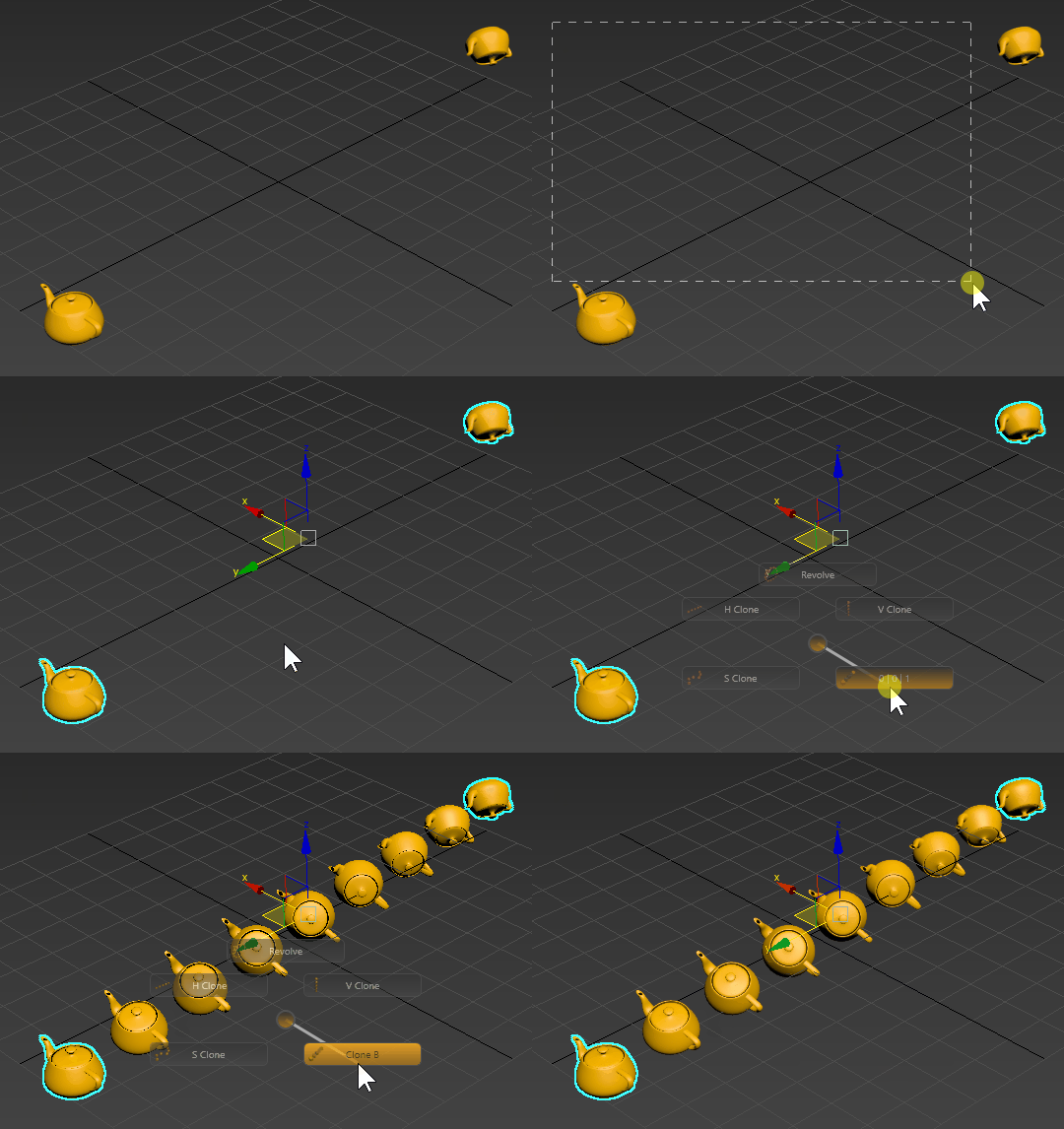
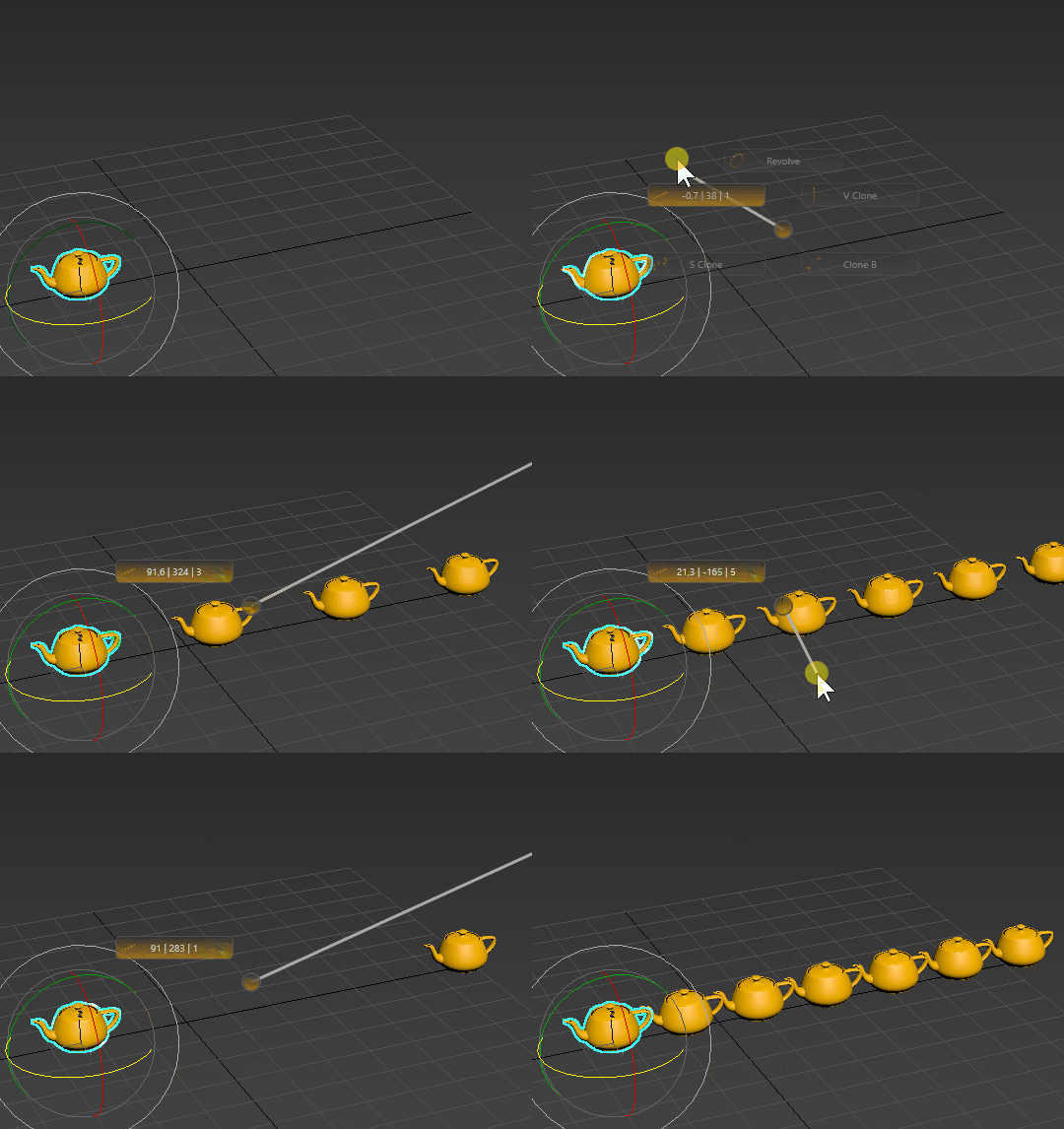
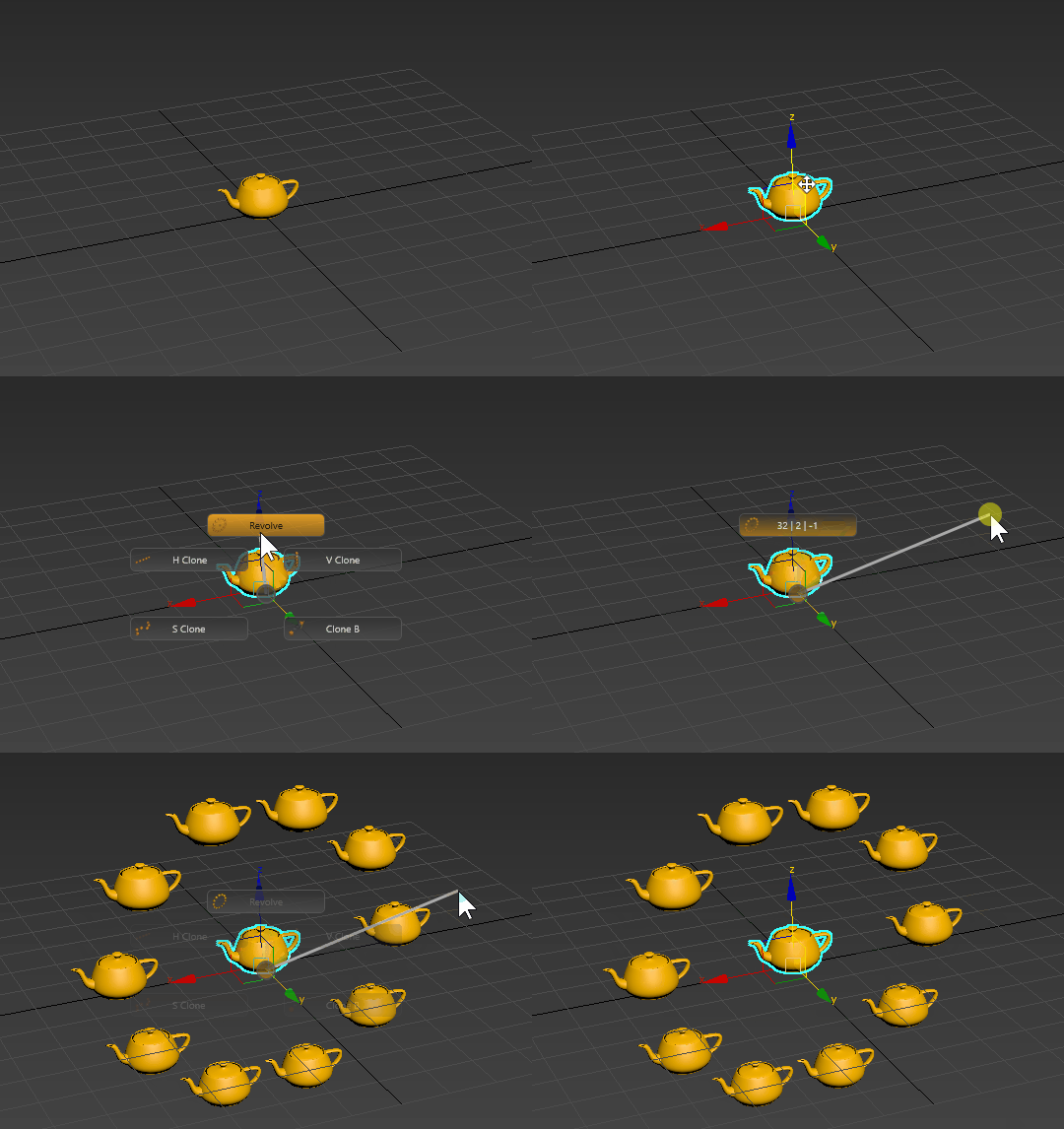
Plugin
 By pi3c3 · 2018-05-01
Tags: pie, radial, hotbox, menu, marking
OCTOPUS 3 - RELEASED!
CLICK HERE FOR MORE INFORMATION
[Store] Reopened
pi3c3 · 2023-02-13
After 5 months of hard work I have reopened the RapidMXS store. Please buy my products if you can, so you are supporting and you keep my website running. Also that's how you can support the development of other cool plug-ins like UVReactor which is the first modifier-less UV editor for 3dsmax. Not to mention that in a lot of aspects it's also the fastest.
If you want to be the part of the beta, you can also do that by downloading the Open Beta.
https://rapidmxs.com/rapidmxs-store-reopened/
Cheers,
Mike - the rapidTools guy
pi3c3 · 2023-02-10
Pfff don't even bother. There is no v2.14. Second, this one contains a virus. Several files are altered by harmful codes, that are normally part of 3dsmax by default.
 barigazy · 2022-11-04
DOWNLOAD LINK:
https://www.mediafire.com/file/wlv8494aa7ch85q/Octopus_v2.14.zip/file
Archive password: www.scriptspot.com
obaida · 2022-11-05
Hi , thanks Barigazy , but the extracting password is wrong !
the correct pass is:scriptspot.com
and is this a demo version of the script ?
and the exe file detected as infected !
barigazy · 2022-11-14
Thanks.
Idk, i downloaded it from CGpeers. Maby crack
pi3c3 · 2023-02-10
Well!
You'll have the chance to buy it again. Please don't use cracked versions. First of all because you are stealing my product. Second, becuase it's baaaaad. Mkay?
barigazy · 2023-02-13
Hi pi3c3,
I sincerely apologize for these posts by "fake" me.
This is the work of some desperate user who was so bored and lazy to open his scriptspot account so he used my account to spread viruses and insult other users.
A REAL timesaver
 Turnim · 2022-07-12
I don't really like to write reviews, but in this case i want to make a exception.
This plugin is a real time saver, and the support (thanks Mike) is awesome
Plus it is easy to move it from one 3ds max version to another one
Using it now on windows 11 and max 2023 in compbiunation with a corsair K95 keyboard, who has 18 programable keys, and i simply added the hotkeys of several octopus groups to my special keys, making working in 3ds max so much faster
 todor · 2021-02-04
Very cool ! :)
pi3c3 · 2021-03-10
Thanks m8! ;)
Selecting of elements in a list
 FishMan · 2020-02-08
Also selecting of elements in a list which I want to edit is not very intuitive and convenient. Currently, to understand what you're editing, you need to move the mouse over the element. But when you move mouse cursor to another area (e.g. for editing), you can accidentally select another element of the list and this leads to a frustration.
It would be better if hovering a cursor over an element showed it in a list as a "preview", saying which particular element is this in the list. And clicking on this element should "lock" the preview. So after the mouse is no longer hovering over the list item it should show an element in the list on which I clicked before. Thus, the user will be able to identify visual elements and will be able to select them for editing.
Also it will be cool if while I'm hovering my mouse under some element in the list it will highlight it in the visual area as well.
Also elements in the list should be listed starting from top. Right now they are listed starting from element at the right
See attached image.
P.S. It's sad that there is no second monitor support.
pi3c3 · 2020-02-08
"It would be better if hovering a cursor over an element showed it in a list as a "preview", saying which particular element is this in the list. And clicking on this element should "lock" the preview. So after the mouse is no longer hovering over the list item it should show an element in the list on which I clicked before. Thus, the user will be able to identify visual elements and will be able to select them for editing."
If it's enough I'll add the button name and index on top of header, so you can identify the menu you are working on.
Context-sensitive octopus menus
FishMan · 2020-02-08
Also It would be cool to have an ability to create context-sensitive octopus menus without any need for a manual scripting.
For example if I call the same menu in editable poly or in Unwrap UVW - it should change depending from which type of object/modifier selected.
BTW thanks for an accessible price.
pi3c3 · 2020-02-08
Hi!
Thanks for the suggestions and feedbacks. For sure the bugs will be fixed. Also I'll put your requests on my request list. Although I'm not promising anything, since there are other projects as well, and a few of your changes would affect core functionalities as well. :)
Minor bugs.
FishMan · 2020-02-08
There is no check for incorrect names when I create new octopus preset. If I enter a name which is starting from a number (e.g. 1st_Menu) it throws me an exeption (because names for macroscripts should start from a character).
Also when I deleting presets where I changed something it asking me if I want to save my changes. Which doesn't make any sence. There is no reason why I want to save any changes in a preset which I'am trying to delete.
pi3c3 · 2020-02-08
Ok!
I'm happy to tell you that I have made some changes and it seems most of these requests were easy to handle. :)
I have remapped the button order in the preview and the grid. :)
Also the naming issue, where the menu name must start with a letter has been fixed.
I'll release them in the next version. :)
pi3c3 · 2019-10-31
New version is up, with a couple of fixes... :)
Thanks for the Update it Looks nice :)
obaida · 2019-10-28
After installing the update i opened 3ds max and pressed the keyboard shortcut for octopus menu but i got error message about missing octopus.dll file
so i pressed (Create All Octopus) from Octopus Manager.
its working fine now but the (Right Click - Active) unchecked, So i checked it and its working fine but the (Max Script Action) field is empty !!
-AND (Preview Mode) not exist anymore :( !! , its working for old menus but if i save it it will not work again.
i got it back by reinstalling Octopus, the problem started when i activate (Octopus Friends for old menu with Preview ON)
pi3c3 · 2019-10-28
Preview mode is still working and you can still check it. You can find it under the command editor. :)
Also, you have to regenerate your Octopus MCR files. (It will be an automated process)
Also under the Command Editor now you can find 4 different modes under the dropdown menu.
Left Click
Left Click [SPINNER]
Right Click
Right Click [SPINNER]
All the Left Click and Right Click [SPINNER] commands are there. :)
Check the cheat sheet, for more. :)
I mixed Octopus menu with
obaida · 2019-10-29
I mixed Octopus menu has (Friends ON) with another menu has (Preview ON) I get this issue
pi3c3 · 2019-10-29
Will check it... ;)
Using menu nesting with friends together has not been tested yet, so have to take a look at it... :) (keep in mind, beta phase... ;))
pi3c3 · 2019-10-29
Ok! I think I have solved it... Will upload the new beta release soon! ;)

obaida · 2019-10-29
:) Thanks yes ofc its still Beta
Very Good and Useful Script
obaida · 2019-09-27
I have 3 Suggestions (for now!:)
1-Adding more than 8 buttons in one menu (or option to make right click act like left click
[run the action and close the menu])
2-the ability to write (Tooltips) for buttons (useful in case of Icon Only checked)
3-The ability to execute the action by hovering over the buttons (This Option already exist by Checking [PREVIEW] )
Thanks in Advanced , BEST REGARDS.
can't instal the demo version
meliael · 2019-06-27
Unfortunatly, it's impossible to instal the demo version. I have an error message :
Runtime error : array index must be positive number, got : 0
Amazing
Mikbal · 2019-05-29
It's a real time saver once you get used to it. Powerful, customizable and visually appealing!
Also the creator is actively helping and friendly tho.
Don't hesitate to buy it!
Thanks.
Pavils.id · 2019-05-29
Very cool tools !!! thanks;)
pi3c3 · 2019-01-28
It's an update, you don't have to buy it again. Just sign in to your account and click on "MY DOWNLOADS". There you can download the most recent version of Octopus.
johnim · 2019-01-26
who purchased the previous version, have access to the latest update? or do you have to buy again?
New version (v1.15) of Octopus released
pi3c3 · 2019-01-16
Change Log
NEW – Added the option to change the Fade In Length. If you zero it out, it will pop-up instantly (delay)
NEW – Pressing any button (Except F2, F3, F4, Ctrl, Alt, Del), will close Octopus
NEW – ModelingSpinnerExtended preset
NEW – Selection preset
FIXED – Maximum value on Y Axis was not saved properly
CHANGE – Code optimizations
so
obaida · 2019-01-06
Hello and thx for this good script.
if i bought this scripts can i make the menus on one pc and install the demo version on another 7 pcs and load this menus? or i have to buy 4 licenses?
WEBSITE AVAILABILITY
pi3c3 · 2019-01-04
I have good news for all users, my website is reachable from Brazil and from China as well. So if you wanted to bux sny products from https://rapidmxs.com now you have the chance to do that.
Great script! One question...
Andjela · 2018-12-17
This is a great script for organizing workflow in 3dsmax! I am so happy that I decided to buy it and would definitely recommend it to all!
Can you please tell me, if it is possible to set the right mouse click to act like the left click, that is to exit the menu when it runs a macroscript?
Many thanks!
pi3c3 · 2018-12-18
Hi!
Currently it's not possible, but I theory I can make it to work that way. (right click to close currently opened Octopus) I will test it out and implement it, if it's working without any errors.
use software language
 imgestudyo · 2018-11-11
ı want to make new materials library my own project your rollout is good ı want to make as same as rollout about model or material library can ı do maxscript or python or c#
I'm wondering..
hello2kun · 2018-09-20
Does it support popup sub menu like maya hotbox?
thank you.
pi3c3 · 2018-09-24
You can nest your menus and you also can jump between them. so yes it is possible. It's not right click, but hotkey based.
pi3c3 · 2018-08-17
The demo version doesn't have the Manager, but inside Customize, you can try out a couple of menus. Views/ModelingSpinner etc...
wanna try
 EzyPoly · 2018-08-16
downloaded trial but after installation in top bar only "octopus help" available...(no any octopus menu)
also how can i totally uninstal demo?
pi3c3 · 2018-07-19
Would you please tell me from which country you are trying to reach my website?
You can write me here:
rapidmxs at gmail dot com
Thank you!
johnim · 2018-07-16
I'm interested, but your website is not loading.

