ScriptSpot

Forum topic · Scripts Wanted

Copy Material from one object to another in viewport

By elirobinson · 2014-02-26

Downloads
Description

I'm looking for a 3ds max script that will allow me to copy an object's material (with a hotkey - don't like new menus and tool bars) and paste it to another object all within the viewport. It would save me a lot of steps having to first open material editor then pick the material then assign to new material. I would love something that did this between instances like CopyPasteObjects.mcr (best script ever :). It would save me so much time.

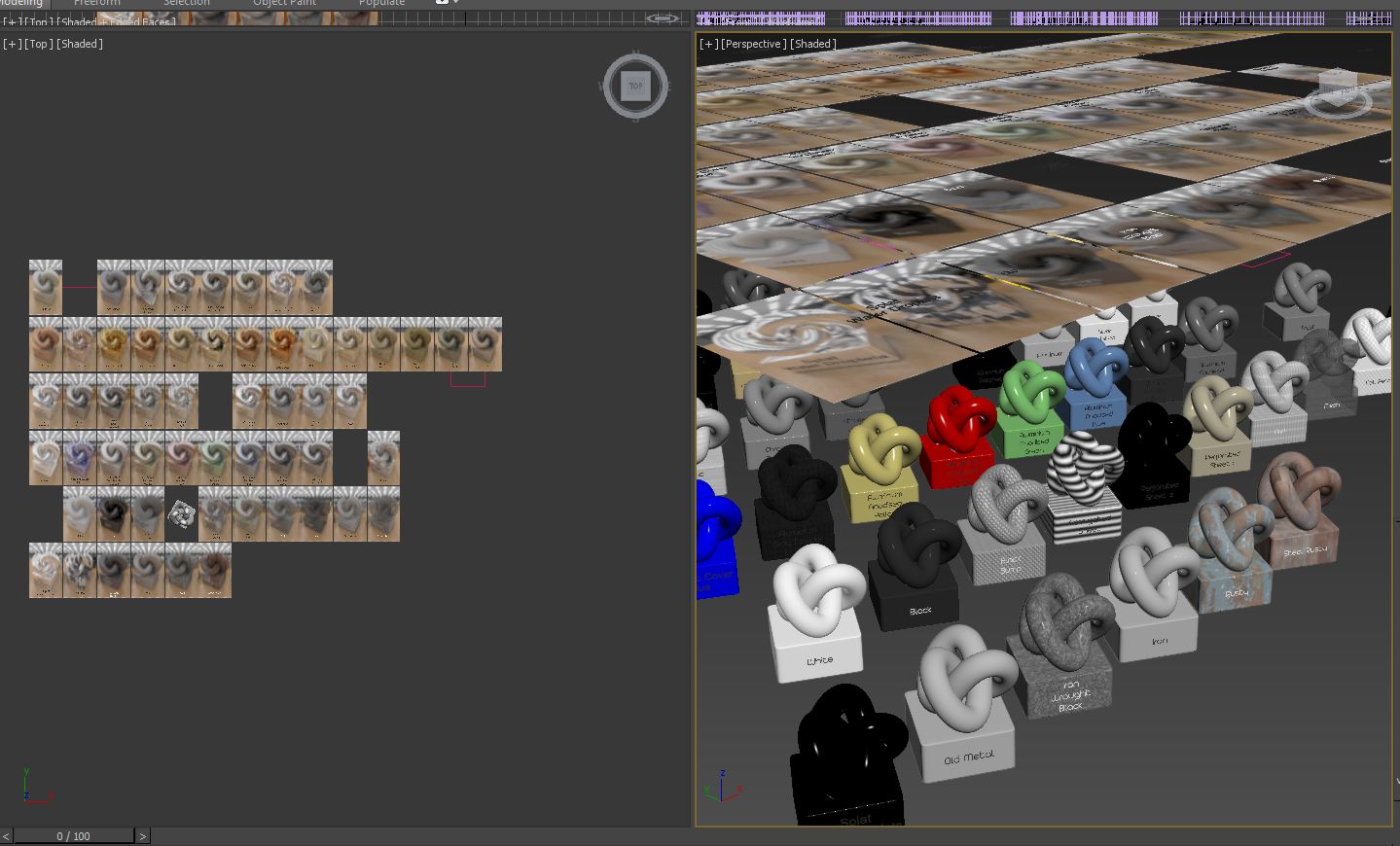
Attached is an example of what I want to do...to select the object with the mat I need, copy, then switch to different max scene and paste onto new object.

Right now I'm copying and pasting objects which is adding in a lot of unnecessary steps.

Thanks in advance.

Comments (21)

To Barigazy: Copy of Material Instead of Instance.

DotScott1 · 2014-06-25

Great job on this script! Just wondering if I can edit the code to paste the exact same material on the other objects instead of a copy of the material as this one does.

What's going on: When I paste the material to another object, it makes a copy of the material instead of pasting the same material. So then I would have to go in and edit each material individually instead of just the one original 1.

barigazy · 2014-06-26


fn matchPropMaterial = if selection.count != 0 do
(
if not InstanceMgr.autoMtlPropagation do InstanceMgr.autoMtlPropagation = on
with redraw off with undo "copy mat" on
(
if (mat = selection[1].mat) != null do
(
for i = 2 to selection.count where canConvertTo selection[i] Editable_mesh do selection[i].mat = mat
)
)
)
matchPropMaterial()

Nice!

DotScott1 · 2014-06-26

Thanks! Sorry, didn't quite understand how that one worked at first. Got it now though.

barigazy · 2014-06-26

Just read the manual (MXS Help Document)

;)

fajar · 2014-02-28

look like life thread found....
just a another little gift....


fn matchPropMaterial =
(
 sel= selection as array
 mat2paste=  sel[1].material
 for i=2 to sel.count where (superclassof sel[i] == geometry or superClassOf sel[i] == shape) do 
 (
  with undo "copy mat" on
  (
    sel[i].material = mat2Paste
  )
 )
)

to use : select object that have material [obj A] and then select another object [obj B,C,D......] and then run the script


matchPropMaterial()

;)

barigazy · 2014-02-28


fn matchPropMaterial = if selection.count != 0 do
(
with redraw off with undo "" undo "copy mat" on
(
if (mat = selection[1].mat) != null do
(
for i = 2 to selection.count where canConvertTo selection[i] Editable_mesh do selection[i].mat = mat
)
)
)
matchPropMaterial()

barigazy · 2014-02-26

Neither do I :)
I'm lazy to search existing solution, it's easier to write new one ... sometimes :)

barigazy · 2014-02-26

Similar but with my tool you can past over and over untill you copy next one :)

.

miauu · 2014-02-26

I never tested Mattransmiter. Just know that it exist. :)
Always is better to have multifunctional tool.

Copy | Paste Materials

barigazy · 2014-02-26

Put this *.mcr in macroscript folder
You can find two macros in "bgaTools" category.

Attachments

Thanks

elirobinson · 2014-02-26

Awesome script,barigazy, thank you!
2 things:
Is it possible to have it copy from one Max instance and then paste into a different scene in a different Max Instance?
Also after I drag and drop the script into the viewport it works fine but when I restart max I get
-- Unknown property: "count" in undefined .....when I drag the script into the viewport again it works fine. I saved it in macroscripts folder and still same problem each time I start max.

tried that

elirobinson · 2014-02-26

I tried that but it only copies and pastes materials in the material editor from what I can tell, not something I really need. Your script is perfect if I can copy from one max to another.

Attached is an example of what I want to do...to select the object with the mat I need, copy, then switch to different max scene and paste onto new object.

Right now I'm copying and pasting objects which is adding in a lot of unnecessary steps.

Attachments

yes!

elirobinson · 2014-02-26

My Hero! This is great. Works very well. Only problem I see is that when I try to paste to multiple objects I get the message "Select Some Objects" In your previous version it pasted to multiple objects with no error message.

elirobinson · 2014-02-26

Yes, I understand. I was testing for you :). This one works flawlessly. I really appreciate it. Thank you.

barigazy · 2014-02-26

Great! Mission accomplished :)

elirobinson · 2014-02-26

Not only that, but I changed my material library directory to a network location so with your script I can copy a material from max on one computer and paste to an object on a different computer (I'm running 2 machines with Input Director). Absolutely superb.

Nice

DotScott1 · 2014-06-25

Great work! Thanks!