Updated to version 1.04!
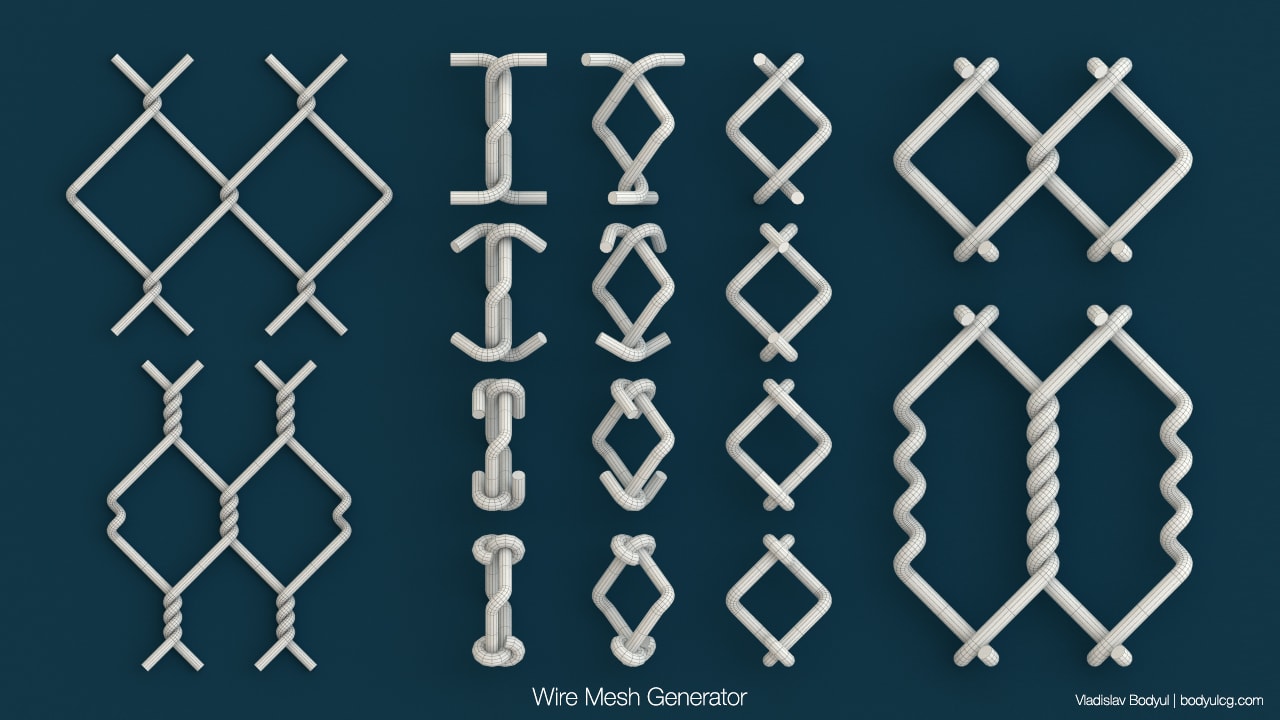
Script to generate a wire mesh.
Script
 By BodyulCG · 2014-07-31
Tags: spline, Grid, generator, shape, wire mesh
Script to generate a wire mesh.
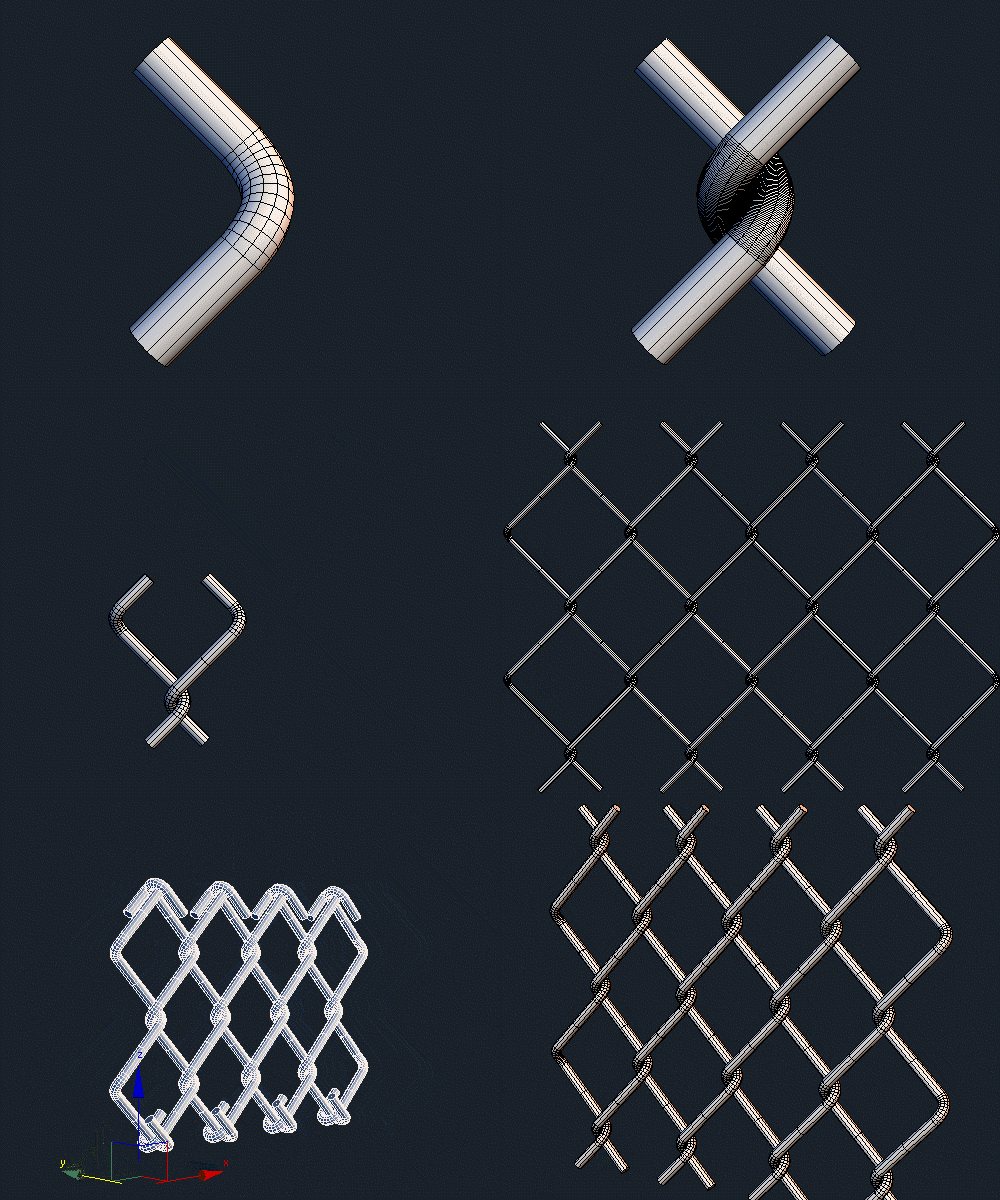
Changelog
[v1.04 current version]
- Added parameter “Sub-Turns”.
- Added few parameters for bend ends.
- Added checkbox “Single Shape”.
- Fix small bug.
Awesome work
BarryLegg · 2017-03-06
Just adding a note to say this is an awesome script that I'm going to get a lot out of use out of. Thanks so much.
BodyulCG · 2014-08-22
Thank you all!
i love your scriptz
Derp Meowslurp · 2014-08-22
breh. the labryinth maker is really useful.
Will be playing with this one as well. :D
Hi Wladislaw
 rezoloot · 2014-08-21
Another great script, your work is immense, thanks for sharing, + and commented
Ruddy · 2014-08-04
Very cool, thanks!
Cool
 Nevil · 2014-07-31
another cool stuff from Wladislaw.
@Nevil
BodyulCG · 2014-07-31
Thanks
+1
 barigazy · 2014-07-31
Cool man. Just keep it up.
Cheers!
barigazy · 2014-07-31
Suggestions:
- bending option (it will be nice when wire mesh can be seamlessly wraped around cylindrical or spherical mesh)
- different kind of abstract wickerwork patterns
BodyulCG · 2014-07-31
Thanks for suggestions.
"- bending option (it will be nice when wire mesh can be seamlessly wraped around cylindrical or spherical mesh)"
I will try to add it.
---
"- different kind of abstract wickerwork patterns"
That's what I now did. Works a little incorrectly.
WireMeshGenerator_test | (GIF)
barigazy · 2014-07-31
Looks very cool. U are on the right track.
Just keep main fn's clean and not add too many options for single preset.
It's good idea to integrate one preset for every mesh forms for better performance. Also see this thread (bending related) maybe can help somehow
http://forums.cgsociety.org/showthread.php?f=98&t=726810&highlight=bend
@barigazy
BodyulCG · 2014-07-31
Thanks big for thread of Forum. I think it's useful to me.
If interested, here's a basic piece of code (function without "bend ends"). But I think it needs to be redone for wrapping around cylindrical or spherical mesh as you suggest.
barigazy · 2014-08-01
I changed a bit your code, nothing special but this way U can avoid some repetitions
-- ........................... 78 line
local inv = (-1) -- for invert position of points
local tmpArr = deleteItem (deepcopy pointArr[1]) 1
for i = 2 to HalfTurn do
(
tmpArr = deepCopy tmpArr
for j in tmpArr do
(
j.x *= inv
j.y *= inv
j.z += (CellSize)
)
join pointArr[1] tmpArr
)
for i = 1 to (Rows - 1) do
(
tmpArr = deepCopy pointArr[1]
for j in tmpArr do
(
-- if i is odd number then multiply with inv value
if mod i 2 != 0 do (j.x *= inv ; j.y *= inv)
j.x += ((CellSize - (Radius * 4)) * i)
)
append pointArr tmpArr
)
delete $TempGrid*
local sp = splineshape name:(uniquename "TempGrid") sides:Sides thickness:(Radius * 2) \
render_displayRenderMesh:DisplayRM render_displayRenderMesh:DisplayRM
for i in pointArr do
(
addnewspline sp
for j in i do (addknot sp (numSplines sp) #smooth #line j)
)
BodyulCG · 2014-08-01
Oo, good. I forgot about the function "mod()".
Just I almost never used this function.
barigazy · 2014-08-02
Yep. It represents best way to operate on odd and even items in array ei
oeData = dataPair odd:#() even:#()
oeData.odd = for i = 1 to 10 collect
(
if mod i 2 != 0 then i else (append oeData.even i ; dontcollect)
)
