

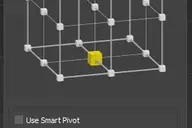
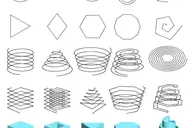
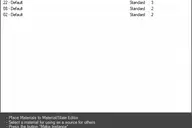
Script for quick set the Selection Filter.
Allows you to create custom filters
for Classes (for example-Box),
for Superclasses (for example-Geometry),
by objects Layers,
Modifiers, Materials, Vertex count or Instanced objects.


v. 0.22
Adds ability to set filter by layers of selected objects.
v. 0.23
Adds ability to set filter by classes of selected objects.
Comments (10)
Comment policy
Just discovered this one
in your TrackScripts bundle, and I love it !! thansk again for the nice scripting :)
That should definitely ship with 3dsmax !!
Is it possible to choose several filters at once, for example VRayProxy and VRayLight?
Filter objects by class
Select objects and then choose the "Class" from menu.
Now the selection filter is set to filter the objects from same class as selected objects.
Add Layer Filter?
Is it possible to add a filter for the Object's layer?
Layer filter
Excellent idea.
I adds this ability.
Давно подумывал о том, что неплохо было бы имеет подобный скрипт. Как оказалось он у меня был уже в течении 3-х месяцев, в сборке Track. Мне только не ясно, что блокирует Vertex Count.
Filter: Vertex count
Бывает ))
Vertex Count Filter allow to filtering objects for selection by number of vertex equal to count of vertex the current selected object.
Very very cool script !!!!
here http://3d-kstudio.com/?p=368 not dl link for this script :(
to Veneto: Set Selection filter included in TrackScripts.
Download and install TrackScripts.
---------
to Titan: Thanks :)
------------------------------
3d-kstudio.com
FilePathFinder-for search, relink, collect, sort and rename asset filles.