 By Evgeniy Poyan · 2026-05-13
Description:
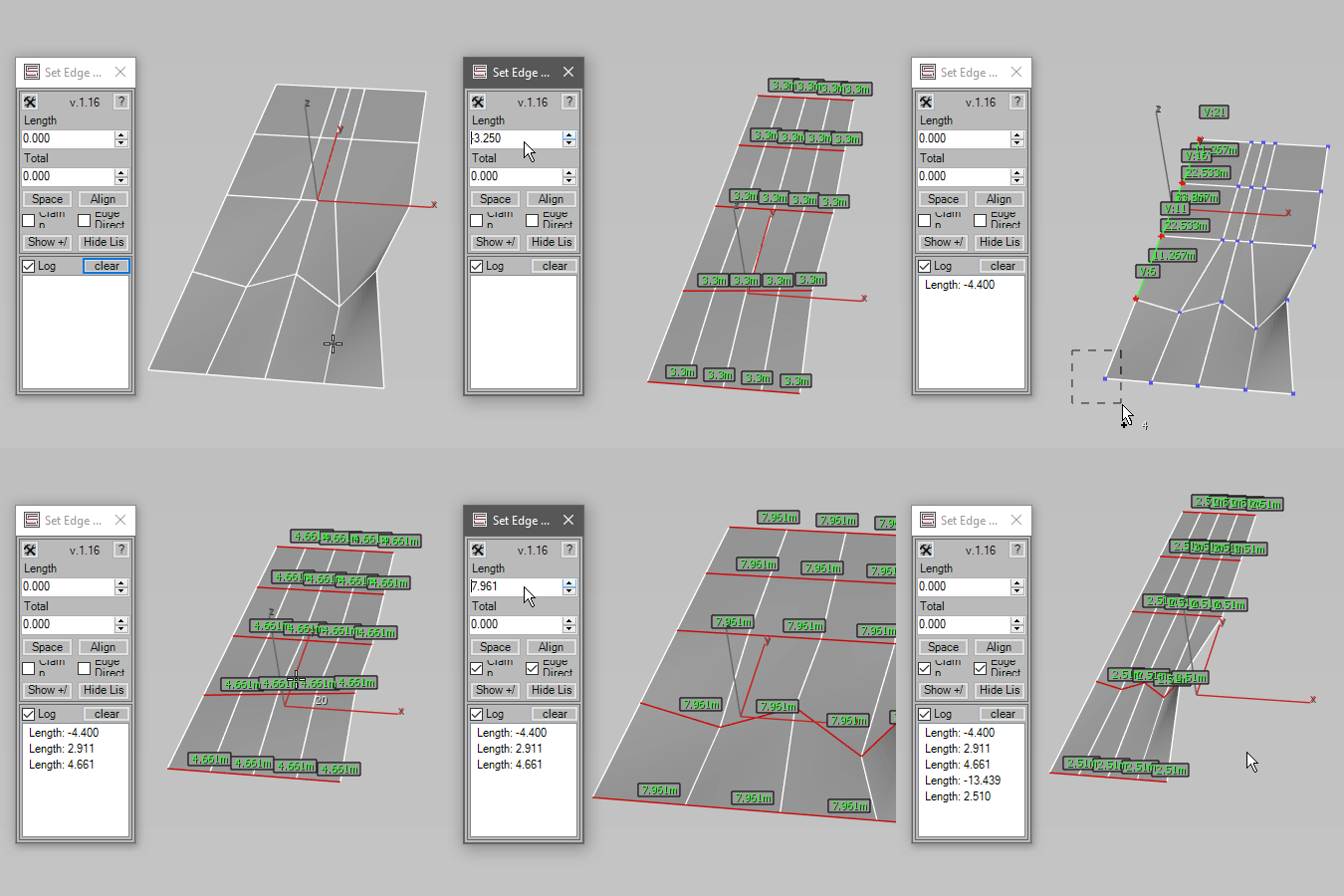
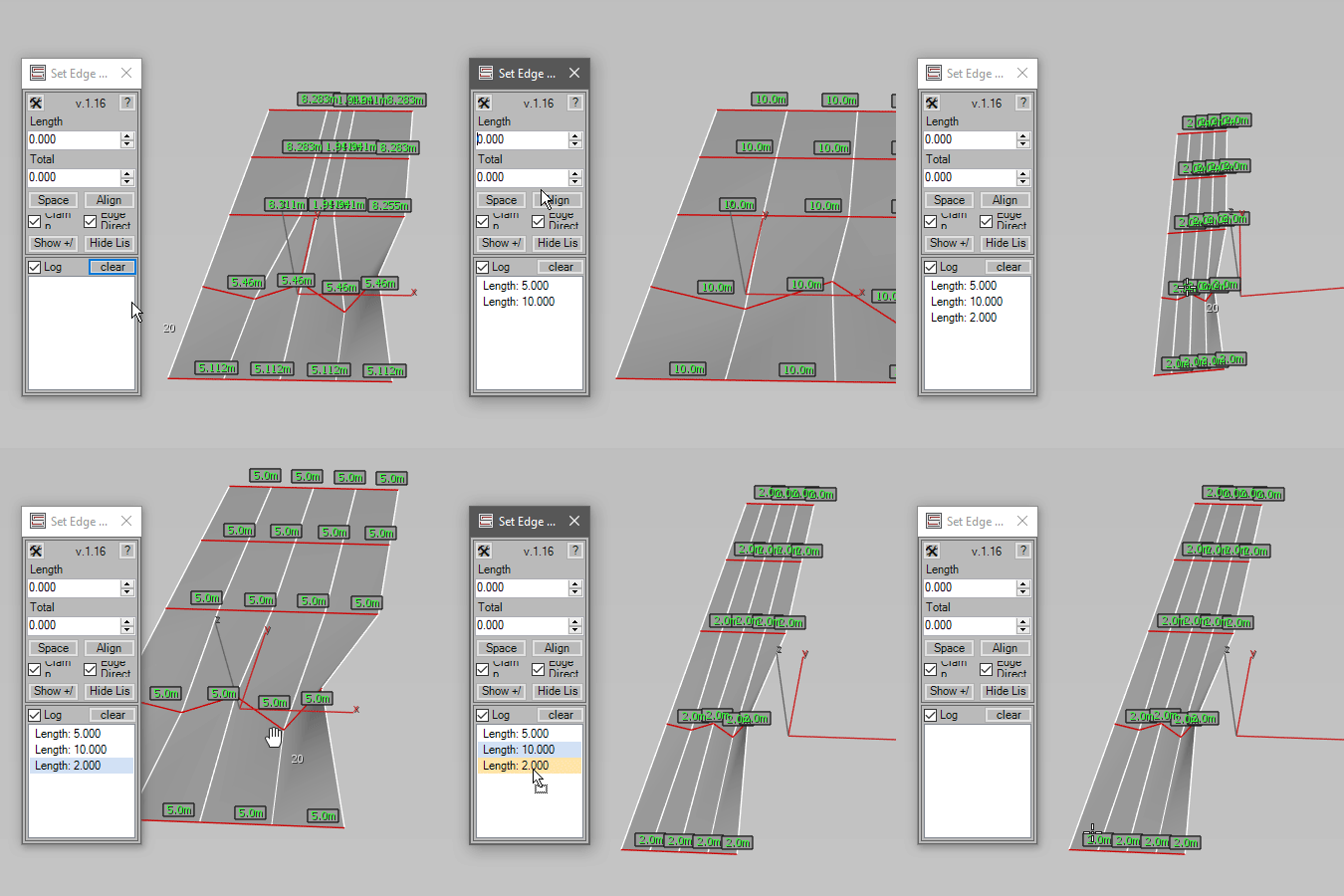
Set selected edge length, total chain length, round edge lengths, increment/decrement selected edge groups,
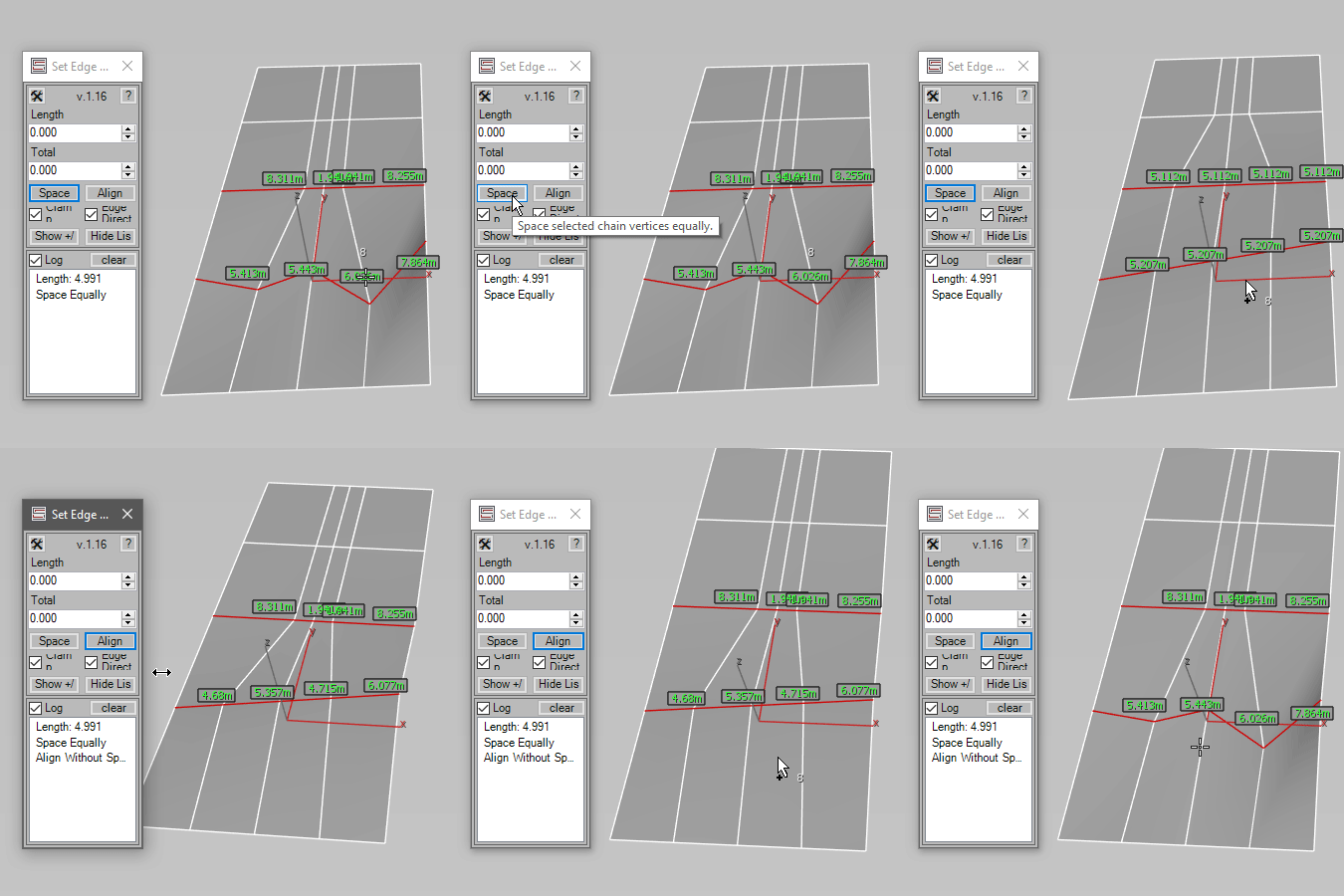
space selected chains equally, and align selected chains without spacing.
Usage:
1. Select an Editable Poly object or an object with an Edit Poly modifier.
2. Select edges, or select connected vertices in vertex mode for Space / Align.
3. Use Length, Total, +/- buttons, Round, Space, or Align.
4. Assign custom hotkey for the instant-drag macros to adjust Length or Total interactively.
5. Use the Log list to store and reapply values. Drag history items to reorder them.
6. Use Clamp to stop the moving vertex at the selected vertex. Disable Clamp to allow passing through.
7. Use Edge Direction to preserve each selected edge segment direction when using Length / Total.
You can type in "Set Edge Length - Length Drag" or "Set Edge Length - Total Drag" in the "global search" to control the spinners with a mouse. Settings are persistent across 3ds Max sessions.
Support: Native Edit Poly, Editable Poly
Requirements: Tested on 3ds Max 2025.3
Installation: Drag and drop the MZP file onto a viewport or use "Scripting -> Run Script".
License type: Proprietary - Single User License
Disclaimer: This script is provided "as is" without warranty of any kind.
Use at your own risk. The author assumes no liability for any
damages or losses that may result from using this script.
Unauthorized distribution or modification is strictly prohibited.
Full license terms are provided in the LICENSE.txt.
Contact e-mail: evgscripts@yahoo.com
Scriptspot: https://www.scriptspot.com/3ds-max/scripts?search=EvgeniyPoyan&date%…
Gumroad: https://evgscripts.gumroad.com/
YouTube: https://www.youtube.com/@evgscripts
Portfolio: https://evgeniy_poyan.artstation.com/
============================= You can use the download link to buy the script. =============================