ScriptSpot

Script

Render Node Monitor

By togery · 2016-06-28

Version
LITE
Date updated
2020-07-01
Votes
5
Download
Download
Description

Render Node Monitor could help you save time and frustration:

  • If you have a smaller inhouse render farm
  • You are rendering with Backburner™, V-ray™ or Corona™
  • If it is hard to see and manage which spawners are running on which nodes, and you are using remote desktop for it
  • If you need to restart your spawners/nodes frequently, because your nodes sometimes doesn't connect into the distributed render
  • If multiple users are using the same render nodes at the same time, and it is hard to see which node is used by whom

It visually summarizes the status of all your render nodes on a simple online dashboard, and you no longer have to wonder about:

  • Are the nodes turned on?
  • Are they rendering?
  • How much of their ram is used?
  • Which spawners are running on them?
  • Which node is used by whom
 

It also gives you control over the farm:

  • You can stop or (re)start the spawners simultaneously on all of your machines with just two clicks
  • You can also turn off your render nodes, or wake them up
  • Easy to install, it only takes one minute per render node


Advanced functions:

  • Multiple custom machine groups (eg: Nodes and workstations)
  • Show GPU usage
  • User permission management
  • Autodetect the most frequently used renderers (Vray, Corona, Backburner)
  • Online system - you can access itt anytime anywhere

If you have any questions feel free to contact me anytime:

  • Email: hello@rendernodemonitor.com
Attachments

Tags: Rendering, backburner, network rendering, v-ray, Corona, time saving, Distributed Rendering, render farm

Comments (8)

thanks for saving my time!!!

Moka_Mike · 2017-02-03

i like realy much the new features , saves me a lots of time with my work. Keep it up to good work. One of the best managing software i used so far. I recommend for multiple computer users.Works perfectly on phone too.

Cost?

Marksman · 2017-01-19

How much does this cost? I only see trial on site. thanks!

Remote desktop function!

togery · 2017-01-18

Hi everyone!

We have finished working on the one click remote desktop function. It does not need any configuration, just click and use in your browser, from anywhere!

Check it out: https://www.youtube.com/watch?v=LrFkM_yEAIk
Best
Gergely

themaxxer · 2016-12-24

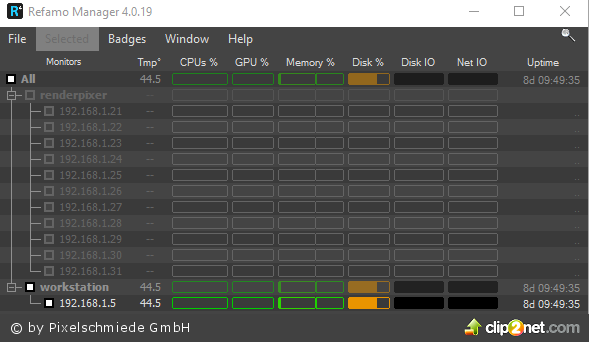
do you know refamo from ixor3d? http://c2n.me/3FPm5O9.png it has more features at the moment, but it's outdated and it's not working in all situations. but over all it's helpful.
at the moment RNM is no option for me, but if you add all the features in the future it will become interesting.
for me essential is the remote option and to run custom scripts over network.

best regards
themaxxer

RNM

togery · 2016-12-28

Dear Themaxxer!

Thank you for mentioning. I know it, and I think the same. its outdated and not too handy.
We are aiming to create a simplier, more stable and handy web app what will serve the visualisers much better than others.

Thank you again!
Best
Gergely

Superb

elamoxon · 2016-12-22

Thank you this will help.

script usage

PeterPajor · 2016-12-19

Before RNM we used remote desktop access to manage our nodes. It caused a lot of trouble, so we lost several working hours every month. With RNM it is much easier now and the tool also offers a simple solution to see which node is used, which node has problem etc. All in all the rendering process works smoothly now. I recommend this plugin to all who use salves for rendering.

script usage

togery · 2016-12-20

Thank You Peter!

I hope it will help you a lot!