 By groutcho · 2011-04-22
What's new in 1.1 :
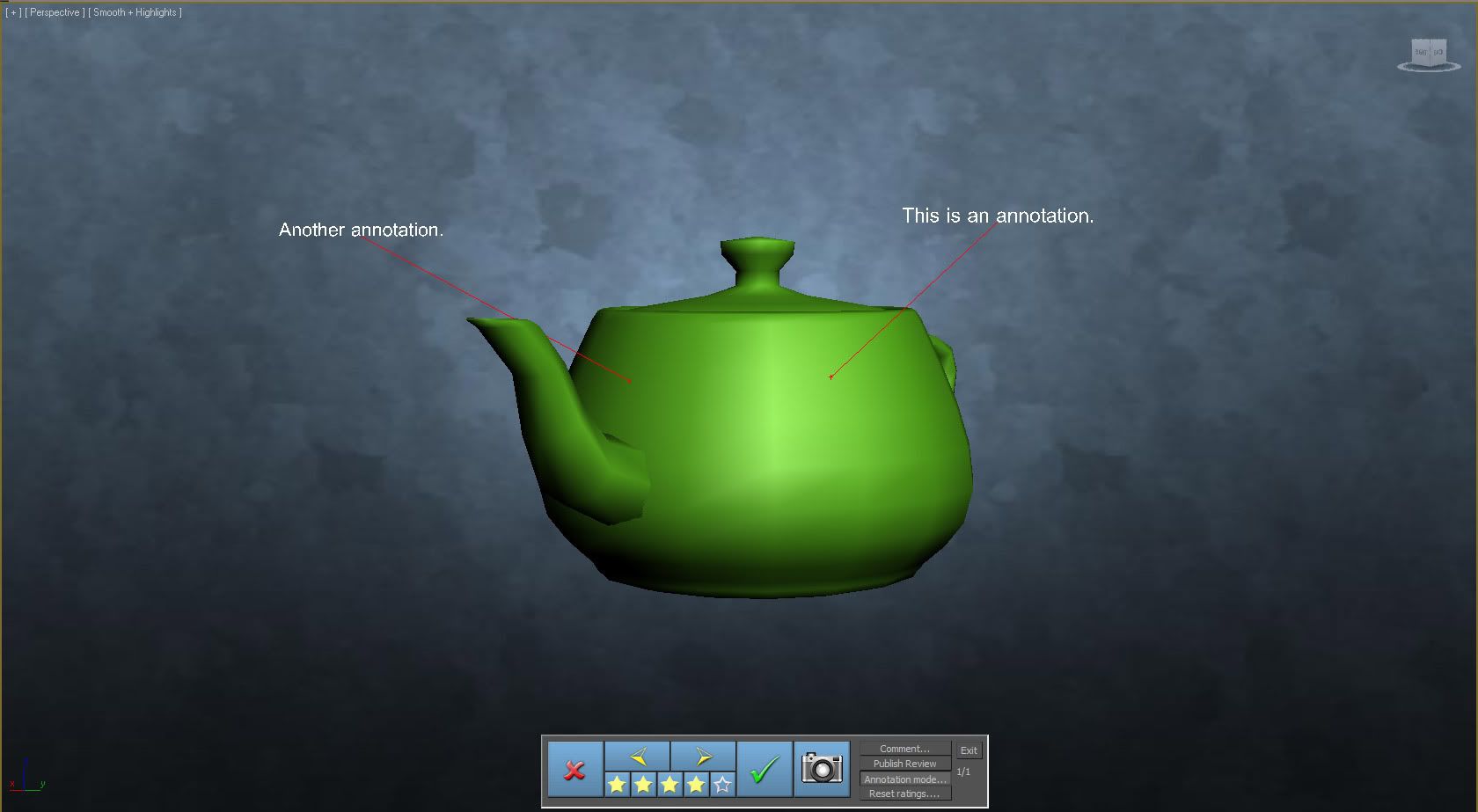
- Added annotation Mode : click on your object, add annotation !
- Snapshot mode : create multiple snapshots of an object (including annotations)
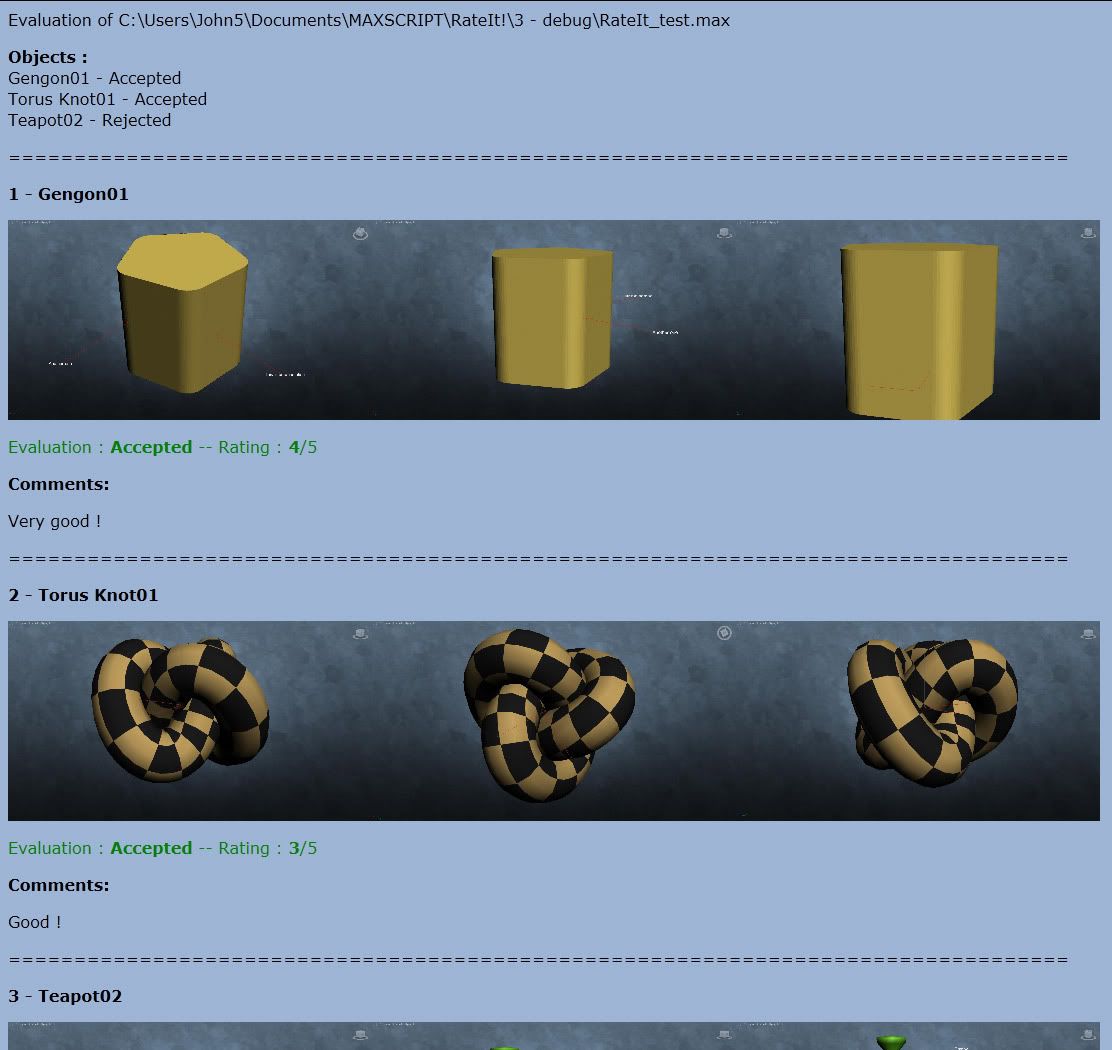
Rate It! allows to review objects of a scene in order to evaluate (validate or reject) and rate them. It features a light interface, a comment box to add comments to your objects, a snapshot function and the publication of a review HTML file.
Rate It! simplifies team work when reviewing and commenting your teammates work, allowing to easily share ideas and ratings.
Installation : run RateIt.mzp, then go to "Customize..." menu / Customize User Interface / Category : GroutchoCG / add it to a toolbar or keyboard shortcut.
Use :
1. Open a max scene.
2. Select the objects you want to review.
3. Rate It!
4. When finished, publish the review file.
suggestions or comments : groutcho.cg@free.fr
 Marius Silaghi · 2011-04-22