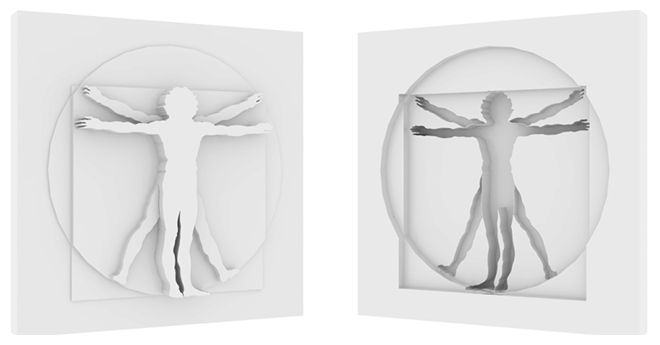
Projector is a tool for creating projections of shapes in geometry

Listing updated
Visit author’s download pagebayrontools.dx.am
No reports yet for the available releases.
Compatibility comes from the author’s supported range or requirements in the original listing. A tested version records what the author tried.
“2020 unconfirmed” in the catalog means support for 3ds Max 2020 is still unknown.
Community reports record successful tests on specific releases.
Projector is a tool for creating projections of shapes in geometry
Installation:
Copy the file “Projector.mse” to folder “C:\Program Files\Autodesk\3ds Max 20xx\scripts”. Restart 3ds max. You can find it in “Command Panel -> Create -> Geometry -> Category: Bayron Tools”.
Comments (10)
Comment policy
Thanks for letting me know about this amazing tool.
Admin:
http://projectoreviews.com/
Very useful. Many thanks!
And +1 for Barigazy suggestions
- randomize wirecolor on sliced geometry
- spline interpolation value
- quadrify sliced geometry
+1
Like it very much
thanks for sharing
Very nice
... but can't find the category u indicated in Geometry (max 2014). very sad.
try to restart max if the category "Bayron Tools” does not appear
just drop the file "projector.mse" into the viewport
it should work
Nice idea - simple to use and very effective for doing some simple and not so simple things what take way less time doing this way. Thanks !
One thing - it crashes max when doing undo but that's no big problem if one is aware of this, still it would be good if it cleaned undo history after it's operation just to be safe, and yeah, despite previous post it works with max 2016 or at least with 2016sp2.
Another thing, well more like suggestion really - Projector is one of the names this script could be called as it does that indeed, but imho it is a bit misleading or more specifically not showing it's full potential - something like Shape Slicer or maybe even Projection Slicer would tell people more of what it is capable of as it is an almost perfect tool to quickly slice even quite complex and unwrapped geometry in a very quick, logical and easy to do way )
Projection Slicer sounds very good, but unfortunately it is impossible to rename
I will fix problems with undo soon
Thank you for your small and modest review )
+1
Suggestions:
- randomize wirecolor on sliced geometry
- spline interpolation value
- quadrify sliced geometry
BTW ... nice work
thanks for the comment
if I have time I'll do it
nice tool
Do not work in 3dsmax 2015 or 2016.