 By Kstudio
After a long stretch of development, Project Manager 4 is officially out — the biggest release in the product's history, and now with full 3ds Max 2027 support.
The headline is AI Asset Classification.
Your library gets sorted automatically — by object type, material, and style — no manual tagging.
Project Manager 4 — What's New Since v3
Changelog · 3ds Max 2016–2027
AI-Powered Asset Classification
- Automatic categorisation of 3D models by object type, material, form, and style — no manual tagging required
- Runs entirely on your machine — no cloud, no subscription, your assets never leave your computer
- GPU-accelerated background processing at low priority — won't interfere with rendering or active work
- Reclassify specific folders or categories on demand — no need to reprocess the entire library
- Scale across a team: multiple workstations share the same database and classify in parallel
Colour Tools
- Find assets by colour — pick from a palette and instantly see matching models or textures
- Perceptual colour similarity search — finds visually related assets, not just exact hex matches
- Find Similar by Colour in the right-click menu for models and textures
Find Similar
- Find similar by content — AI matches 3D models by style, shape, and visual look
- Find similar by colour palette — matches assets to a reference image or mood board by dominant colour proportions
Smarter Search & Filtering
- Multi-keyword search: "Chair, Glass" finds a file named Chair.max described as "glass"
- Category filter correctly includes all subcategories — filtering Furniture also returns Furniture → Chairs → Dining
- Combine category and material filters: find glass-and-metal tables, or wooden ones, in one click
- Categorised / Uncategorised quick filters — see which assets still need attention
Gallery & 3D File Browsing
- Three gallery tabs for .max files: Models, Materials, and External Links
- Drag materials directly from the gallery into your open 3ds Max scene
- 3D viewport preview for FBX, 3DS, OBJ, and other formats — inspect geometry before importing
- Edit external links inline — fix or replace missing textures without opening the .max file
- Zoom & Pan for images — inspect textures at full resolution inside Project Manager
Migration & Compatibility
- v3 and v4 share the same database format — point v4 at your existing library and go; no rebuild required
- Run v3 and v4 side by side on the same team; supported from 3ds Max 2016 through 2027
Performance & Other Fixes
- Significantly improved overall performance — faster navigation, filtering, search, and file/folder operations
- Live sync in shared database mode — changes by colleagues appear automatically without reloading
More about new features ⇒ Project Manager version 4
Update History for all versions.
Models 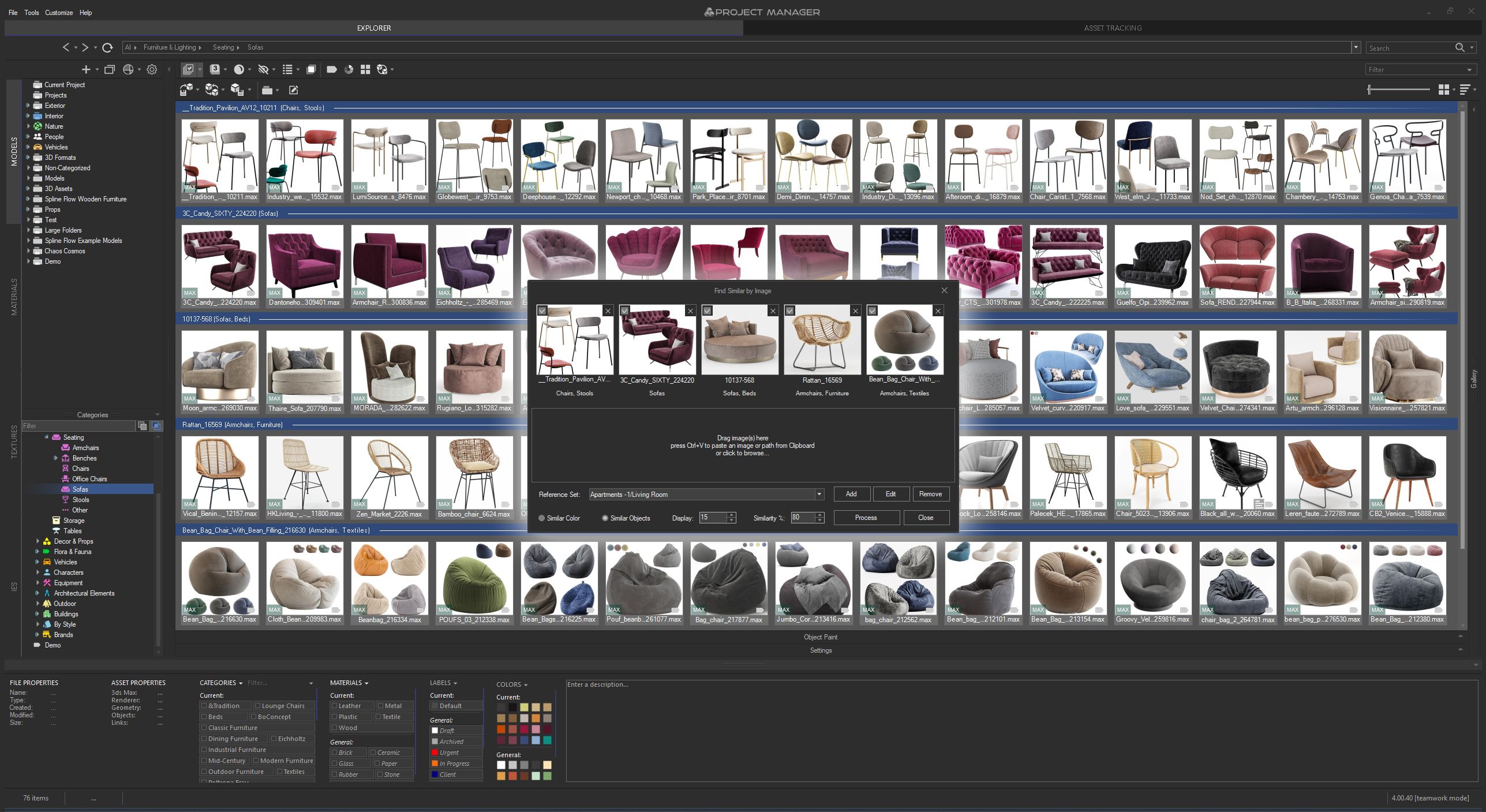 | Materials 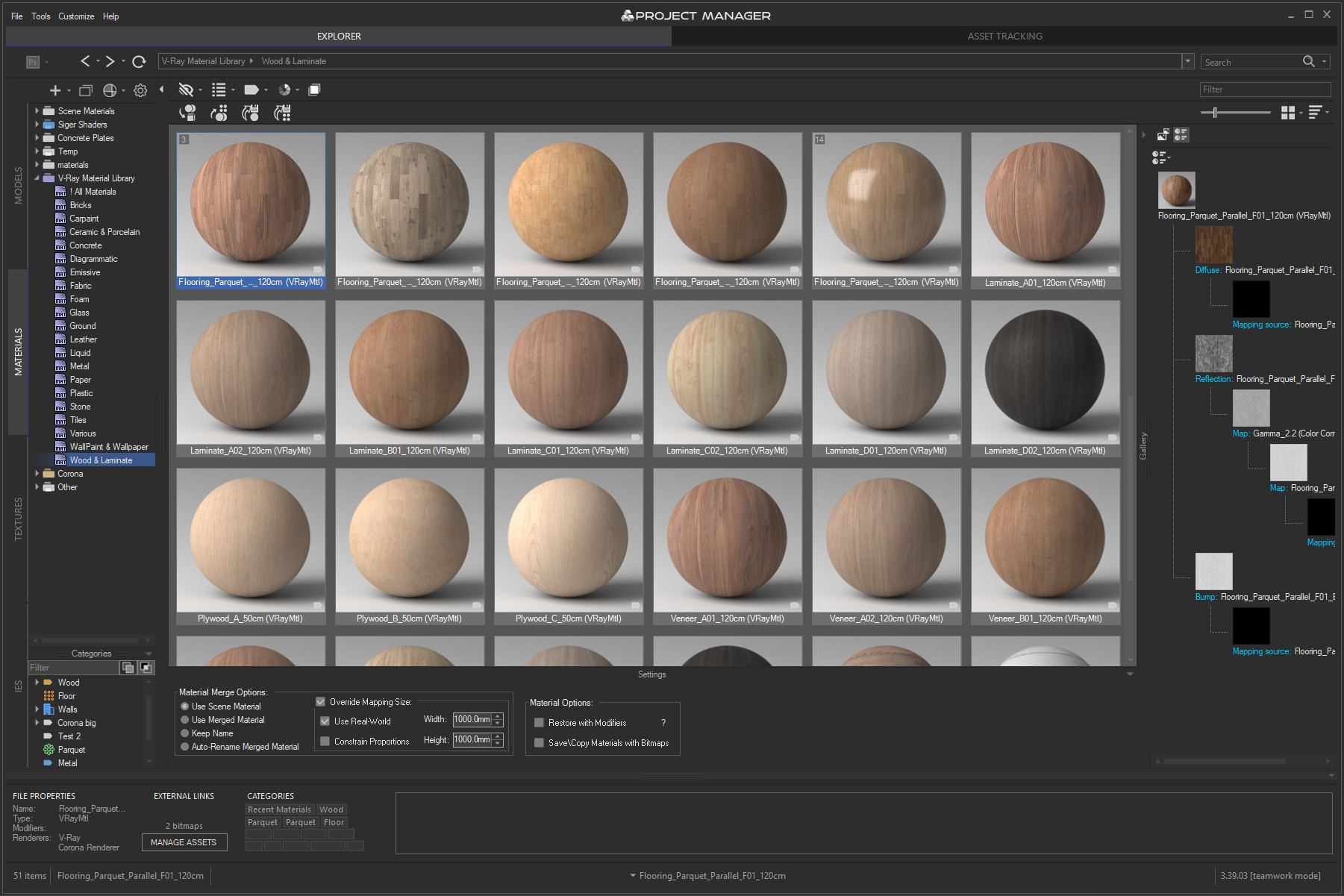 | |
Textures 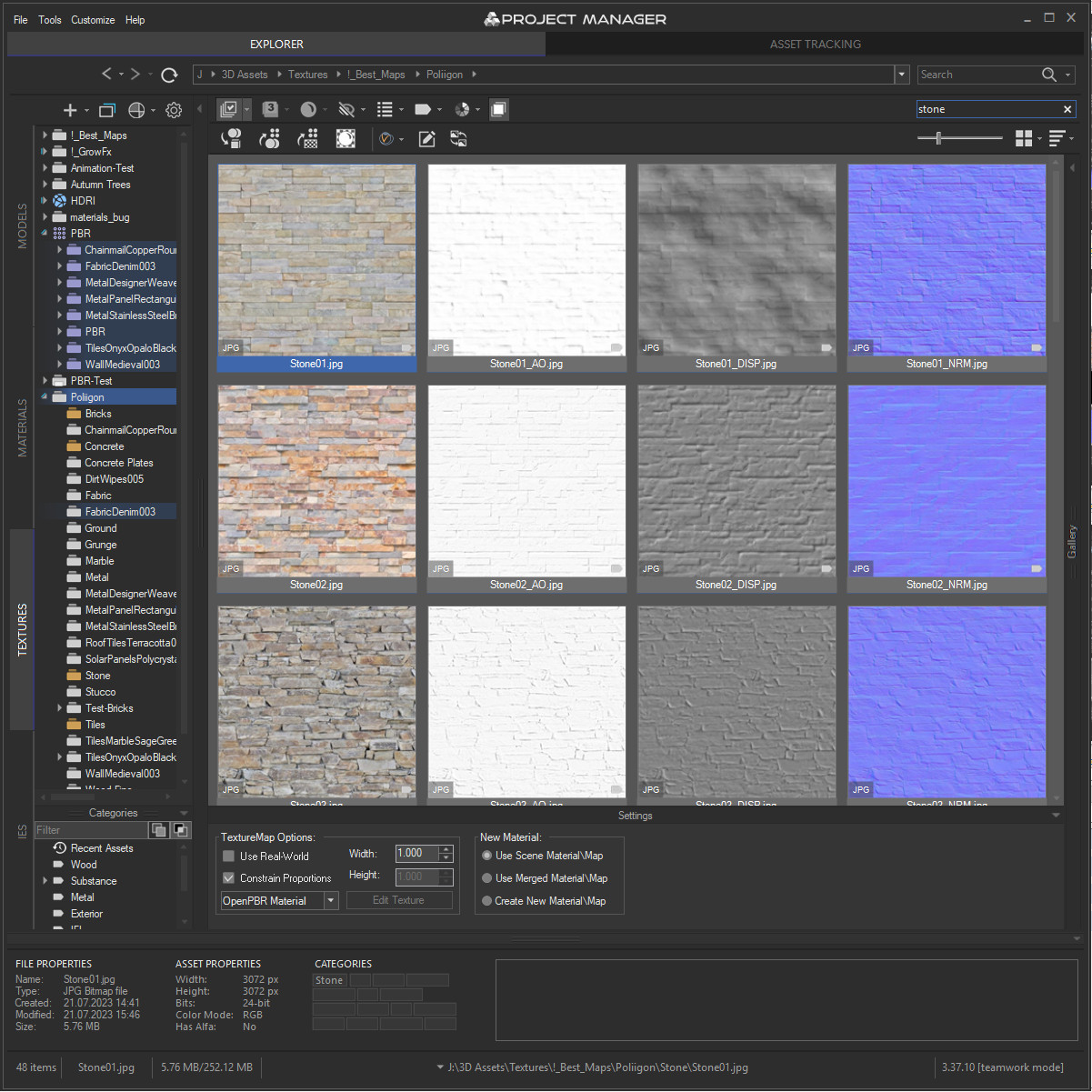 | IES 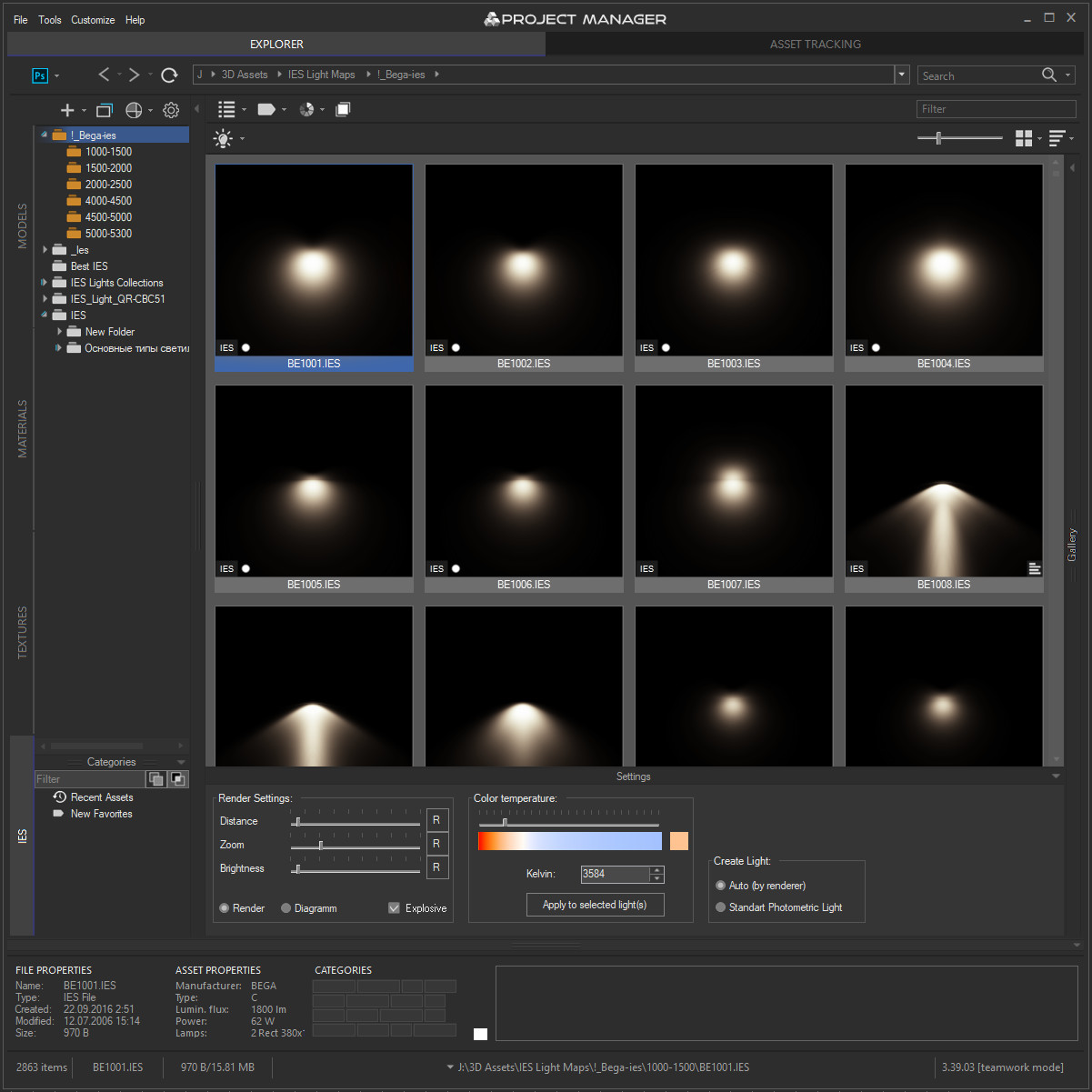 | Asset Files 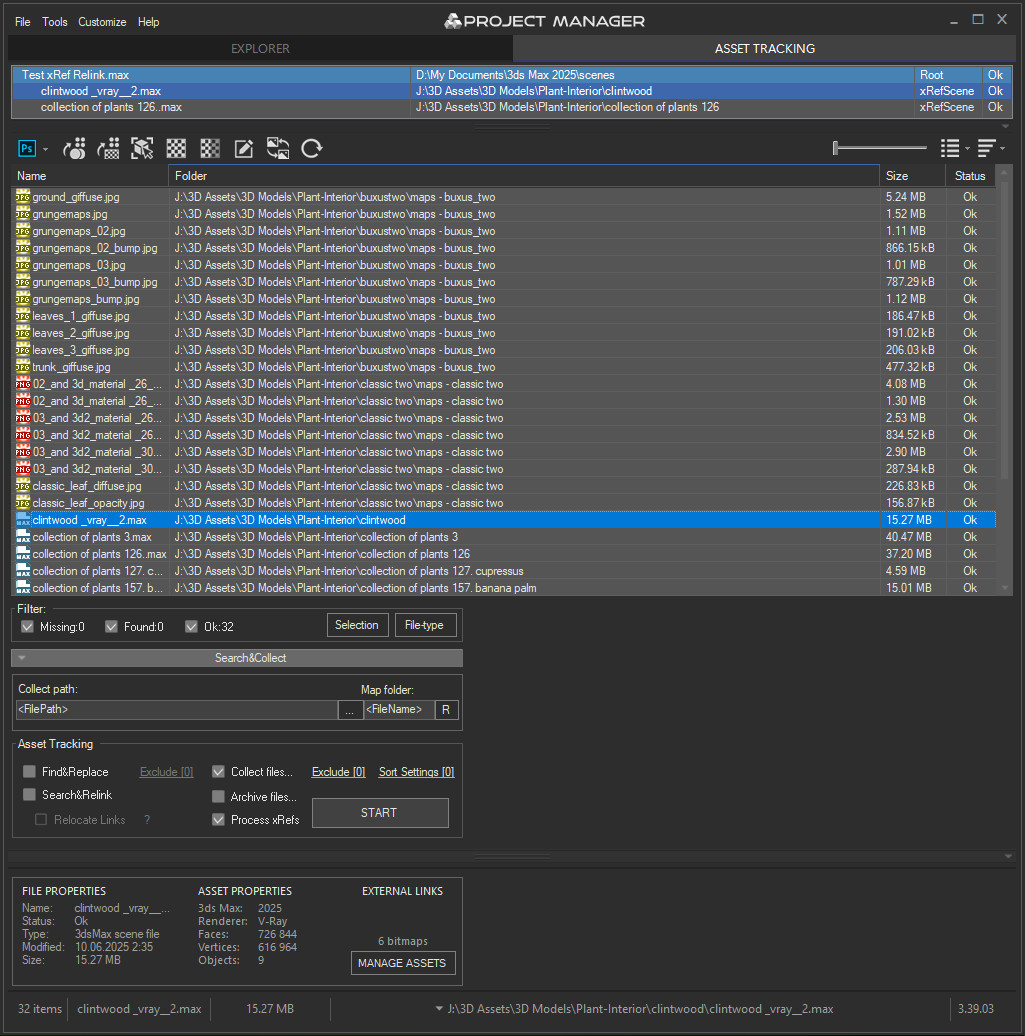 |
Quick Start Frequently Asked Questions
Main Features
- AI Asset Classification — automatically categorises 3D models by object type, material, form, and style. Runs entirely on your machine, no cloud or subscription required.
- Find similar by content — AI matches 3D models by style, shape, and visual look
- Find similar by colour palette — matches assets to a reference image or mood board by dominant colour proportions
- Search by external image — drop in any reference picture from outside your library (a render, a photo, a sketch) and instantly find the closest-matching models you already own. The image is analysed on the fly — nothing is added to your database
- Reference Sets — collect several reference images into a named set, tick the ones you want, and search against the whole mood board at once. Save sets and reuse them across sessions
- Colour Labels — tag assets with workflow statuses (Draft, Approved, In Review, Archived, Urgent) and filter by label. Ideal for team pipelines and asset QA.
- Easy to organise and browse 3ds Max Models, Materials, Textures, and IES Photometric Lights.
- Merge Models, Materials, Bitmaps, and IES using Drag & Drop.
- Three gallery tabs for .max files: Models, Materials, and External Links — drag materials directly into your open scene.
- Interactive rendering previews for Materials, IES Photometric, FBX, OBJ, 3DS, USD, BVH Motion Capture, and other 3D formats.
- Show native previews for 3ds Max files, ArchVision RPC, GrowFx, Revit, Substance, BIP Motion, SketchUp, HDRI, and more.
- Store and create Proxy objects with materials.
- Create PBR (Physically Based Rendering) materials and support for Substance textures.
- Smart search by tags, keywords, categories, colours, and labels — with OR / AND filtering modes and instant results.
- Asset Tracking Management — edit external links inline, fix missing textures without opening the source file.
- Team database support — multiple workstations share one library with live sync; AI classification runs in parallel across the team.
- Supports all major renderers: V-Ray, Corona, Octane, Arnold, Redshift, Maxwell, and more.
 todor · 2021-02-06
 lightcube · 2019-06-19
 vfga10 · 2018-01-09
 Turnim · 2020-01-22
 3dbybrunolopes · 2014-06-03
 W DIGITAL · 2012-09-30


 crystal3d · 2011-08-18


 moritzw · 2011-02-18


 Francisco Hermida · 2010-09-16


