PolyFX is a powerful tool that provides the ability to break an object into parts and animate them. It has many options for fine-tuning the animation and several additional tools. A great solution in the production of promotional videos, game development, etc.
Key Features:
Modifier with many settings
Animation by elements
Built-in curve editor
Three working modes: Key, Controller and Particle
Support for texture maps in Particle mode
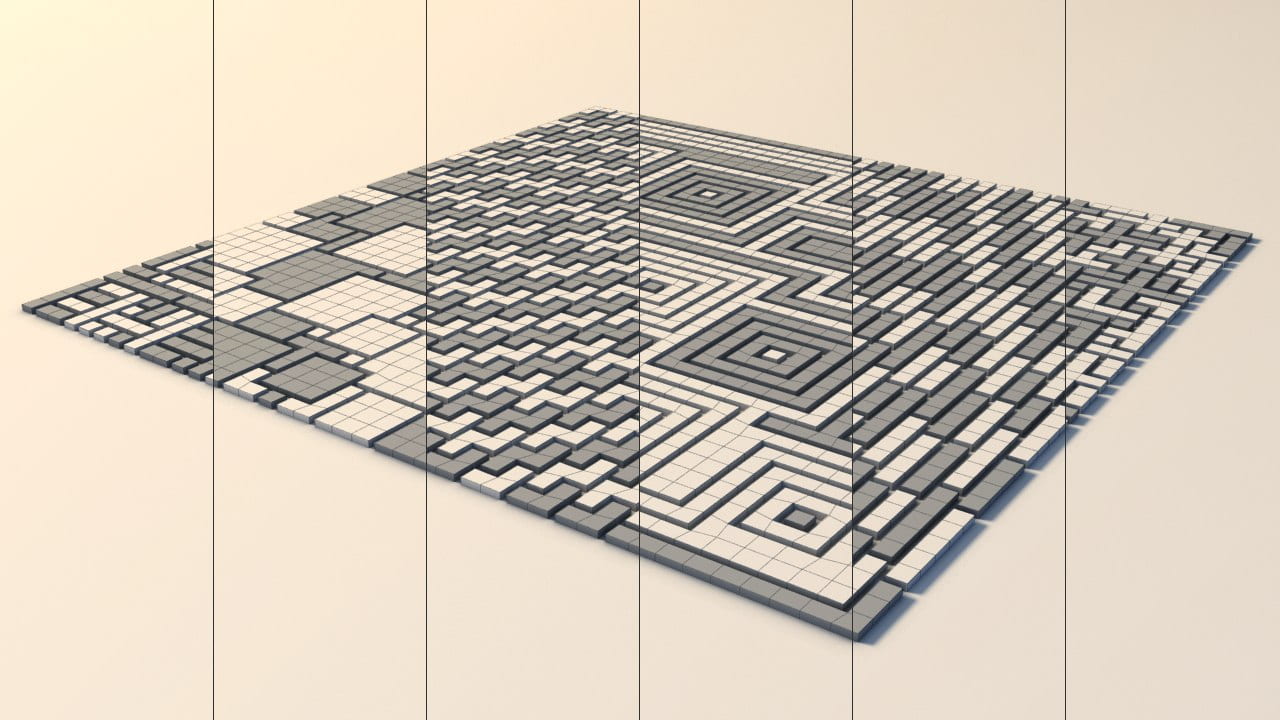
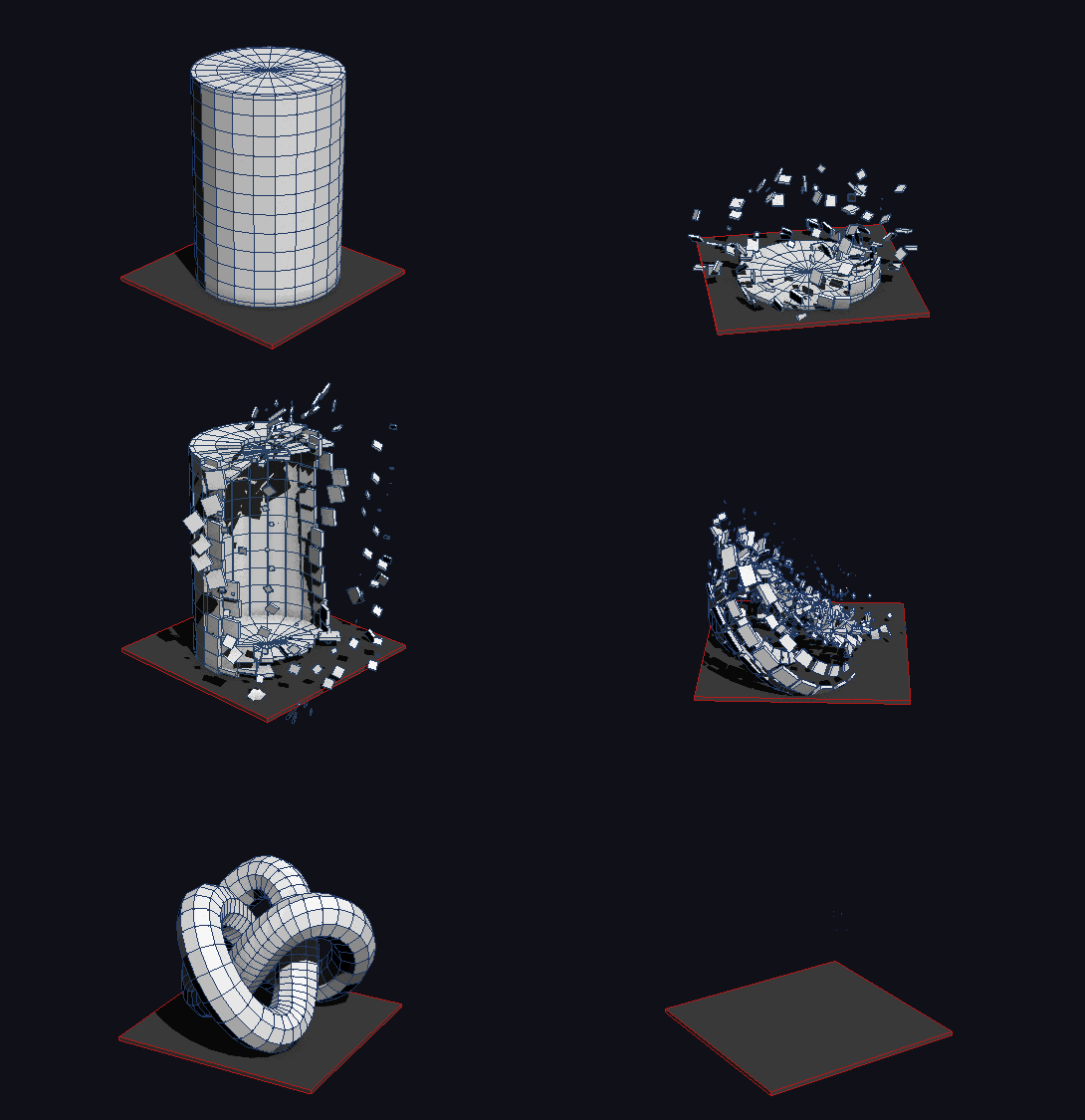
Built-in tools: Slice Fragmentation, Pattern Fragmentation and Quick Detach
Baking animations in modes Controller and Particle
Additional Info
The demo version has the following limitations:
You cannot animate elements.
You cannot set the color and material from the main PolyFX window.
The modifier does not save the settings with the scene file.
Changelog:
v3.07
Added a new powerful modifier for 3ds Max 2016 and higher.
Changed the default state of the scale curve.
Slice tool has been redesigned and is now much faster.
Fixed unstable behavior when undoing action in the Quick Detach tool.
Fixed crash in the Controller and Particle modes when the window is closed in 3ds Max 2020 and higher.
v3.02
Fixed bug with unstable work of curve editor.
Fixed bug with controls "P. Type" and "Quantity" in mode "Particle" in 3ds max 2017.
v3.0
Added mode "Particle".
Added "Transform by Map" in "Particle" mode.
Added tool "Pattern Frag.".
Added tool "Quick Detach".
Improved tool "Slice Frag.".
Improved work with layers (Layers work only in "Key" mode).
Saving all settings script to a file.
Fixed many bugs.
v2.6
Added mode "Controller".
Added tool "Slice Fragmentation".
Support for layers.
Added tool "Collapse Controller" for "Controller" mode.
Utility for cleaning garbage collection.
Increased speed.
v2.51
Fix Bug (Speed and StartFrame).
v2.5
Added ability to set the name of the object / group.
Added ability to set color and material objects.
Added curve editor.
Added modifier Normal.
Increased speed of many parameters.
v2.1
Added the ability to work with the elements.
Added checkbox "Auto Time Range".
Added three spinners: "Position X, Y and Z".
Added spinner "Max. Scale".
Modified to work with helpers.
v2.0
Added ability to work with objects of class Helpers.
Added the following spinners: "Min. Scale", "Random Rot.", "Random Pos.", “Normal Pos.", "Seeds" and three spinners to adjust the angle of rotation.
Smoothness renamed to Falloff.
Now checkboxes "Anim. Visibility", "Reverse", "Invert" and most spinners instantly show a change in the viewport.
Not need to run "install.ms" through "Run Script".
To install, drag the "mzp" file in the viewport.
Before installing, make sure that 3ds max is running as administrator.
_______
At the moment, I made a help file only in Russian.
But in the nearest future I try to write a help in English.
Max 2014 problem
Fforsaken_kingdom · 2014-05-27
Thanks a lot, but I have another problem. I am following the steps for this tutorial, (http://www.youtube.com/watch?v=B5zTOxvMO_A) and my buttons are of different color. When I select my object in Poly / Elements type, auto time range, create animation, my object disappears from the scene. Thanks for the quick answer. (Im on Administrator)
Same thing, here. I simply cannot get it to work. Just purchased the script a few days ago and can't get a thing out of it. Not in Max 2014 or 2016. Even on a simple plane, sphere, teapot...doesn't matter. When I push CREATE ANIMATION > scrub the timeline, all the fragments that were created are non-visible in the viewport.
EDIT: After sending a message to the author of the script and getting a response, there seems to be a step not shown in any of the videos, and that is the need to scale the polygons in the graph editor at the bottom of the panel.
I think there is a bug, though, as you cannot edit the scale...even though it is shown as the default curve. You HAVE TO SELECT IT FROM THE MENU, REGARDLESS. Once you do, then you can edit the curve. I demonstrate that, in this brief video.
Added a help file (.chm) on russian.
In the near time will try to make an English version.
________________________________
Available on homepage -> PolyFX.
Can't Install
Fforsaken_kingdom · 2014-05-23
When I try to install the script, this error "Error Type: set bitmap requires BitMap, got:. Undefined" Any instruction or tutorial in English please?
Fixed a bug in the installer with install icons in 2014.
My fragments disappeared
AAriel NM · 2014-04-15
I installed the 3.0-demo version. Once I clicked on the "Create Animation" button, the object's fragments disappeared forever! All the PolyFx parameters are set as default except for "Auto Time Range (it's checked). So, what's wrong with me?
@Ariel NM
BodyulCG · 2014-04-16
Set the curve "Scale" as shown in the picture, and press Update. http://s004.radikal.ru/i205/1404/8a/cd0d47fcca99.png
___
Curves works as a multiplier.
And if the curve equal to zero, changing the parameters in the group "transform" no change will occur.
Yeap!
AAriel NM · 2014-04-16
Yeap: Everything pointed out that I never learned the by-zero multiplication table :)))
Thank you, Wlady for your advice and for your GREAT maxscript!
Add video
BodyulCG · 2014-04-03
PolyFX | Slice Frag. and Pattern Frag.
Fixed bug speed
Hhaph81 · 2014-02-11
Pls fixed bug speed of version 2.6; max speed only 5.
I creat animation is OK but when check in Invert button and link all of polyFX with dummy, it is not reshape like original shape.
Thank you!
!
Nik · 2014-02-08
-- Красиво
Replay
BodyulCG · 2014-02-08
Submitted by Nik on Sat, 2014-02-08 11:46.
_____
Спасибо)
Thanks!
Mmpowers10000 · 2014-02-05
Great script. Does the full/paid version have the ability to store presents or save setting used in the file?
Thnx again for putting this up.
Replay
BodyulCG · 2014-02-08
Submitted by mpowers10000 on Wed, 2014-02-05 21:42.
No.
Really nice script.Would be
GGil- · 2014-02-04
Really nice script.
Would be great to have more control over how long the animation should last.
Now you can just change the speed but maybe to give a visual approximation of how much frame it will take would be a plus.
Maybe to be able to control how long the animation should last without slowing / fasting the movement animation. So just to be able to place more faces at one given time.
Spinner "Speed" works in
BodyulCG · 2014-02-05
Submitted by Gil- on Tue, 2014-02-04 12:04.
--------------------------------------
Spinner "Speed" works in real-time.
animated deforming objects?
Strob · 2014-02-03
Does this script work on animated deforming objects? Like a rigged character in action for example.
No.
BodyulCG · 2014-02-05
Submitted by Strob on Tue, 2014-02-04 00:43.
animated deforming objects?
Does this script work on animated deforming objects? Like a rigged character in action for example.
----------------------------------
No
I cant install PolyFX 2.6 Lite
FFonte Boa · 2014-02-03
Hi, Wladislaw.
I've downloaded PolyFX 2.6 Lite, dragged the file into 3dsMax 2013 (Windows XP, 32 bits) and got the following MaxScript FileIn Exception error message:
-- Compile error: Undeclared variable: b
-- In line: bitmap bmp1 "Bitmap" pos:[4,4] width:400 height:200 bitmap:b
Why cant i install it?!
BodyulCG · 2014-02-03
Fixed
Ffajar · 2013-12-08
May be you can learn make the UI much more compact , than the current one ? I can rearrange the UI n make it compact without lose information , but since it is mse I cant do nothing about it.
br0t · 2013-12-04
just by looking at it, that UI would never fit in my 22 inch screen. You should think about rearranging it or splitting it up into multiple rollouts so they can be minimized
edit: ah i see it is a float already. then its just a lot of scrolling :D
It looks really great, hope you'll make it available soon!
Keep up the great work dude.
Ddsp_418 · 2013-11-29
Great script!
miauu · 2013-11-28
Why the info is in russian?
I can understand it, but there are lot of peoples that can't.
:)
BodyulCG · 2013-11-28
Because I'm from Ukraine) And I do not know much English.
Corrected description)
.
miauu · 2013-11-29
I am from Bulgaria and my english is very bad, but it is better to have something, than nothing. :)
thanks
Nnerozak · 2013-11-28
thank you so much great
WOW
Sen · 2013-11-28
Thank for this new version .
Thank
Sen · 2013-11-27
Can you make scale value = 0.01 or 0.001 , not 0 ?
Easy to use , a great script .
Scale
BodyulCG · 2013-11-27
Ok, I will try to add such parameter.
SSerg · 2013-11-26
Vladislav Thanks for the good work. wonderful script
excelent work
ionica · 2013-11-26
in your video the polys go from outside to inside. in my 2013 MAx they go from pivot point. it's nice you can take the pivot point and start the animation from a specific point if you want but for some reason i can't recreate the coming from outside look you have in your video.
if you add position and rotation to equation you got yourself a commercially viable plugin :) thanks, and keep up the good work.
Brilliant
Llucpet59 · 2013-11-26
Thanks this is fantastic, just a shame you felt it needed encrypting. I always look forward to learning from great scripts like this.
polyfx
Wwillbddavis · 2013-11-25
this is incredible thanks so much for your hardwork!
 By BodyulCG · 2013-11-23


 Sen · 2015-02-09
 dnashj33 · 2015-05-23
 Nik · 2014-02-08
 Strob · 2014-02-03
 br0t · 2013-12-04
 miauu · 2013-11-28
 ionica · 2013-11-26


