
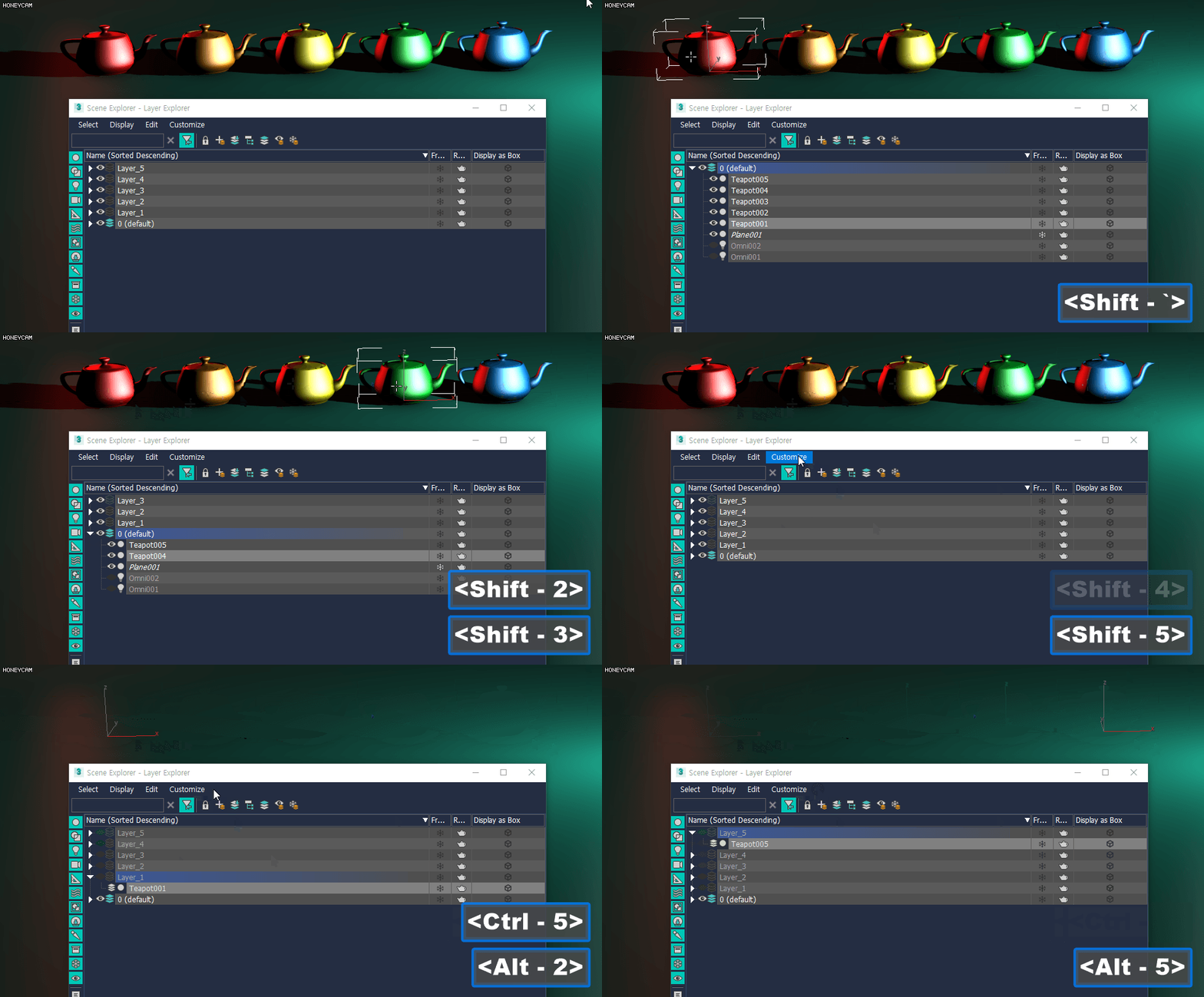
P_Layers is a script for easily registering, selecting, and hiding layers
How to install
- Drag and Drop Script to 3ds Max Viewport
All functions are registered as macro scripts
(Customize User Interface - Category - P_Scripts)
Features include: (recommended shortcuts)
Append Layer (Shift 1~8)
- Append the selected object to the layer of that number
If the layer does not exist, it is created. The name of the layer is defined as 'Layer_1~8'
Select Layer (Alt 1~8)
- Select all objects in the layer
Hide Layer (Ctrl 1~8)
- Hide / UnHide the layer
You can also access [0 (default)] (the default layer)
The recommended shortcut is `
empty layers are automatically deleted.
These shortcuts may already have other feature
Be careful when assigning shortcuts because This script requires many shortcuts
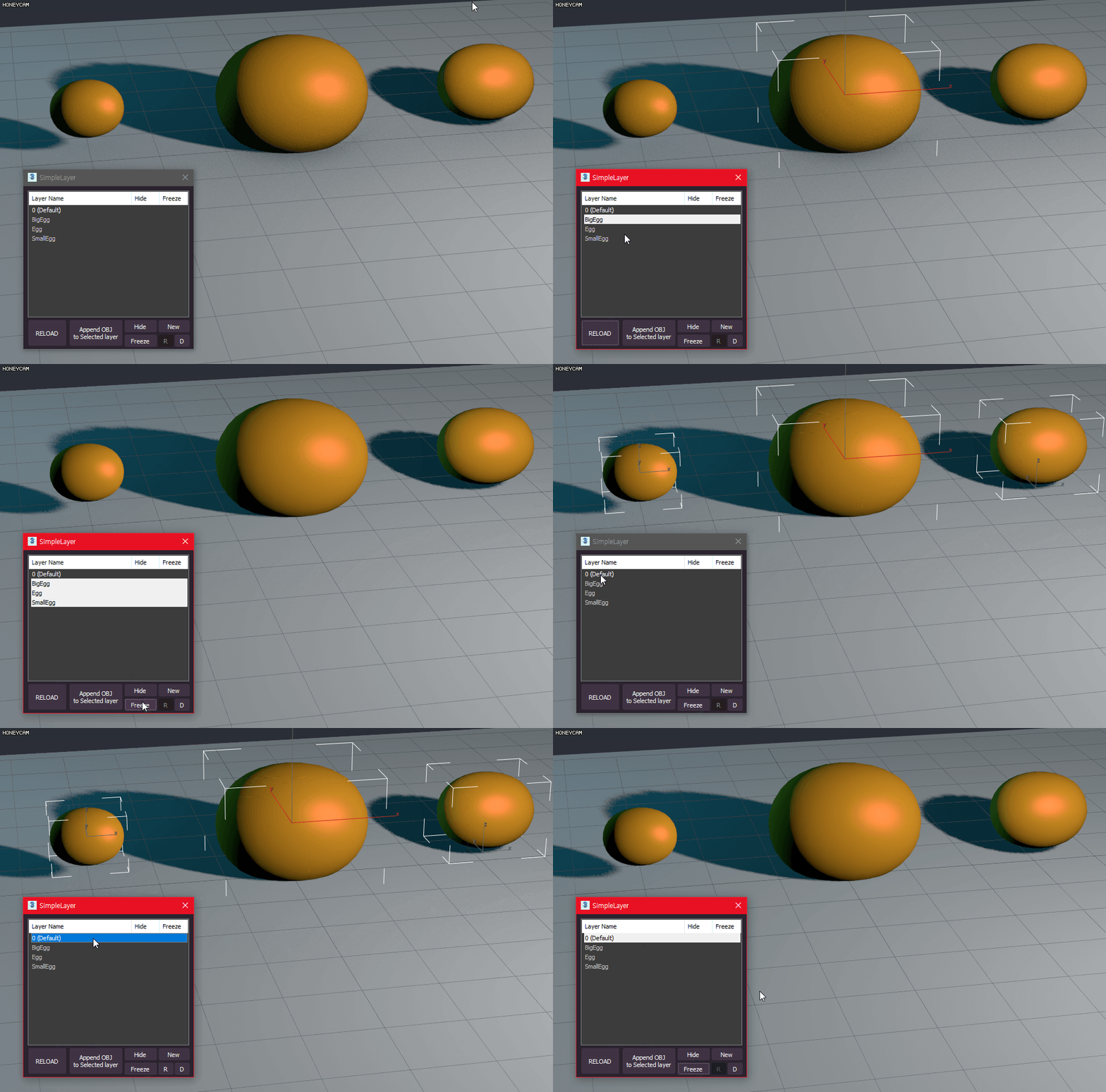
SimpleLayer
- This is a simple version of Layer Explorer. Very simple and fast.
This script is free. (Includes all features)
If you have any questions, ask me.
https://discord.gg/MUGhNgu
aksmfakt132@gmail.com
Welcome comments and feedback
-update-
v1.0 Release
v1.1 add SimpleLayer
Comments (0)
Comment policy