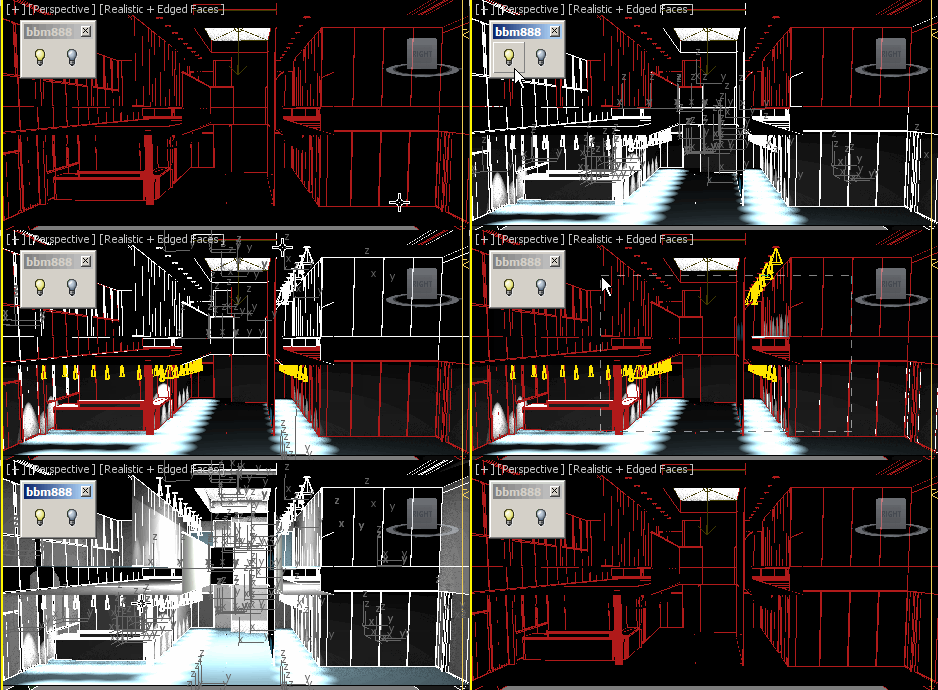
Hi, this script turns lights in selection ON or OFF.
You can make a quick selection regardless of object classes.
Enjoy :)
Script
 By bobmorane888 · Credited author: Bobmorane888 · 2014-11-21
Tags: Lights, mental ray, VRay, quick, free, direct, standard, turn off, Corona, turn on, spots
Hi, this script turns lights in selection ON or OFF.
You can make a quick selection regardless of object classes.
Use :
- select a portion of your scene where you want to change the lights state
- click the button (LightsOn or LightsOff)
Install :
- drag and drop the 2 files (one by one) in the viewport, scripts will then appear under the #script category.
- Put them to in a toolbar, quad menu or assign a shortcut to it.
Supports many lights omnis, spots, direct lights, Daylight Systems, skylights, photometric lights, MR lights, Vray lights, Corona lights, maybe more...
Compatible at least with Max 2012 to 2015.
fajar · 2014-11-22
Dont you know theres light on and off default right click in 3ds max when you select a light ?
Only for one light selected yes
bobmorane888 · 2014-11-24
But this is not very convenient when you have many different lights :)
For example, script can be useful if you have several views to render in one scene with different configurations for each.