 By Royal Ghost · 2024-01-06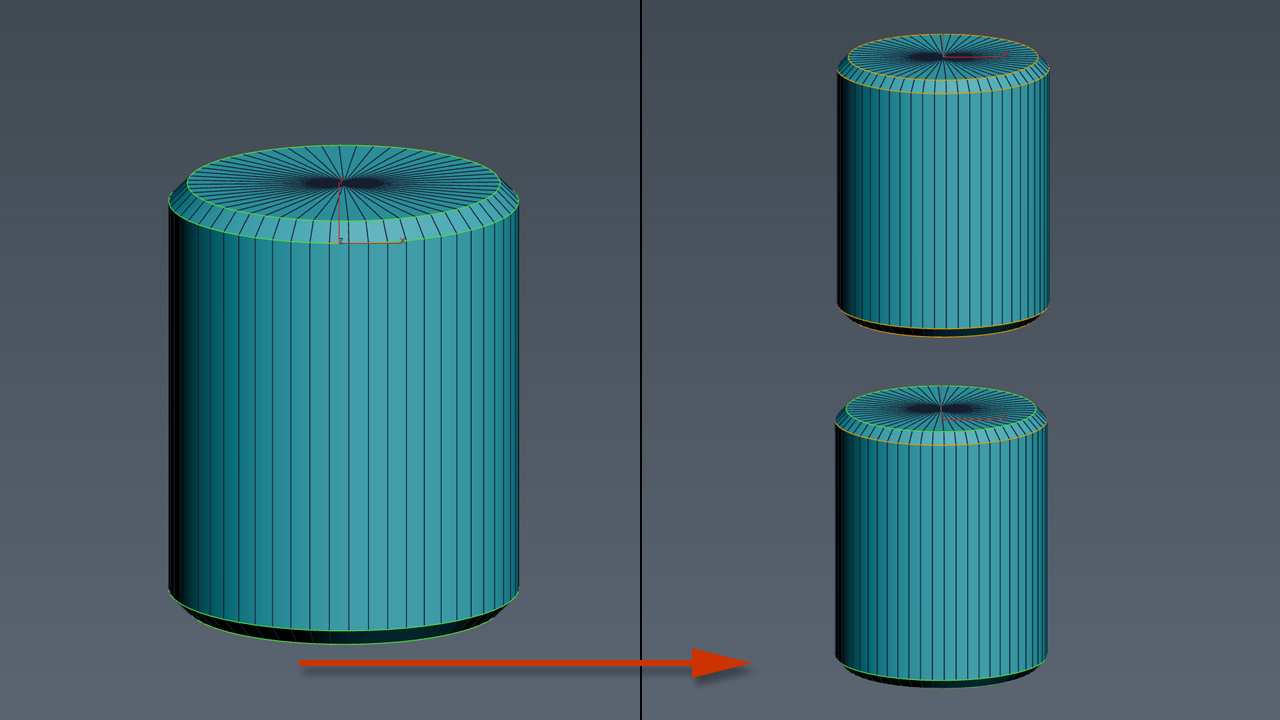
Hard Edges Selection maxscript pack is couple of maxscript which allows select Hard Edges in Editable Poly object or in Edit Poly modifier in 3ds Max. This allows us to significantly speed up the work of modeling objects.
Script pack contains scripts:
- Hard Edges Selection - allows select all hard edges.
- Hard Edges Selection (Expand) - allows expand hard edge selection to surrounding hard edges. To use, select some hard edges first then run script.
- Hard Edges Selection (Element) - Allows select hard edges on chosen elements. To use, select some edges on element first then run script.
- Hard Edges Display – Allows display hard edges on single or multiple objects. To use, select some objects (Editable Poly or with Edit Poly modifier) and run script.