
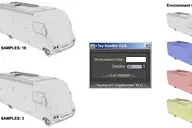
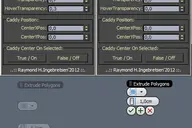
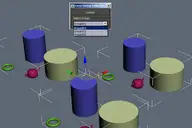


Easy RenderSwitcher
Downloads
Version 1.0Listed version
Listing updated
Other files
- renderswitcher.jpg93 KB
- 3ds Max compatibility
- See original listing claims
Community compatibilityNo compatibility reports yet
No reports yet for the available releases.
Community reviewsNo reviews yet.
Listing details
- Version
- 1.0
- From original requirements
- 2009, 2010, 2011
- Original version requirement
- 2009, 2010, 2011
- Author’s update date
- Legacy votes
- 16
- Listing created
- Homepage
- http://www.homme3d.com/
How compatibility works
Compatibility comes from the author’s supported range or requirements in the original listing. A tested version records what the author tried.
“2020 unconfirmed” in the catalog means support for 3ds Max 2020 is still unknown.
Community reports record successful tests on specific releases.

Description
Setup & notes
Comments (3)
Comment policy
cool script but its not working for me on max 2014
Thanks,
I do not have time to check it yet, but will check it when I have installed 3ds Max 2014 at work (when I finish my holiday) ;)
Feel free to modify it and get it working if you want/have the time.
Attached the *.ms file (I have cleaned up the code a little)