ScriptSpot

Script

AutoFloor UVs

By Visuali Studio · 2020-11-15

Version
1.0
Date updated
2020-11-15
Download
Download
Description


AutoFloor UVs it's the perfect tool when you're dealing with a single seamless Texture and you need to map a Floor-Generator object.

Description:

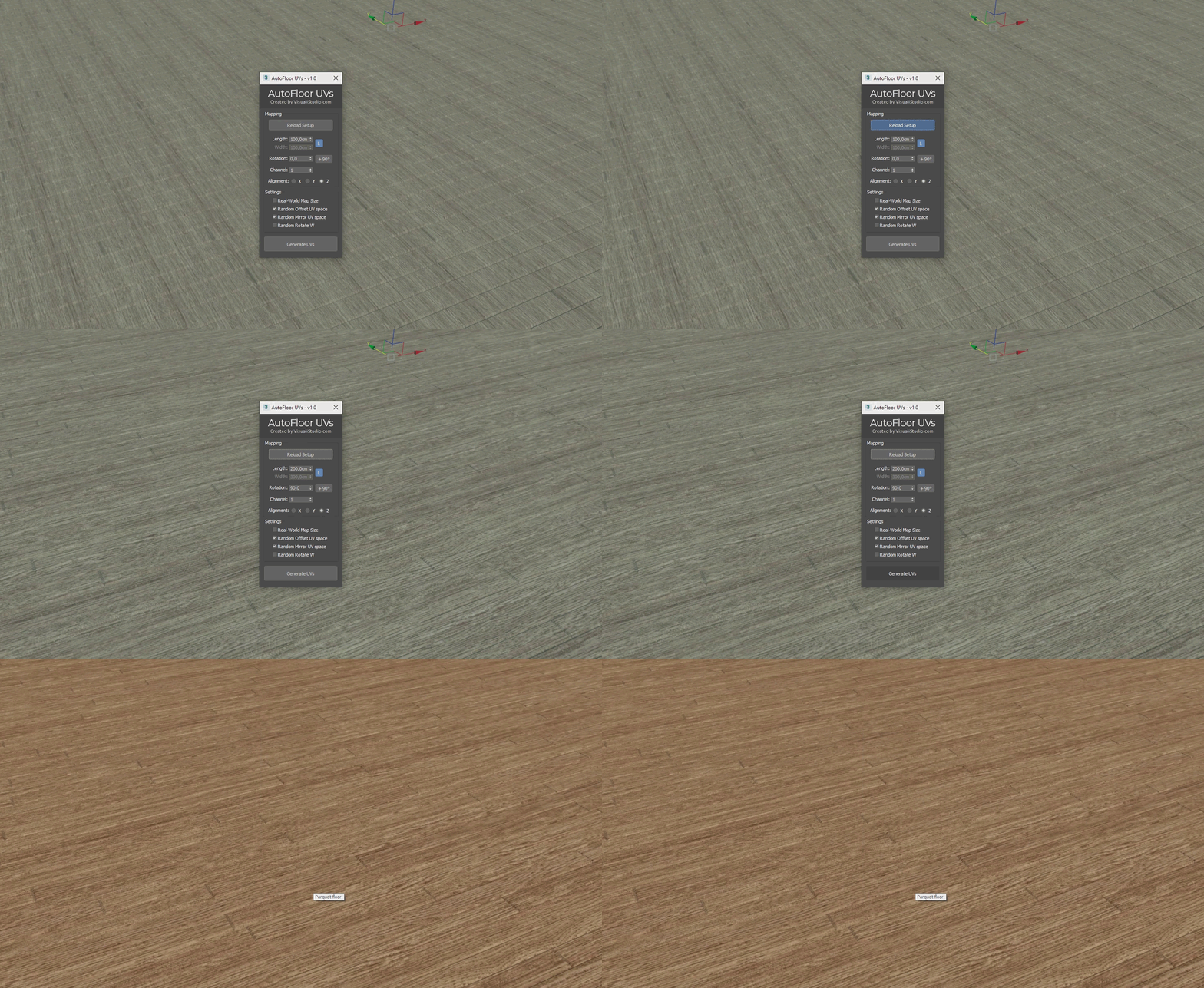
It's a 3ds Max script created to easily map surfaces made up of juxtaposed elements, such as a big hall full of tiles or parquet.
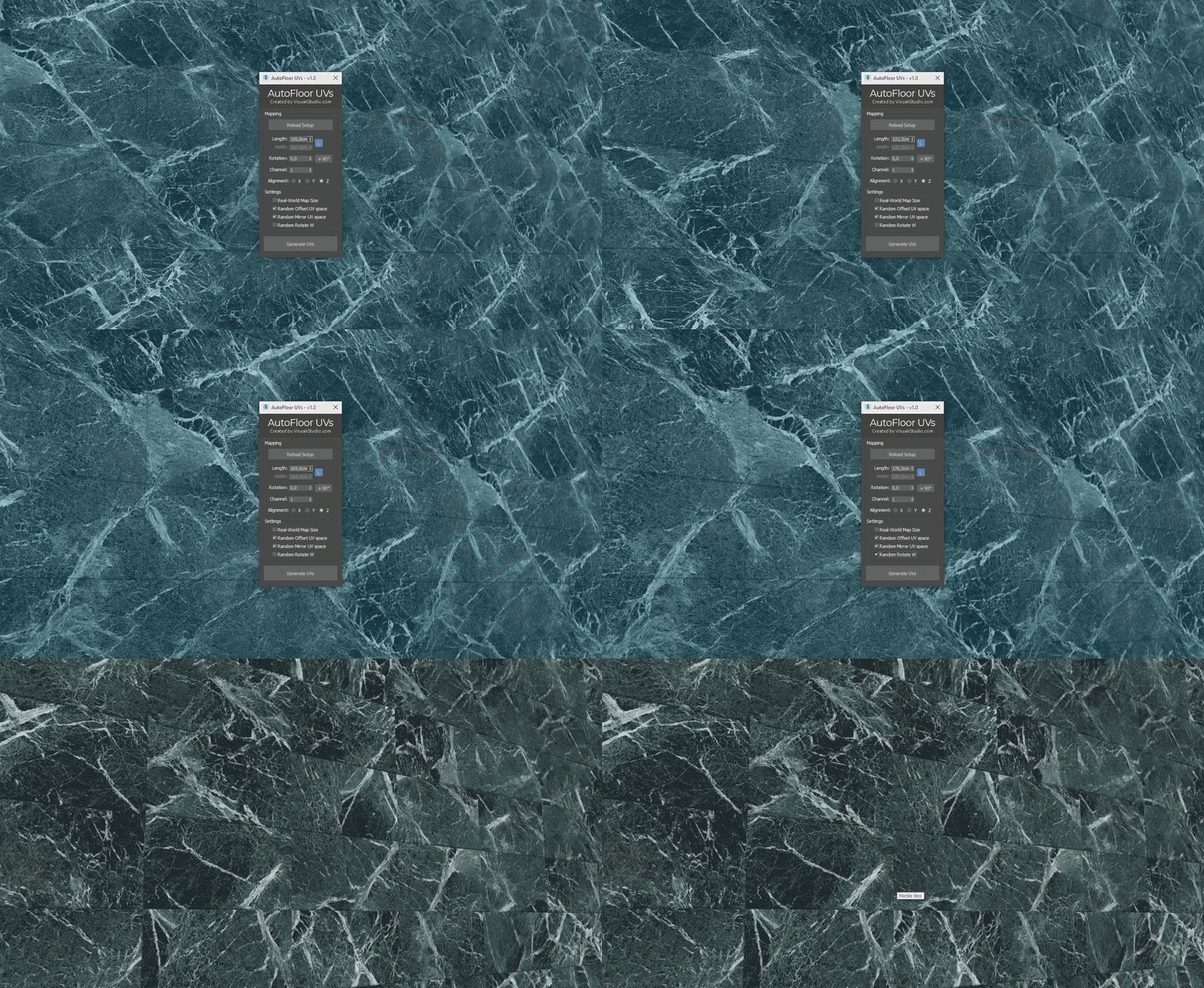
It offers a planar mapping that eliminates visible repetitions by editing the elements UVW map coordinates. It works both on vertical or horizontal surfaces, on geometry made with plugins such as Floor-Generator or by "handmade" modeling.

Main features:

  • Interactive resizing with possibility of locking the height-width ratio
  • Random shift of the map on the U and V axes per single element
  • Random mirroring of the map on the U and V axes per single element
  • Random rotation of the map on the W coordinate per single element
  • Ability to reload the settings previously used on the same object
Additional Info

To use it simply select the object, or objects, that you want to work on and run AutoFloor Uvs. Then edit the settings as you like and hit Generate UVs.

Tested on 3ds Max: 2016 - 2018 - 2020 For bugs or issues report please contact us at the support email support@visualistudio.com and we will reply within 24h. Use the comments section below only for questions about the script's functionality.

Changelog:

Update 1.00 (15th Nov 2020)

  • First release

Tags: UVW, Unwrap, random, uv, mapping, texture, random UVW

Comments (2)

short_cirkuit · 2020-11-21

Hio there - does this also work with groups?

Yes, it works on groups

Visuali Studio · 2020-11-22

Hello short_cirkuit. Yes, it works on groups and on multiple geometries as well, provided that they all have the same orientation.
Eg if you want to map a right-angle wall you'll need to detach it into two objects first and apply the script twice.