
Archome AI Render turns the active 3ds Max viewport into a photorealistic image in about 30-60 seconds, right inside 3ds Max. No materials to assign, no lighting rig, no render settings.
Modes: Exterior (facades, massing, site views), Interior (rooms, layouts, material studies), Sketch to render (clean wireframe or line view to a rendered image). Style presets such as Modern Villa, Japandi or Classic, or describe the look in your own words.
How it works:
Install: unzip into %ProgramData%\Autodesk\ApplicationPlugins and restart 3ds Max. An "Archome AI" menu appears.
Archome AI > Open Archome panel.
Press Connect account once and approve in your browser (no API key to copy).
Pick mode, style and quality, add an optional prompt, press Render current view.
The render appears in the panel: view large, save, copy link or open in browser.
Works alongside V-Ray, Corona or Arnold as a fast first pass before a long render. Your scene is never modified: only the captured viewport image and your prompt are sent.
Requirements: free Archome AI account (100 free credits at signup) and an internet connection. The plug-in is free; renders use credits. Plans: https://archome.ai/pricing
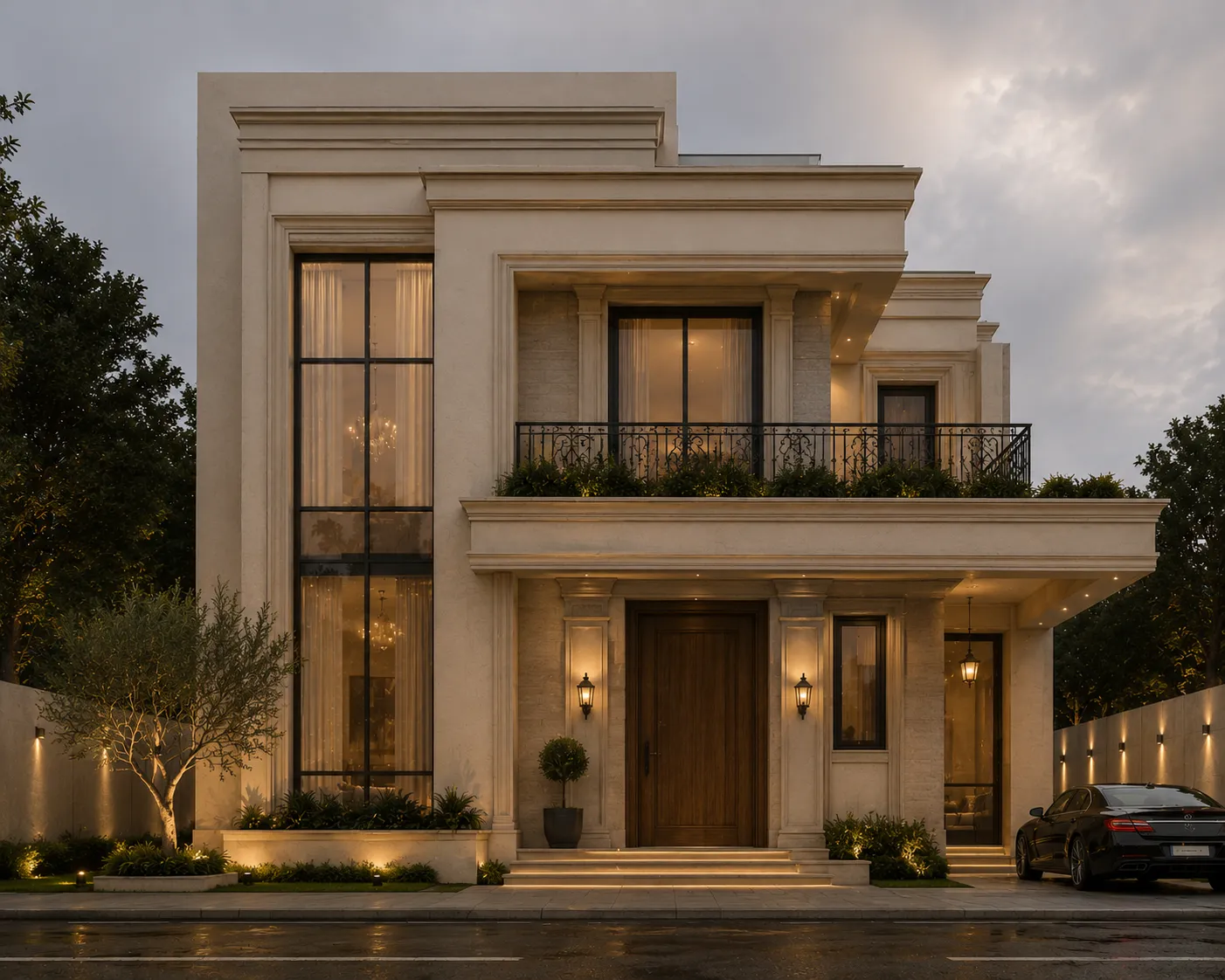
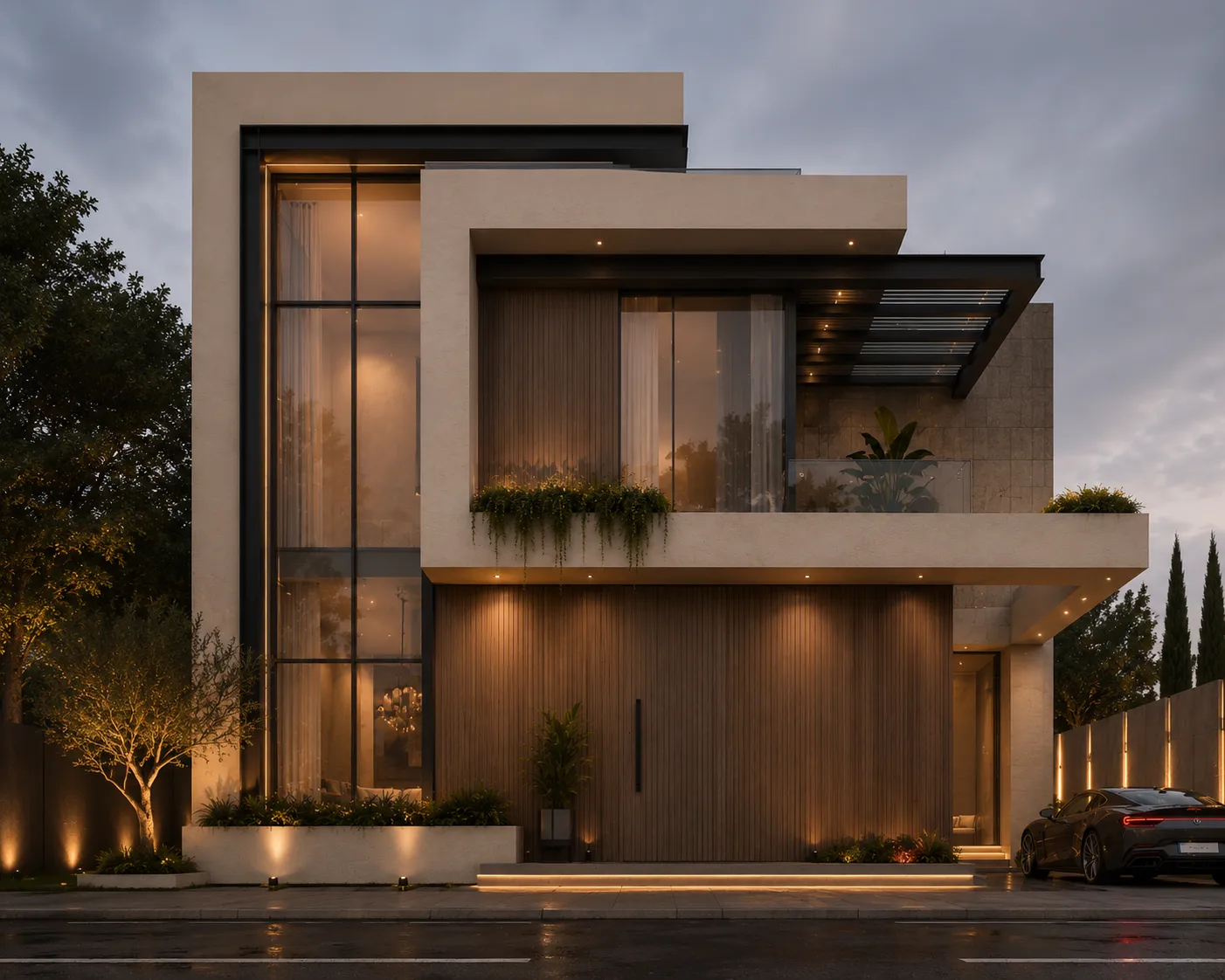
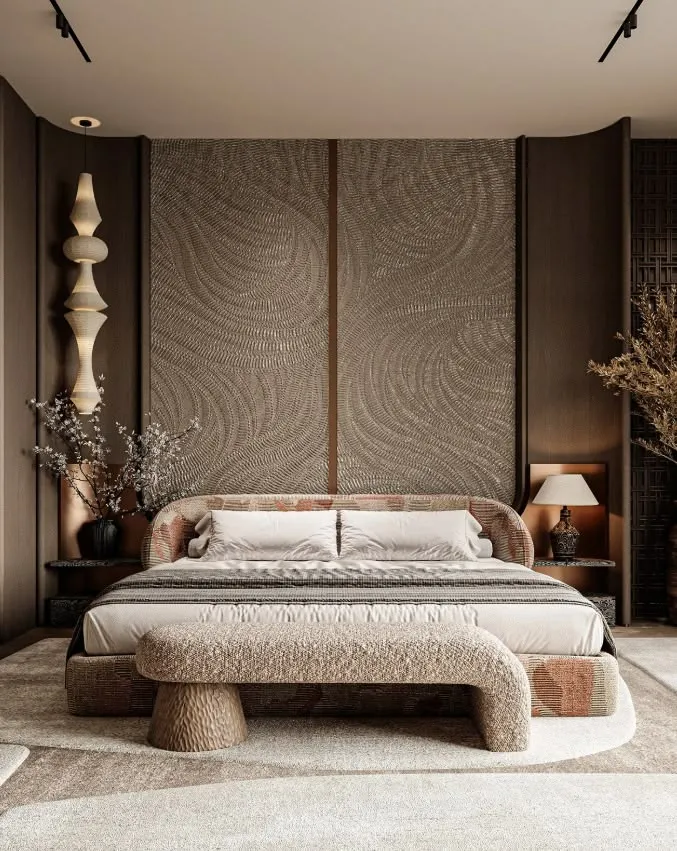
Example: 3ds Max viewport and the rendered result
Comments (0)
Comment policy