Finally!
A powerful 3ds Max modifier
for trimming and randomizing splines
with full control.
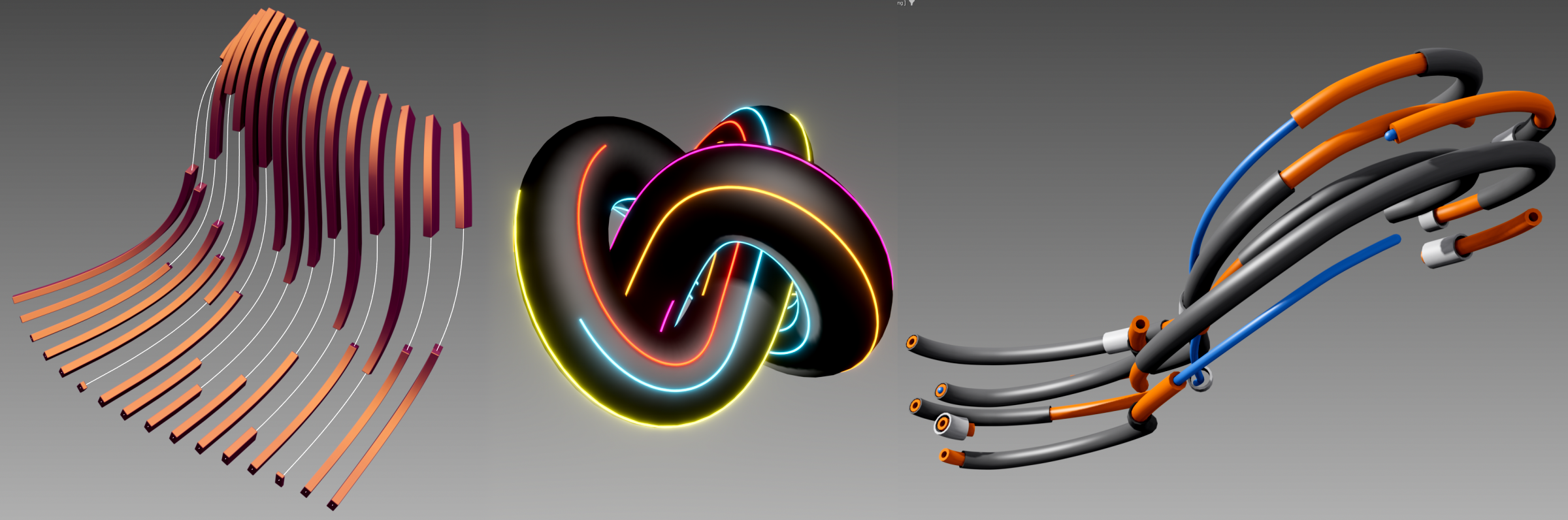
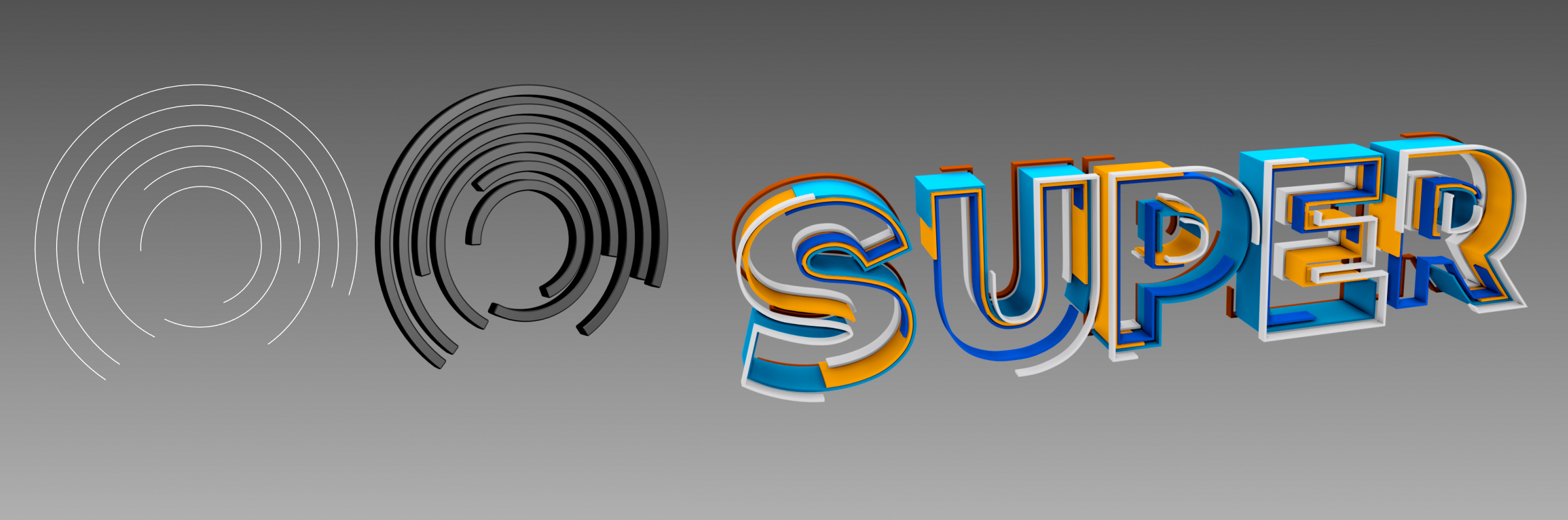
ms Spline Trim - a must have plugin for 3ds max. It's an advanced shape/splines modyfier that allows you to create stunning motion effects is seconds - like the one you know from After Effects - Stroke, Saber or Vegas effects. Trim, Offset and Randomize your shapes, texts and paths. Add an extra touch to your animations.
Perfect for:
- texts
- motion graphics animations
- procedural patterns
- abstract spline setups
- cables & wires
- fences & rails
A 'must have' for:
- motion & technical designers
- archviz & environment artists
Key features:
- start / end trimming
- offset control
- full randomization (start, end, offset, speed, direction)
- per-spline selection (by order / material ID)
- works with open and closed splines
- weld & cleanup options to prevent geometric glitches.
- lightweight, fast & efficient
INSTALLATION
Simply copy correct version of msSplineTrim_20xx.dlm into your 3ds max 20xx plugins folder.
You will find the modyfier in the modyfier list at msTools -> ms Spline Trim.
PLEASE NOTE!
Before purchasing, please watch the quick start & troubleshooting video below
to see what the current version offers.