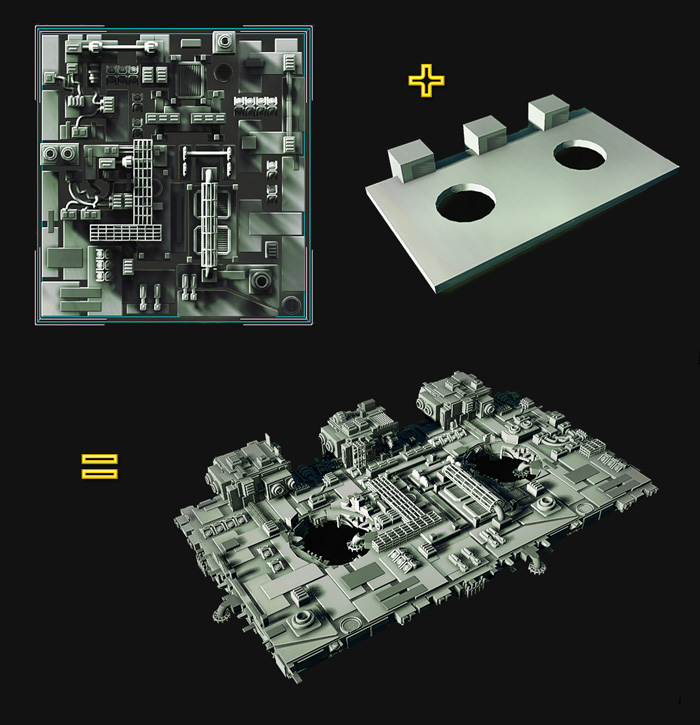
AutoModeller Pro is an incredibly advanced, game-changing, native and heavily multi-threaded plugin(C++) for 3ds Max (2010-2022). It allows you to apply or paint a group of meshes as "geometry texture" onto your existing 3ds Max scene geometry.
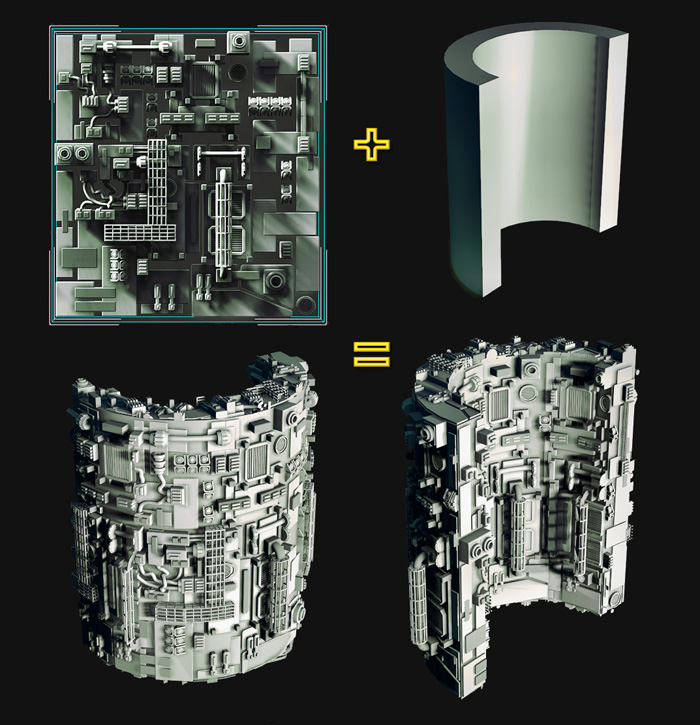
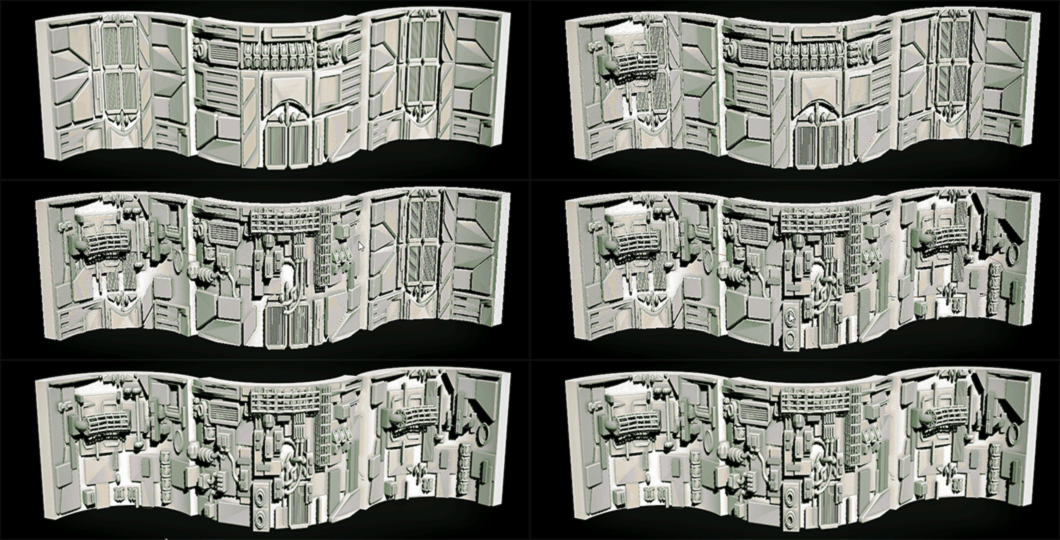
AutoModeller Pro distributes the objects of the "geometry texture" on the surface of the target object guided by the target object's own UV mapping, this is similar to displacement mapping, except you are using actual 3ds max objects as source objects / "geometry textures".
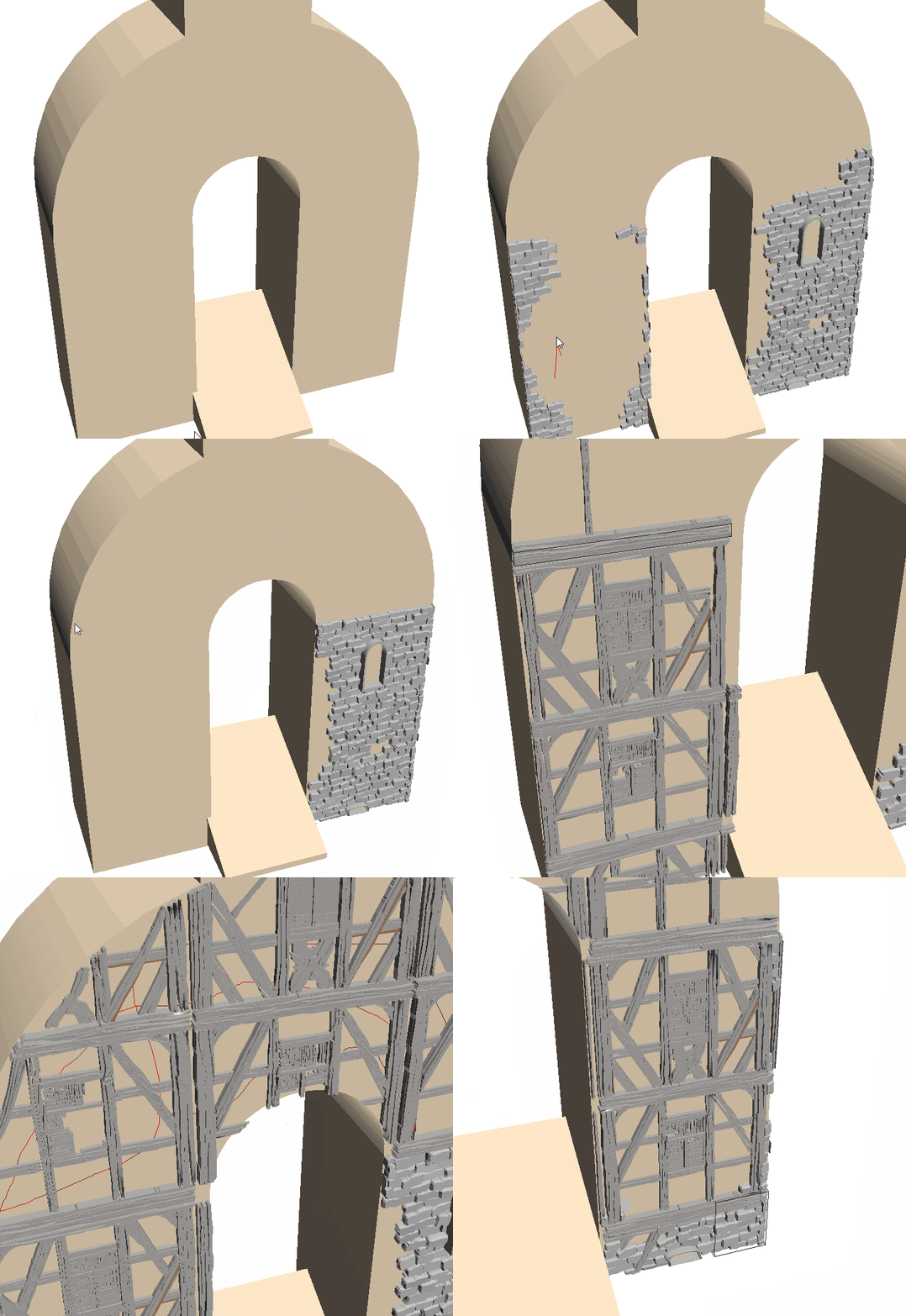
All of these objects can also be sliced, soft-sliced, scaled, deformed at the borders or wrapped around curvatures. Multiple such "geometry textures" can be combined on a single target object during painting using a "replacement brush" (that uses collision detection), also note how the objects are sliced and also capped at the borders(here using paint brush randomisation):

You can also paint any geometry texture on any object in the scene, without any complicated setup procedures! For handling enormous scenes AutoModeller Pro supports instances and proxies,a multi-threaded attach modeto generate a single mesh- that makes it easier to generate proxies, and the preview Mode Tool automatically hides target geometry you’re not currently working on(during painting).
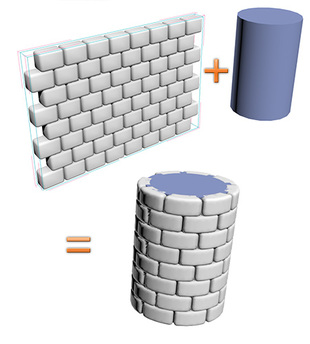
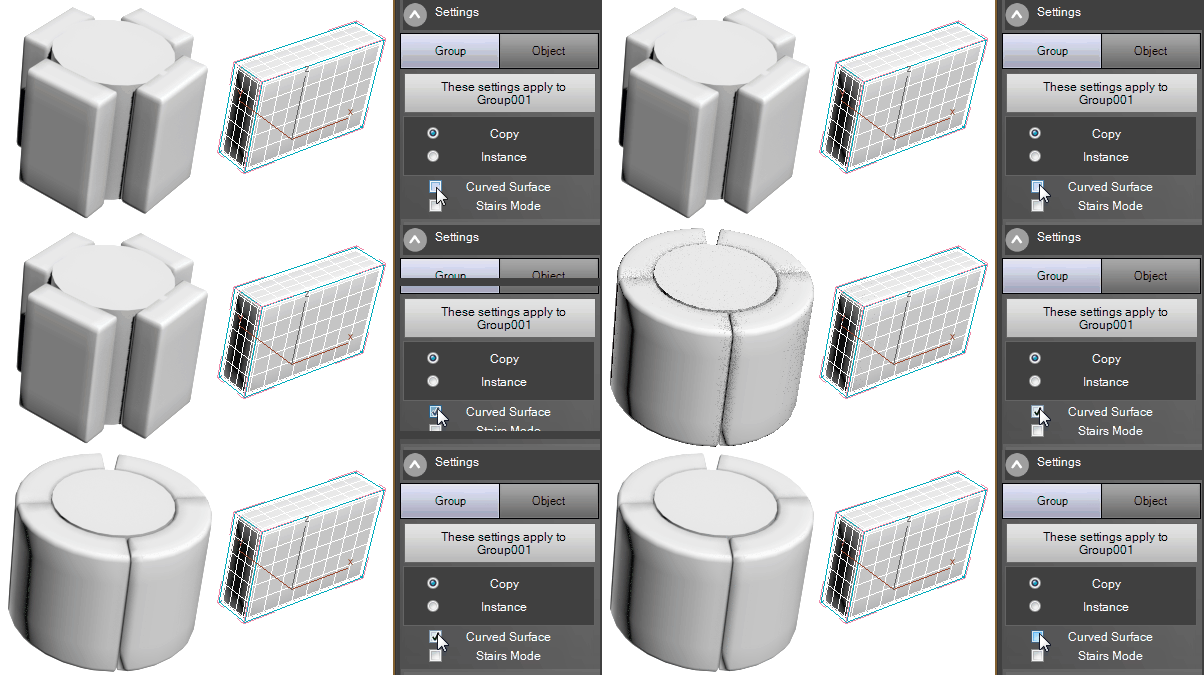
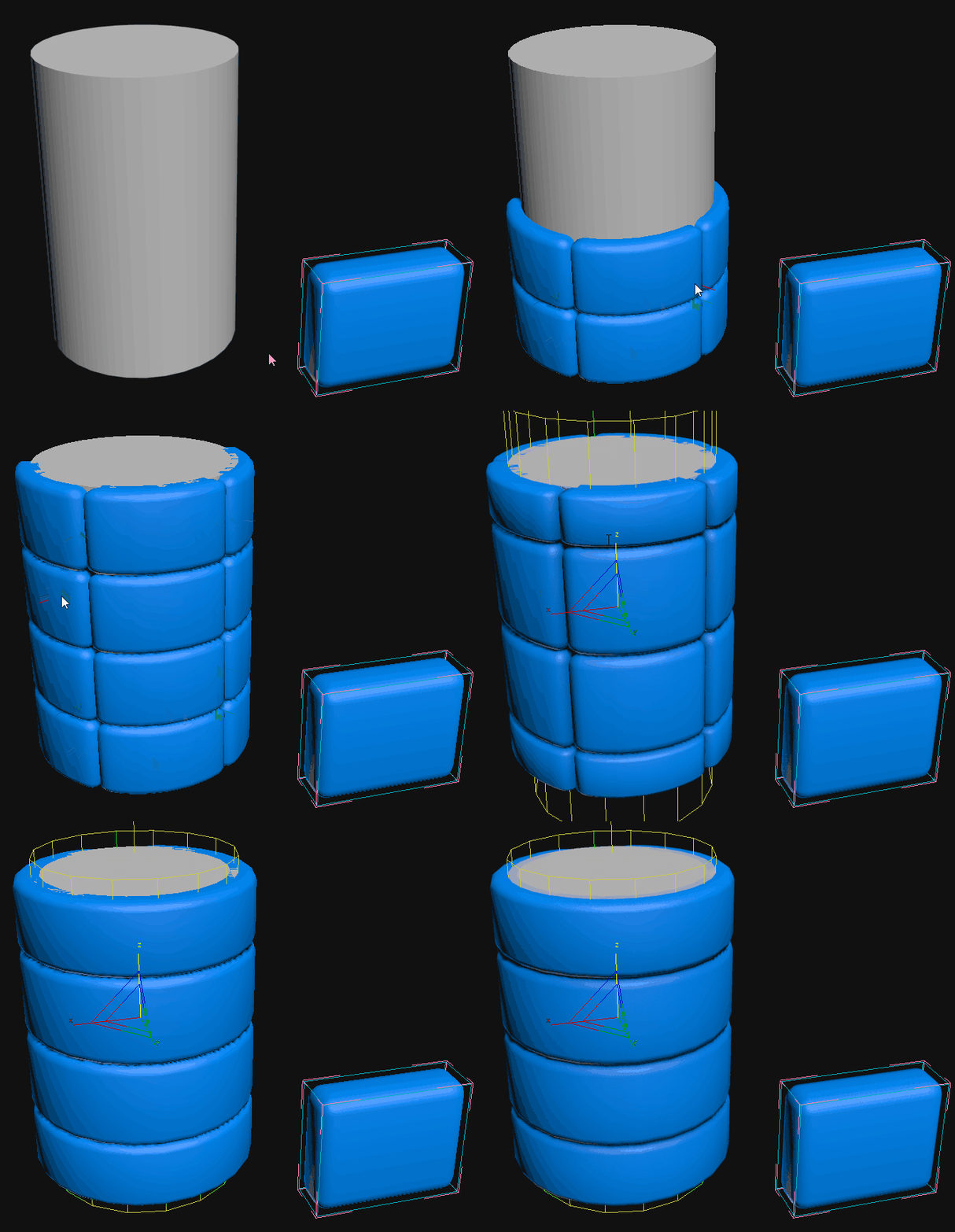
AutoModeller is also capable of wrapping an object around another curved object in real-time, like on this cylinder :
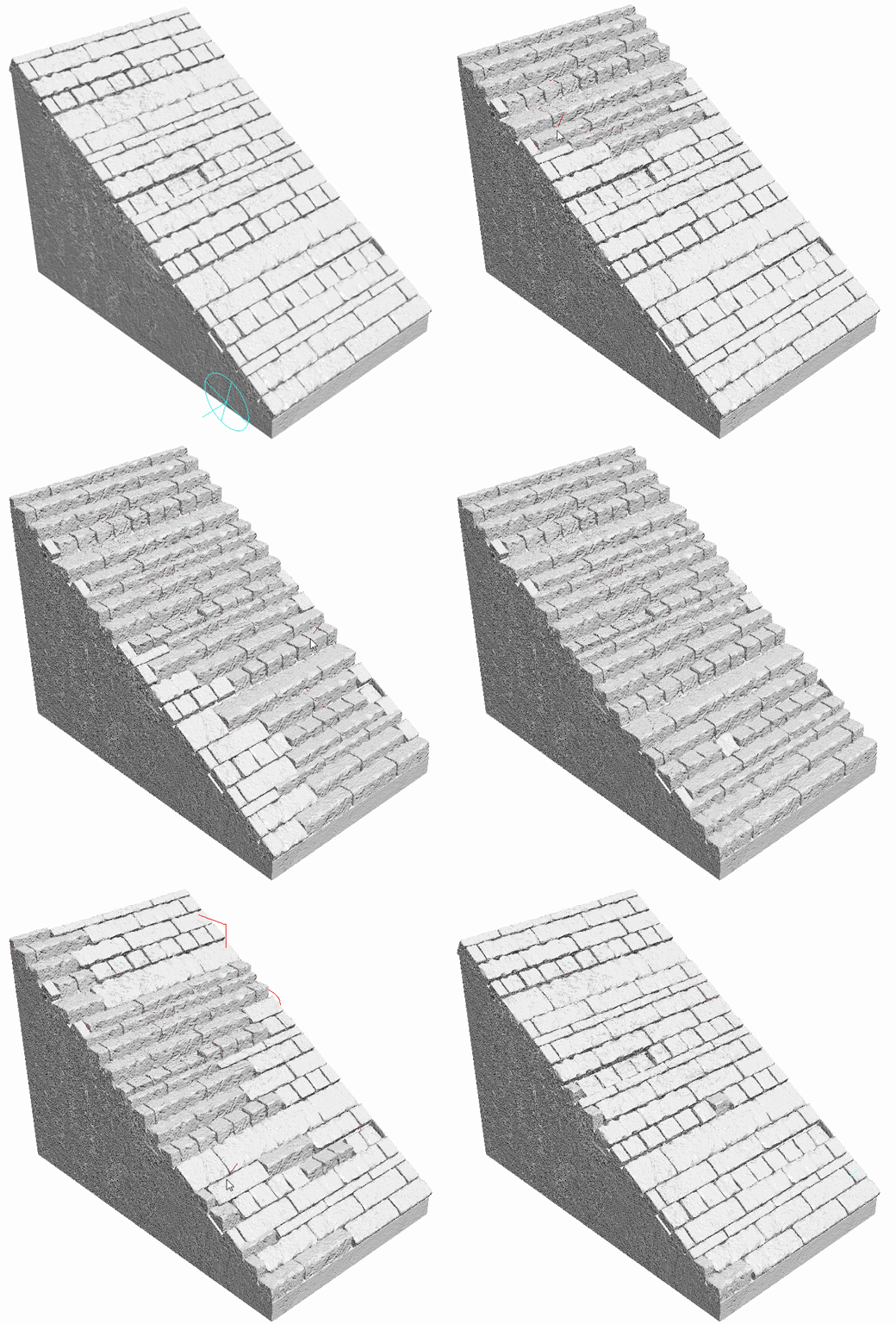
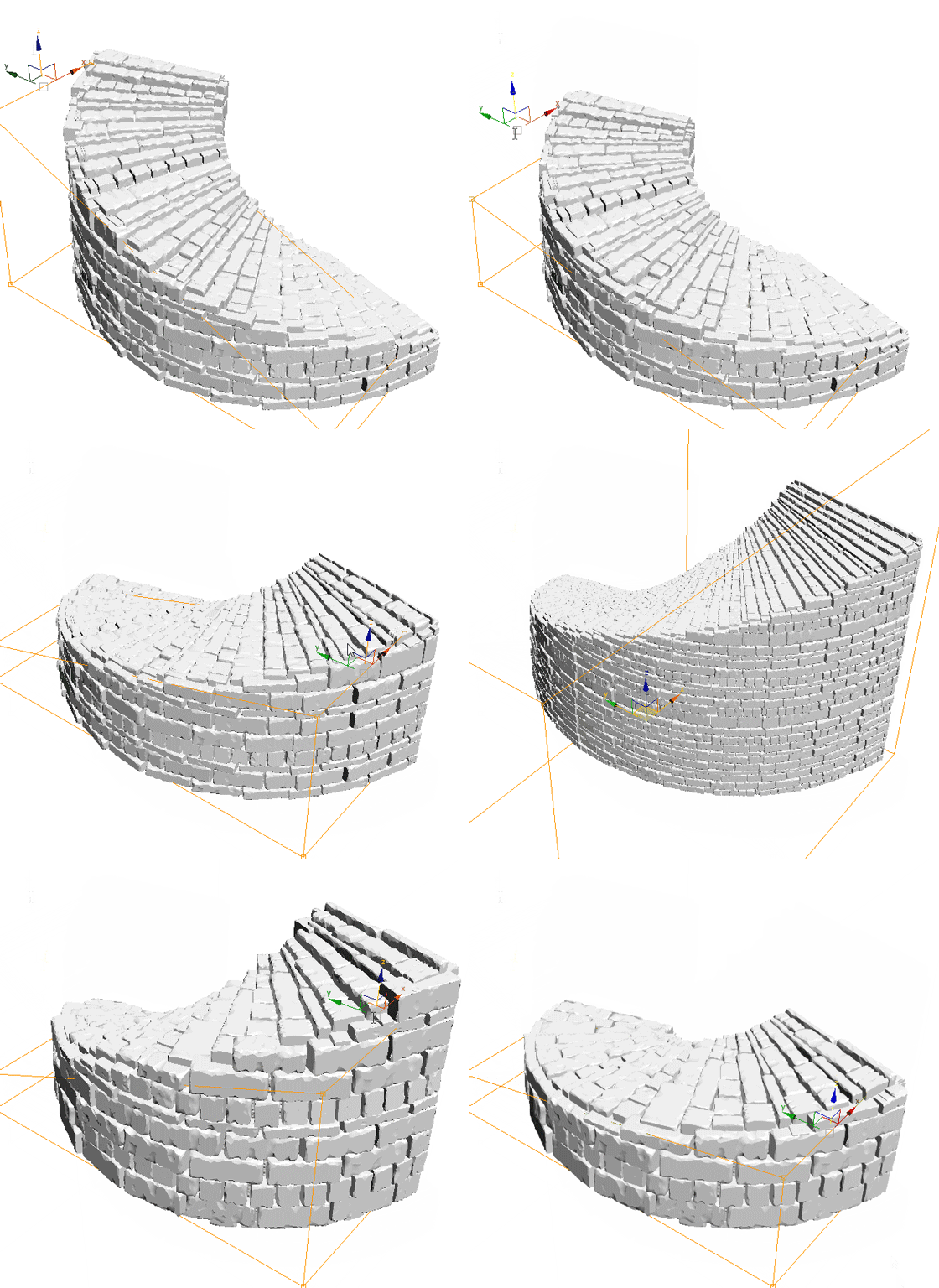
And there's even a stairs-mode /stairs-brush to quickly create stairs:
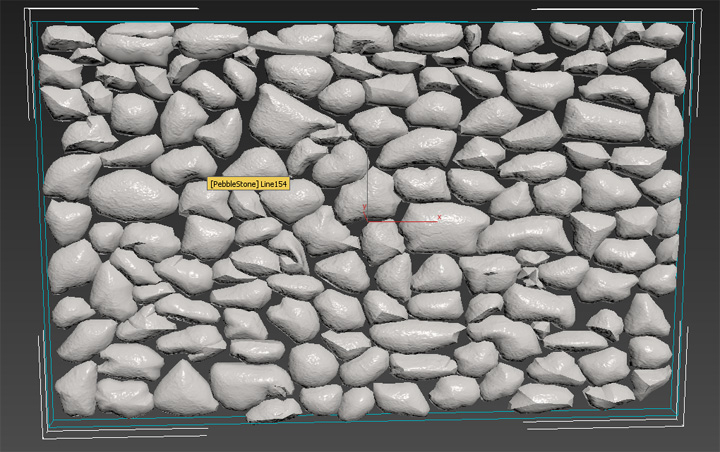
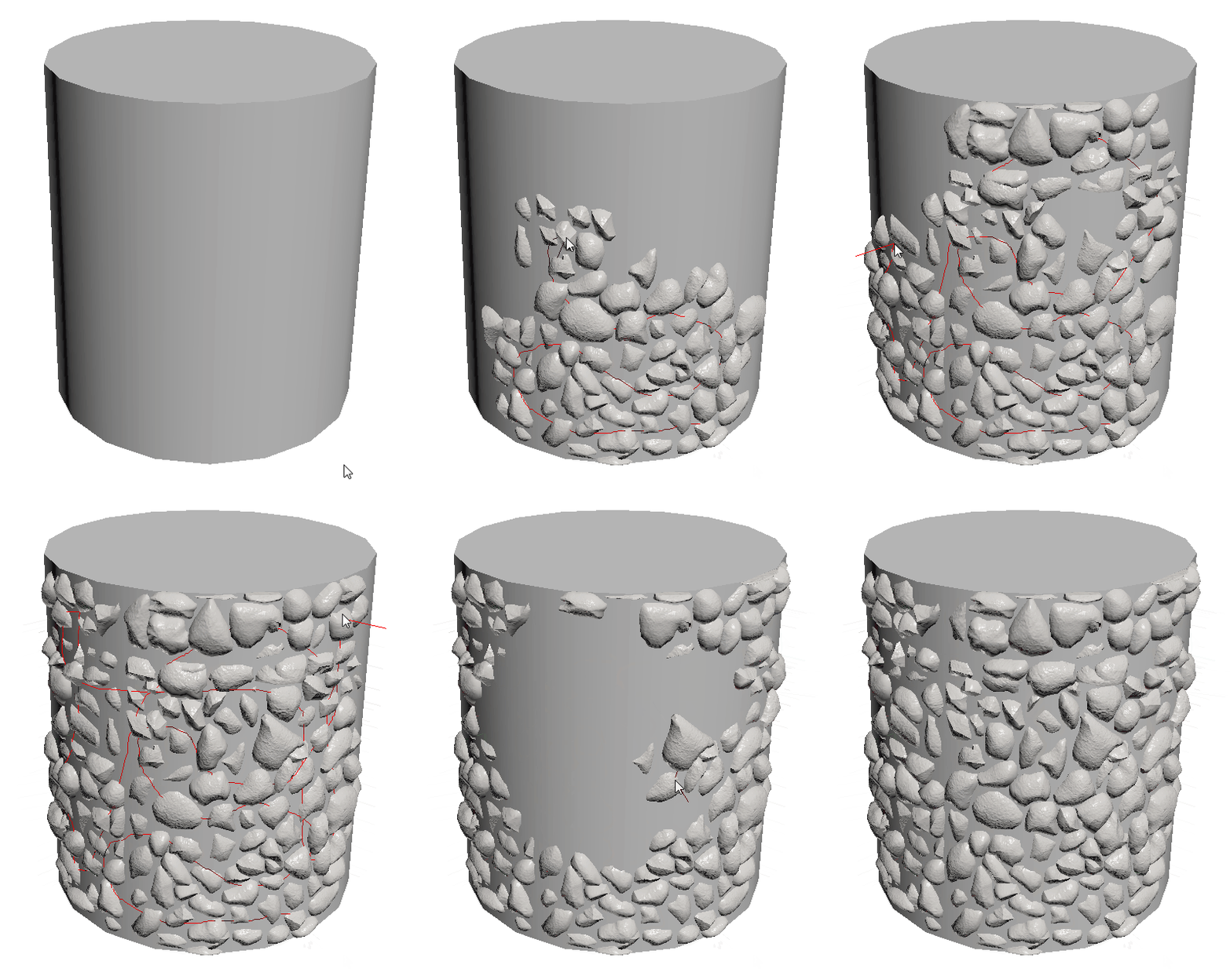
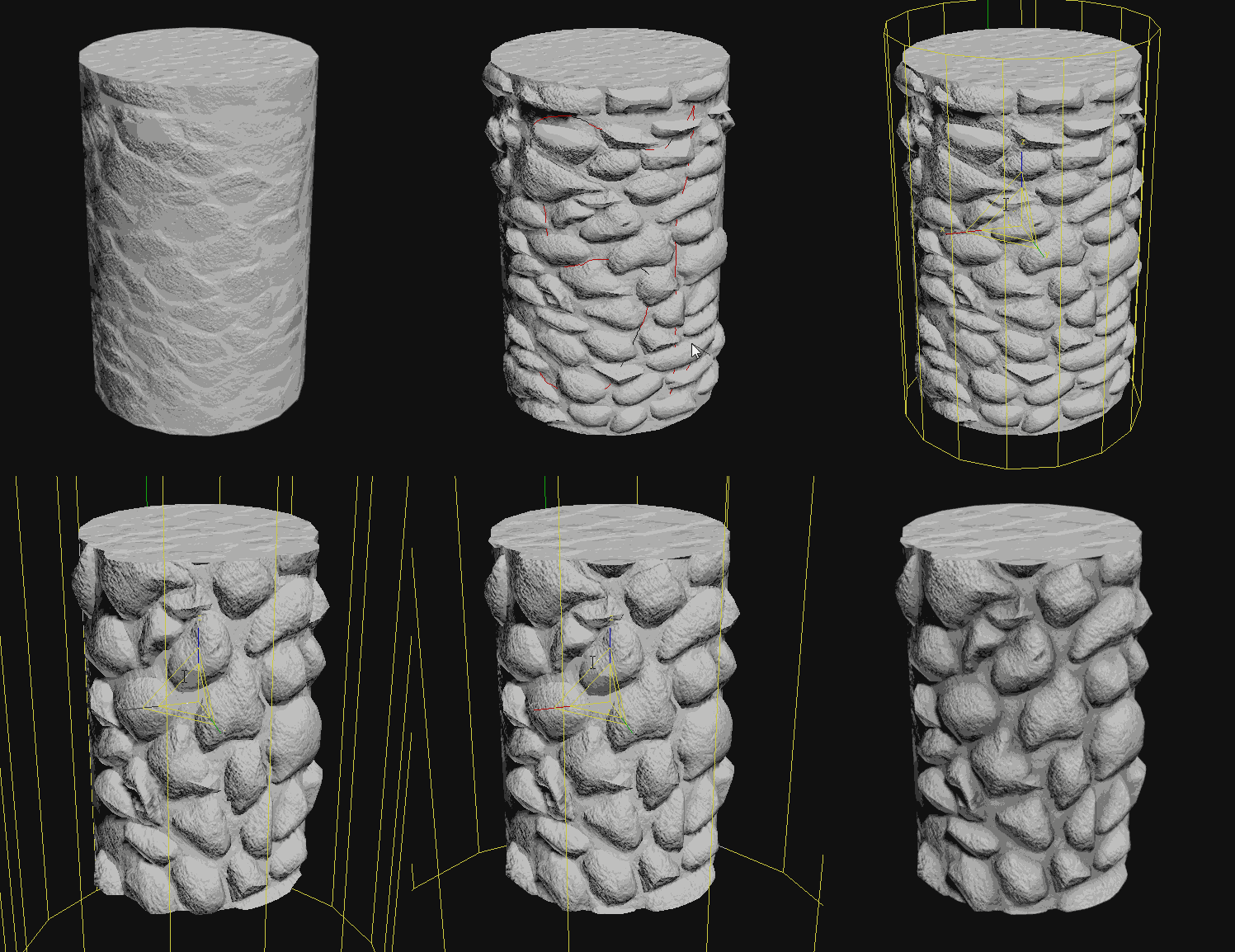
In the following example we paint a geometry texture onto a cylinder, this works similar to the clone-brush in a 2D painting tool:
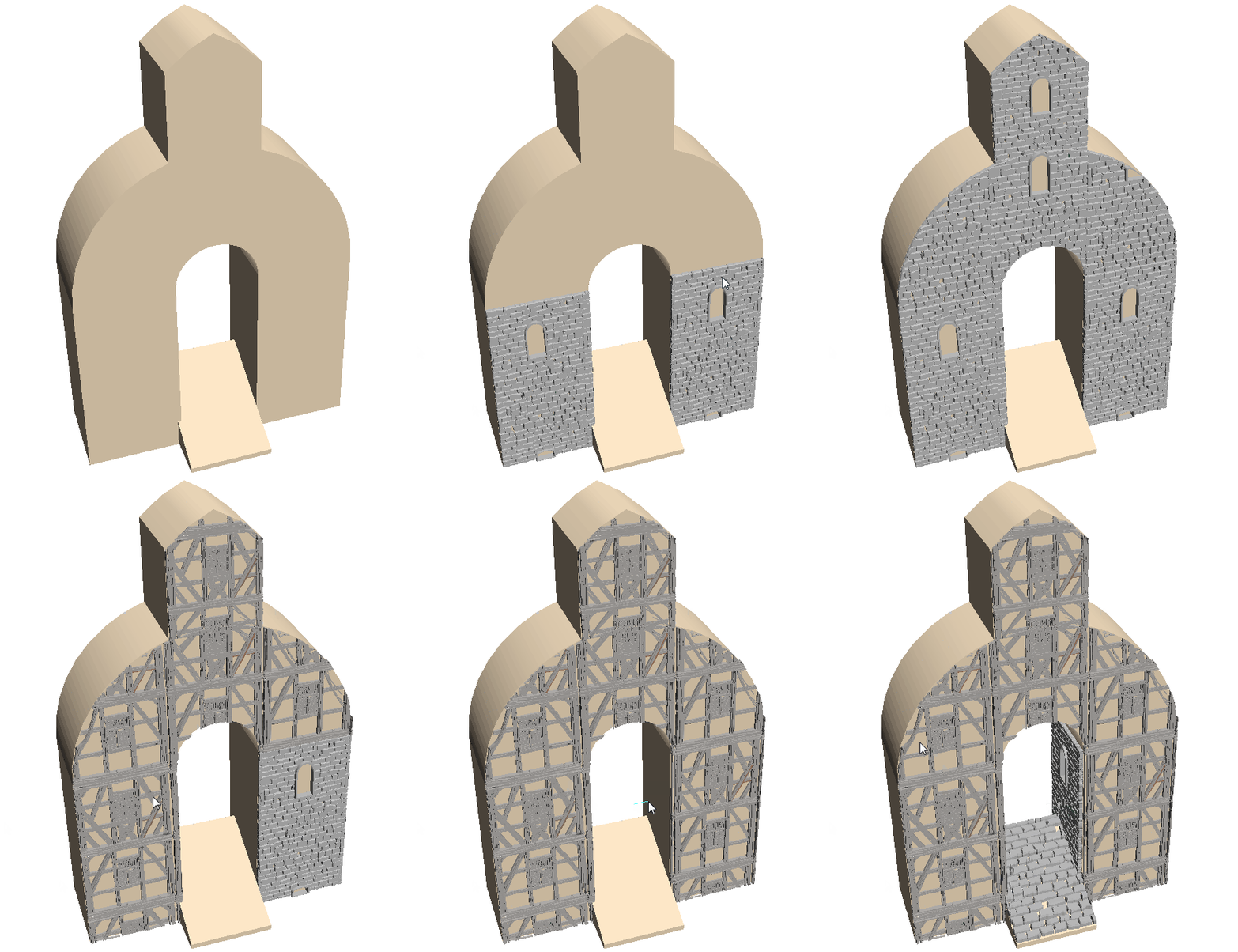
A very useful feature in AutoModeller Pro is the UV-Island detection during painting, which lets you quickly fill an entire UV-island of your target object with a single click, also it automatically replaces any objects that have been there previously:
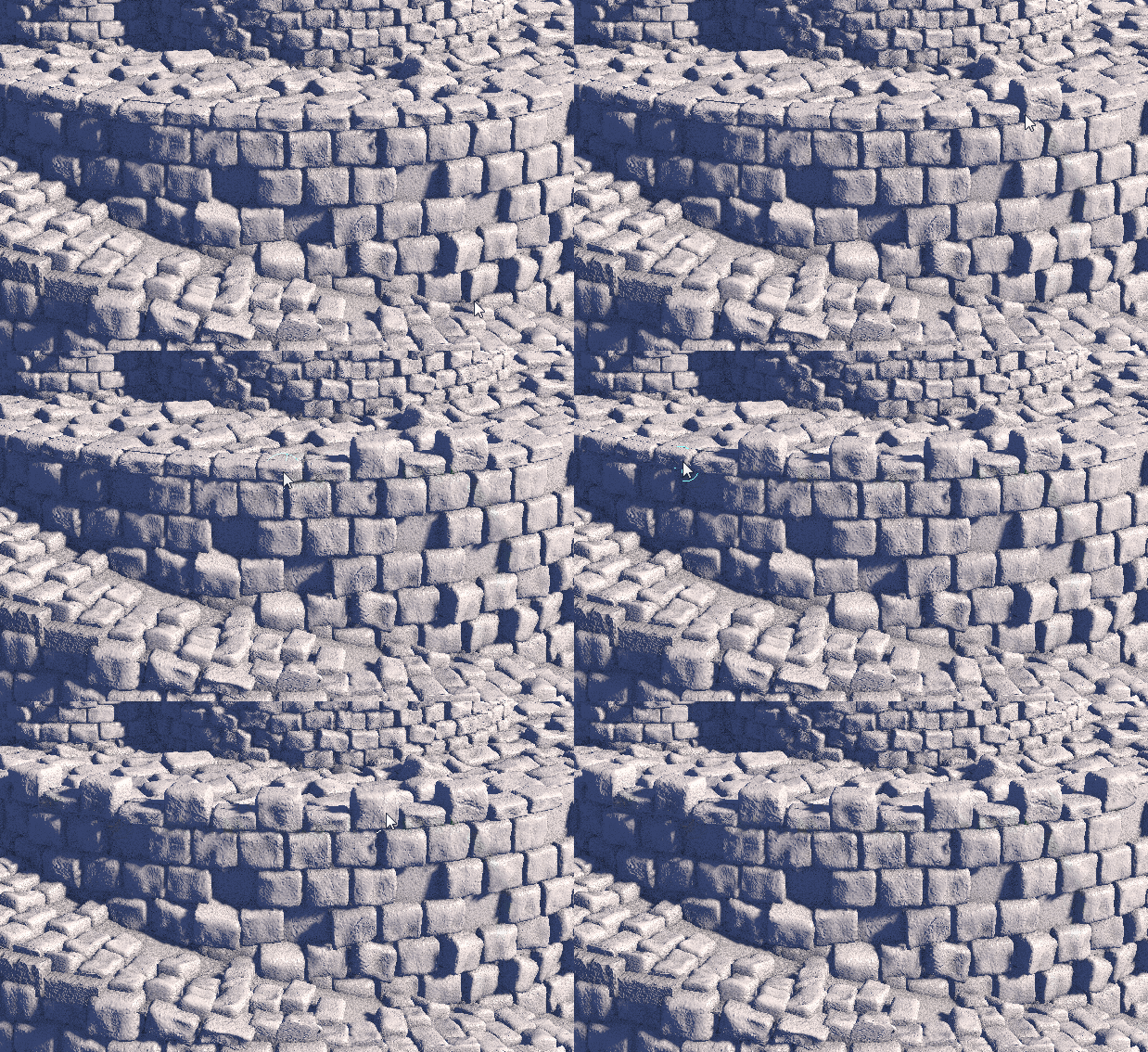
Generally automodeller "remembers" everything you have painted so you can delete it while holding ALT during painting or make individual adjustments to an individually painted object:
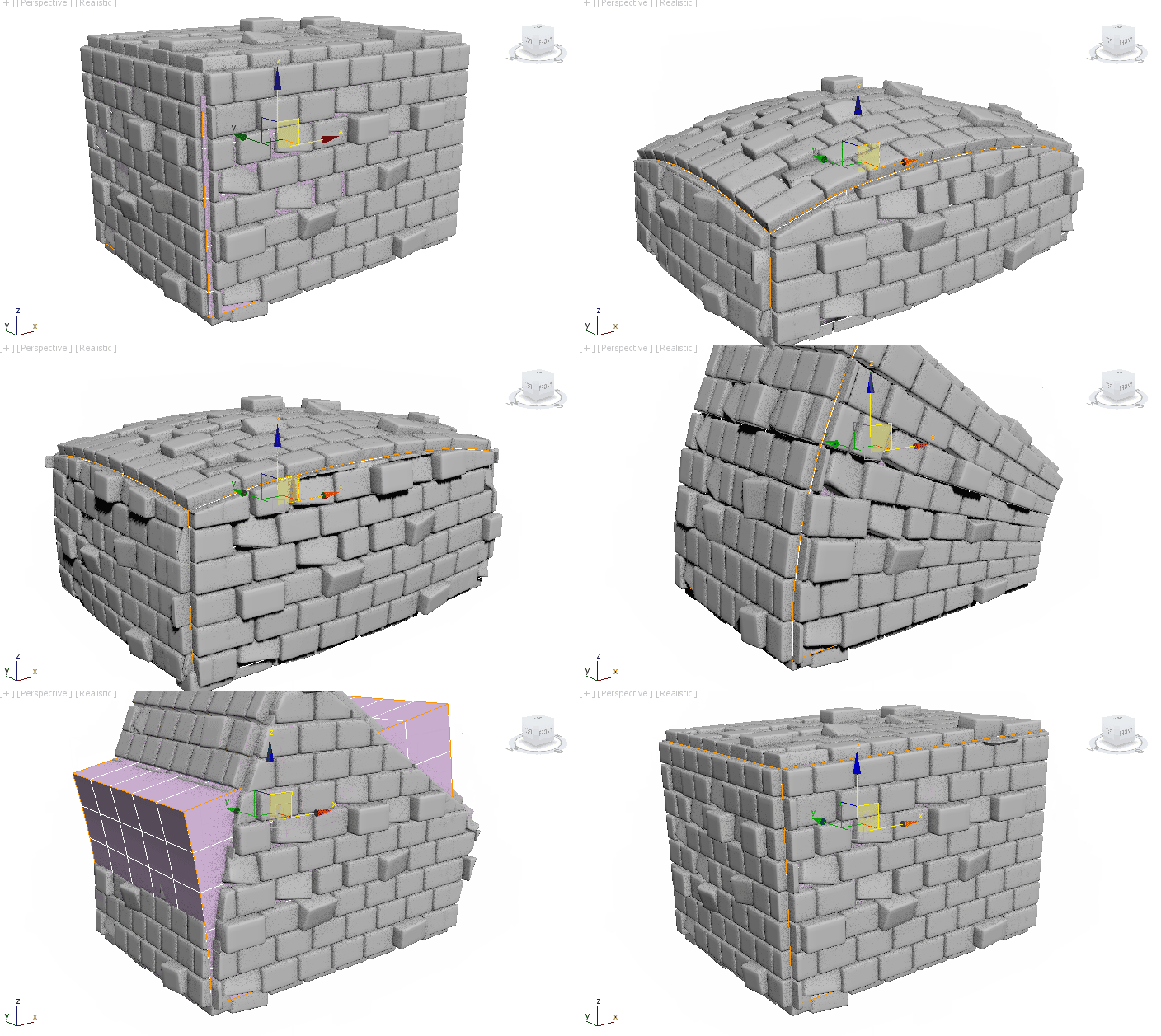
After you painted some stuff, AutoModeller Pro can automatically update the resulting objects whenever you change the base geometry of your target object and notice how the objects are "soft sliced"when the UV of the target object is changed:
AutoModeller Pro brings incredible value to any 3D Artist working with 3ds Max, if you haven't done so already check out the demo version on our homepage. There are a lot more features in AutoModeller Pro, you can learn about over at
For any inquiries, please use the official contact form on our homepage as it makes it easier for us to get in touch with you.
Syphorlate
 todor · 2021-07-28
 30g30 · 2016-11-20
 3dtoall · 2016-10-01
 robobear510 · 2016-05-31
 kumodot · 2016-05-31
 JokerMartini · 2016-04-13
 Alaa alnahlawi · 2016-02-08
 luxxeon · 2015-12-16