Call for Python tutorials

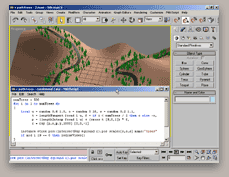
I've been seeing a lot of discussion about using Python with 3ds Max for quite a while now... I'd love to get some resources up describing Python - 3ds Max integration / workflow / processes. If you've got or would write a beginner tutorial or even an advanced tutorial, please share it with the community!

Some questions to get the ball rolling... What is Python? How does it compare to MAXScript? Why should someone use Python? Is Python best for end users or developers? How do you create a simple "hello world" Python script?


FumeFx Preset Tool

Hello!

Not too long ago I decided to start tackling some Max script to speed up my work flow, after doing a simple tool for cracking geo (just like rayfire by mirvadim.....which IS far more stable, and integrated into reactor/PhysX), I decided to tackle something which extends the "preset" functionality in FumeFX.

Basically what I have made is something that takes the auto pilot out of the initial set-up, (which I have now found to save me anywhere from 15 -30 mins of intial set-up on effects, this is great as I am just making my fx's library at work, so there's nothing to go from.)


Relink Bitmaps

67
points


Max'ers,
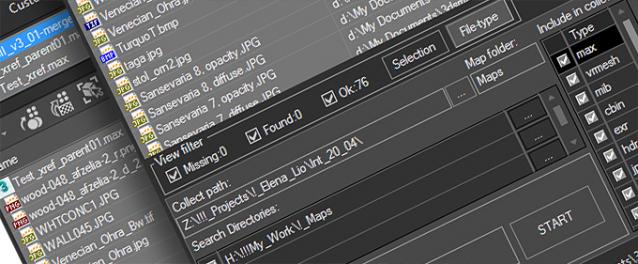
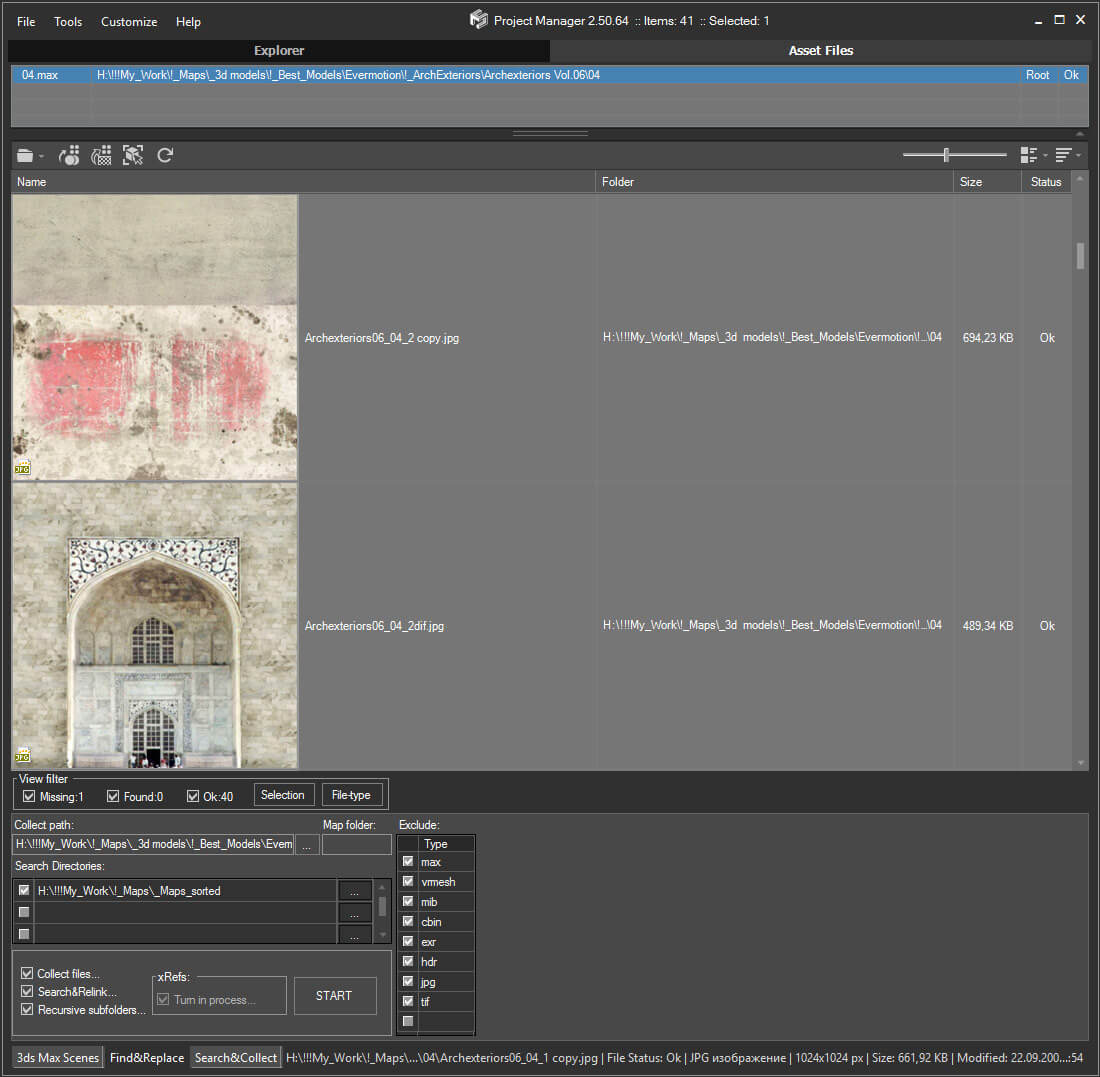
"Relink Bitmaps" is a script to easily relink missing files (Bitmaps, VRayMeshes, Mental Ray Proxies, VRayHDRI, IES, etc) when they change directories or when you move computers, check out the short video tutorial below for more detailed information.  This script will save you time and money.

I'm also looking for full-time/part-time work in Game Development or ArchVis, please check out my portfolio at http://www.colinsenner.com and resume here (PDF). 

 Screenshot 


Relink Bitmaps webpage:

http://www.colinsenner.com/scripts/relink-bitmaps

Tested thoroughly with (32-bit and 64-bit): Max 2010, Max 2009, Max 2008, Max 9 (service pack 1+)

Features:

[*] All 3dsmax supported Bitmap Texture types
[*] (new) Relinks Mental Ray Proxy files
[*] (new) Relinks VRay Proxies (.vrmesh)
[*] (new) Relinks VRayHDRI files
[*] (new) Relinks IES files (including VRayIES files)
[*] (new) Automatically checks for script updates and new versions
[*] 250% speed increase from previous versions
[*] Command-line mode available for automating repetative tasks (see documentation on the website)
[*] Configurable default user options saving button clicks and wasted time


FilePathFinder

4
points

FilePathFinder - update!

For a demo-version the maximum quantity of external files is increased to 10.

  • Works with ALL external files.
  • Bitmap viewer.
  • Choosing objects by their connection with file.
  • Open bitmaps in user - selected Editor.
  • Renaming the links by mask.
  • Elaboration of xRef files in automatic mode.
  • Friendly interface.
  • Collecting textures and materials which contain indicated files, into Material Editor.


Modifier Modifier Zorb

22
points

v2.5.3: Added ObjectProperties to the right click menu, eg Renderable, Cast Shadows etc

v2.5.2: 400% faster for materials and controllers! 

Edit ALL modifiers, ALL objects, ALL Materials, All Controllers, ALL Shadow types and ALL atmospherics/Render Effects. Work in max from a "Class-centric" way rather than a per object way. Edit thousands of object's perameters, randomize thousands of seeds, enable thousands of modifiers and more with a few clicks!

General Features (applies to all modifiers, controllers, materails, shadows, atmos and render effects):

MASS EDIT: Mass edit one property on all nodes at once, You can specify n absolute value, a relative value or apply an absolute value to 

MASS RANDOMIZE: Randomize one property on all nodes at once

SELECT/DELETE BY CLASS: Select all objects with a meshsmooth, or all spheres or all objects with a path constraint etc

FULL INSTANCE/REFRENCE TOOLS: Make all objects/modifiers of a class or selection instances. Make Base object refrences. replace base objects with another obj (eg make all selected boxes an instance of a vrax proxie.) Available for Modifiers and Base objects only ATM.

Specific Features (Can be done to All or selected):

Modifiers: Enable, Disable, Enable in viewport, Disable in viewport.

PointCache Modifiers: Set ranges, Set path, Flush path, Reload, Record.

FumeFX: Simulate, Load settings

Lights: Turn all, selected, selected classes on or off. Multiply all light vlaues.

Xref Object: Merge object

Materials: Show/Hide In Viewport:  Shows the material in the viewport. Doesnt work with texture maps yet.

Spring Controller: Modifyspring controller settings (Needis its own section as springs are controlled differently with maxscript.

Merge Xref Controller:  Merges All/Selected controllers

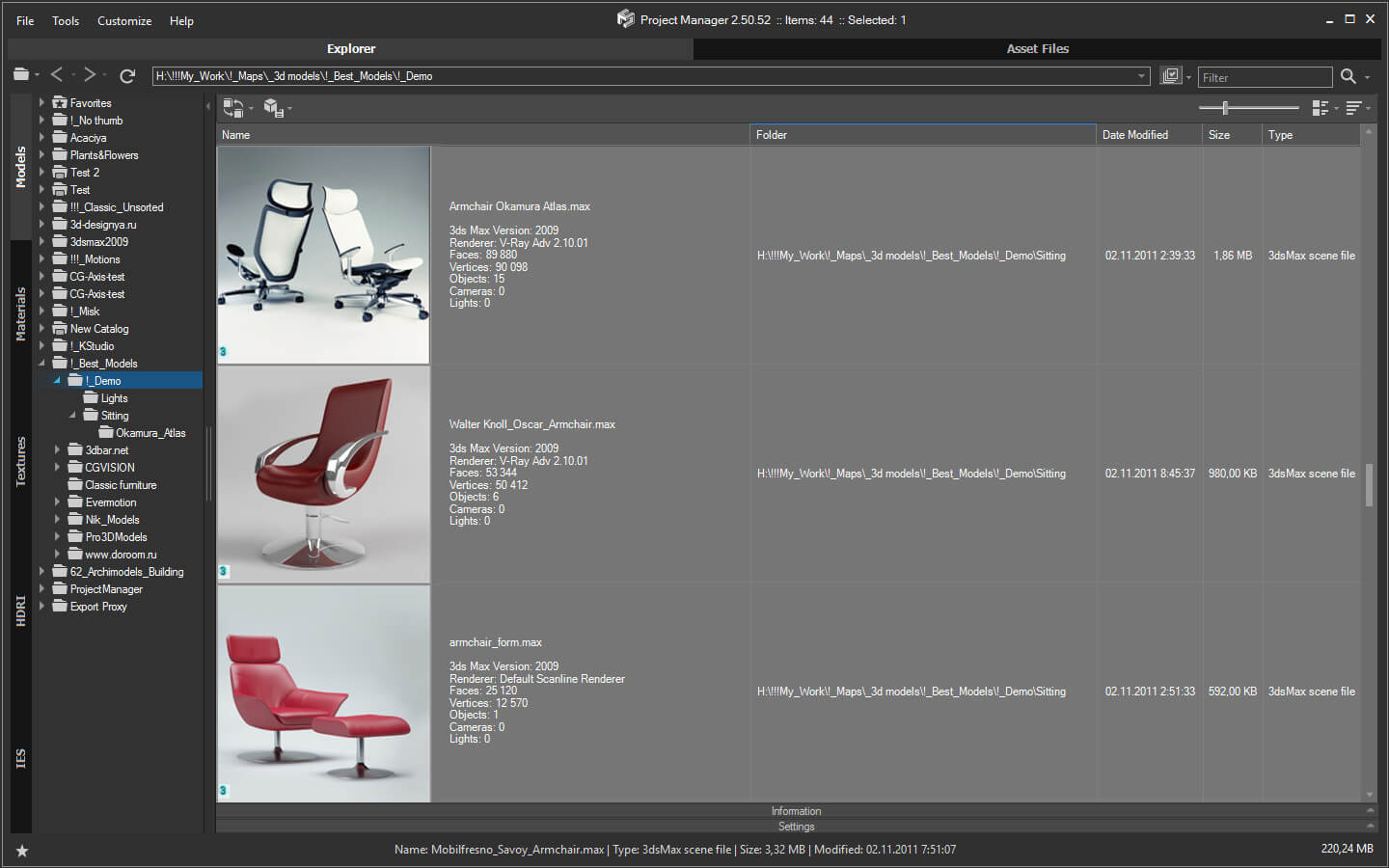
Main UI


9 years of ScriptSpot

May has come and is nearly gone but is a special month for ScriptSpot - this is the 9th year since ScriptSpot was created. 9 years... Wow. So - what does this mean? Not much this year but I do think next year should be big! I'm thinking everything from competitions to giveaways to a major site refresh. If you've got some ideas or just would like to help out over the coming year shoot me an email or leave a comment below.

Christopher Grant
ScriptSpot.com


New resource for all SketchUp Blogs

To read several SketchUp blogs all on one page, visit:


SketchUp Blogs


RPS 3D PDF

6
points

RPS 3D PDF makes it easy to create interactive 3D PDF documents which your clients can view in Adobe Reader.

You can combine background images and text with the SketchUp model to make a powerful presentation with a minimum of work, and without the need to purchase Adobe Acrobat.


See: RPS 3D PDF


IRender

16
points

IRender is a the fully integrated plug-on for SketchUp rendering solution for SketchUp.

In addition to a high quality, professional, rendering engine - AccuRender - IRender has wizard to create lights, create mirrors, create plants and create materials all of which are then stored directly in your SketchUp model.

Visit our image gallery to see what users are creating with SketchUp.

RPS Gallery

Video URL: